๐ท๏ธ Label like a bossโfast, flawless, and ink-free!
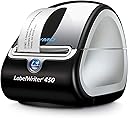
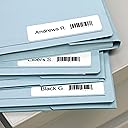
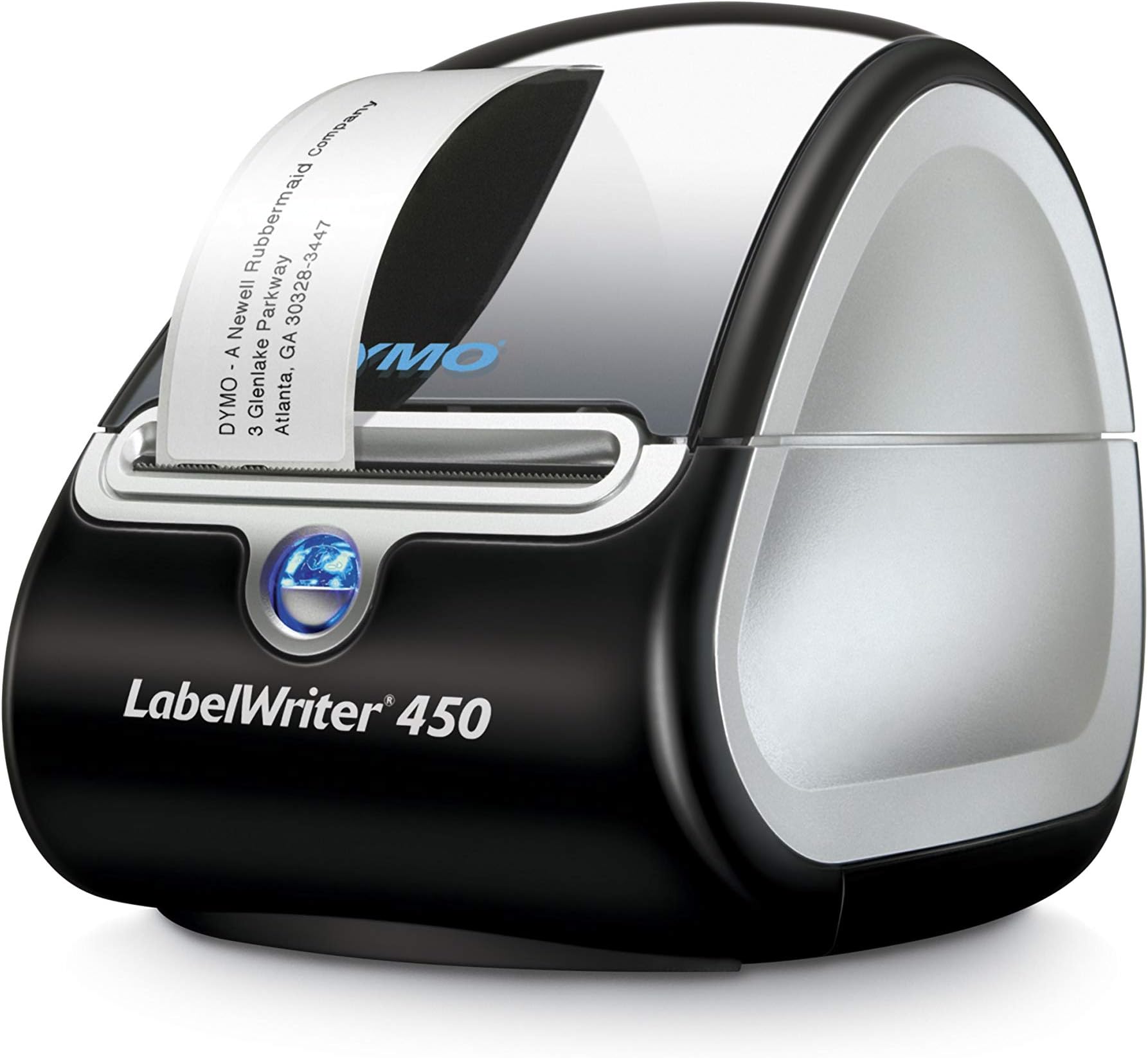
The DYMO LabelWriter 450 is a high-speed, direct thermal label printer designed for professionals who demand efficiency and cost savings. With a rapid 51 labels per minute output, USB connectivity, and seamless compatibility with popular software like Microsoft Office and Google Contacts, it eliminates ink costs and reduces waste. Its compact design fits effortlessly into any workspace, making it the ultimate tool for labeling, filing, shipping, and barcode printing.


| ASIN | B0027JBLV4 |
| Additional Printer Functions | Print Only |
| B&W Pages per Minute | 51 ppm |
| Best Sellers Rank | #25,880 in Office Products ( See Top 100 in Office Products ) #72 in Desktop Label Printers |
| Brand | DYMO |
| Built-In Media | Dymo Labelwriter 450 Thermal Label Printer (1752264), Dymo Stamps Software To Print Usps-Approved Postage Directly From Your Desktop, Labels |
| Color | Black/Silver |
| Color Depth | 1 bits_per_pixel |
| Color Pages per Minute | 51 ppm |
| Compatible Devices | PC |
| Connectivity Technology | USB |
| Control Method | App |
| Customer Reviews | 4.5 out of 5 stars 8,491 Reviews |
| Dual-sided printing | No |
| Duplex | |
| Global Trade Identification Number | 00071701056573 |
| Hardware Interface | USB |
| Ink Color | black |
| Item Dimensions D x W x H | 4.87"D x 7.25"W x 5.75"H |
| Item Type Name | Label Printer |
| Item Weight | 2.2 Pounds |
| Manufacturer | 0 |
| Maximum Copies Per Run | 1 |
| Maximum Copy Resolution Black and White | 300 dpi |
| Maximum Copy Speed Black and White | 51 ppm |
| Maximum Media Size | 3 x 5 inch |
| Maximum Print Resolution Black and White | 300 x 300 dpi |
| Maximum Sheet Capacity | 450 |
| Model Name | 450 Machine |
| Model Number | 1752264 |
| Model Series | 400 |
| Number of Drivers | 1 |
| Number of Licenses | 1 |
| Other Special Features of the Product | Email Print |
| Output sheet capacity | 50 |
| Paper Size | 2.35 |
| Power Consumption | 5 Watts |
| Print media | Labels |
| Printer Connectivity Type | USB |
| Printer Output Type | Monochrome |
| Printer Type | Thermal |
| Printing Technology | Thermal |
| Resolution | 300 x 300 |
| Special Feature | Email Print |
| Specific Uses For Product | Office |
| Total USB 2.0 Ports | 1 |
| Total Usb Ports | 1 |
| UPC | 071701056573 |
| Unit Count | 1.0 Count |
| Warranty Description | 2-year limited warranty |
| Warranty Type | 2-Year Limited Warranty |
| Wattage | 5 watts |
R**E
Love this. I don't know why I waited so long.
I got this for my birthday. I ship alot of packages (10 or so a month) and I HATED going to the post office and waiting in line, etc. Now I print from home using PayPal and my Mac and it was not only easy to set up I got it working in no time and it prints perfect labels. I recommend you get the 2x7 (approx) label then you can keep it off. The labels are even small enough to fit on a small 4x8 envelope. I love this and it has already saved me approx $1.00 for everything I have shipped so far. Shipping from home is cheaper then the post office. Then you can go to USPS and schedule your mailman to pick up your package for free during regular mail delivery. You can specify where you are leaving the package (mailbox, front porch, you can write out instructions on where they need to retrieve it from. Now you have to ship first class (cheapest for anything less then 2lbs (I believe) or flat rate priority (second cheapest route for larger packages or multiple items. You pick up the boxes free from the post office and your mailman can have a order to pick it up when he delivers. It's the best! The quality is amazing and I absolutely love this. It's already paid for itself saving: gas, my time, energy, and post office costs (a little more IDK why) so I feel like this easily pays for itself in a short time. I also found it easy to use paypal and even a mac computer in order to successfully use this printer. LOVE THIS!
J**N
Great Labeler that Prints you a perfect Label
This Label Printer works great and makes anything you want a nice Label on this Labeler will get it done
P**Z
Muy buen equipo
Excelente
A**R
I would reccomend
I purchased this unit to replace an older (working) unit. It turns out that my older one was not compatible with Windows 11. I am suprised at how fast it ptints! The speed is just amazing! I would highly reccomend this model.
K**.
So far I'm thrilled!
I have an Etsy storefront and have used Stamps.com for some time (which I prefer over Endicia, Dymo's native postage program), with the 2-per-page 4x6 labels you peel and stick. For the most part, easey-peasy, but I was interested in something that wouldn't be quite such a drain on the toner, especially since I'm phasing to a 4x6 packing slip and no enclosed business card. The less often I have to pay for an $80 toner cartridge, the better! Nice quick shipping on this Dymo 450, it came with a 130-label sample roll of address labels to get you up and running. I was installing it onto my Windows 7 netbook, which doesn't have a CD-rom drive. A minor hiccup to locate the needed software, but it's on their website and I was off and running. No problems whatsoever installing the sample roll and printing off a few return labels. Very quick label printing for my purposes, I can't imagine paying more for "faster" printing time on the Turbo 450. The typeface is dark and crisp and I have absolutely zero complaints there! My main concern was being able to quickly and affordably print Stamps.com-compatible labels. After a little tinkering, I found the labels I'd need to purchase to pre-select through Stamps.com's desktop software...the Dymo 30387 4-Part Shipping Label Roll. This will print out (for each order) a delivery/return address label, the postage label, and a tracking barcode, the latter of which I am unwilling to do away with. The only bummer is that I was unable to find these label sets in-stock at any local office supply stores in Metro Detroit, so I was pretty much limited to online suppliers and the subsequent shipping delay. I did order the new labels through Stamps.com's store which calls it a 4-part label, despite the fact that their own software calls it a 3-part label...I'm assuming they mean it contains four components, but prints onto three labels? If this turns out not to be the case, I'll update this review. As it is, though, I'm quite pleased with my purchase so far and look forward to using it!
R**O
Eficiente y sencilla al usar.
Las etiquetas salen impresas correctamente, me funciona perfectamente, no se daรฑan, salen derechas, no se doblan ni se rompen, la impresora es bastante eficiente y sencilla de usarโฆ
R**R
We've tested 3 Dymo label makers - this model is the best
We print out 1,000+ labels a day so we've definitely been through our share of label makers. We've tried 3 Dymo ones - the 450 XL, the 450 Turbo, and this one. The XL ones give us countless problems. We've been through tons of them and even though they have the best sized labels, they simply never work long term and it's hard to get them to work with the Macs and PC's we use. The 450 Turbo is decent - definitely better than the XL - but they don't always sync up to all the computers. This Dymo LabelWriter is by far the best one. It easily syncs with any computer so that anyone can get up and running with it right away, they consistently work, you can use the cheaper labels with them, and they're pretty fast. I wish they printed out larger labels but we've been using these labels with USPS and they're fine. DHL does NOT like this size though so we just bought our very first Zebra printer to see how that would work. I'll write a review for that product when I know more, but I can confidently say that this is the best Dymo product for mass label production.
B**R
I Loved My Last Dymo LabelWriter. This One Must Have Been Created By Someone Who Dislikes Macs
Updated to say that the new Dymo Labelwriter 450 stopped working just like the last one did. I got it to work again for a month or so, but then it stopped permanently. It isn't compatible with my OS X version 10.7.5. That means I had to find a different Labelwriter for my computer, and it wasn't easy. I finally found the Seiko Smart Label Printer and couldn't be happier. It's so much easier to use. I had used the Seiko years ago, but somehow switched to Dymo. Dymo has now lost me as a customer because their products aren't compatible with my Macintosh. That was time and money I can't get back again. Here is what I wrote previously, before my Dymo Labelwriter permanently quit on me, totally incompatible with my Mac: Previously over the years I couldn't imagine being without my old Dymo Labelwriter, which is no longer supported after a Mac system upgrade apparently. That thing could do no wrong! This one does everything and does it fast---but lost a couple of the 'simple' functions that I enjoyed, and the instructions for a Mac user were not very helpful. They need to get someone who actually USES A MAC to write the Macintosh instructions. Just a suggestion. Now that I've calmed down after the one-star review I wrote yesterday (See below), I'll bump it up to a 4-star review, [Note: I bumped it back to 1 star again because it no longer works at all] because the product actually is probably the best available. [Note: I don't think that now] I do think that the product and/or the user manual must have been designed/written by someone with an intense dislike for Macintosh computers. I did finally get the address book created. However, I'm not used to having to click the X-box for the address I want to print, copy it and paste it into the print box. However, the LabelWriter 450 does just about anything one could want it to do. It does much more than I will ever want it to do. It's FAST. Please see my original rant (review), written after a frustrating several days trying to understand the online user manual: "There seems to be no way to create a new address book. That means each time I want to send something to the people I send things to twice a week, I can't just pull up their name and address. I have to search for it in my database and retype it---each time. I have wasted HOURS trying to read the user manual and find a way to do this. I am furious! I had to update from my last Dymo Labelwriter, which I liked very much and wouldn't be without, but it suddenly refused to close. Then I found that Dymo no longer supports that version. I bought this one as a compromise and it doesn't work for me. I would not recommend this product to anyone who uses a Macintosh." ---original review updated above after I calmed down a bit. I'm still annoyed that they just stopped supporting my old LabelWriter.
C**A
Gebraucht und verkeilt sich!
Ist gebraucht schon bei uns angekommen. Etiketten waren auch schon gebraucht. Danach beim drucken zieht es alles wieder zurรผck nach drinnen und verkeilt sich. Wie sollte man das wieder rausbekommen? -_-
A**R
Great little machine
The first time I received the product, it did not work. They quickly sent out a 2nd label printer and it works perfectly. Everything, including the software is easy to use with the label machine. I would definitely recommend this product.
S**Y
Good product for printing label
E**N
Impressora de qualidade, nunca deu problema
Tenho essa impressora faz alguns anos e nunca deu problema, recomendo.
V**A
Great Product, as expected.
As expected. Great service
Trustpilot
3 weeks ago
1 month ago