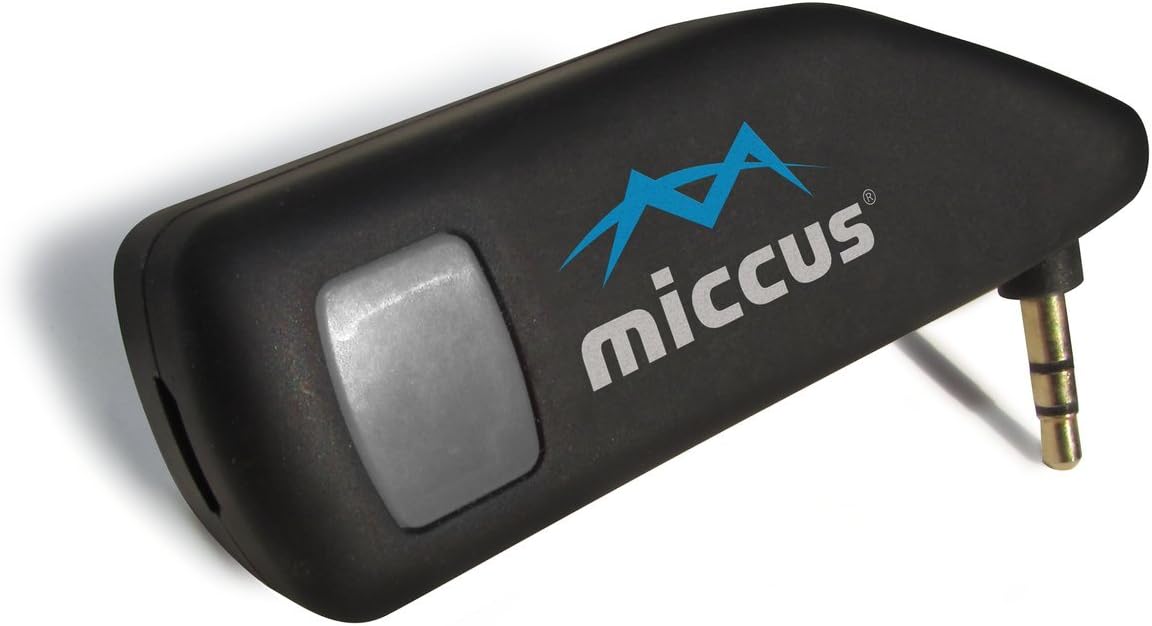
My application: I added a Sirius/XM radio (which has analog audio output jack) to my new vehicle (2015 Mitsubishi Outlander that was purchased without the factory satellite radio option). The vehicle has no aux. jack into the sound system, but does have Bluetooth. So, I purchased the TX4 to connect the two. Pros: Once I got it into the pairing mode and guessed the correct 4-digit pairing code that allowed me to pair it with my vehicle, it works great (with one minor annoyance of having to press the TX4's button to turn it back on at each vehicle startup - see "Cons"). Cons: (1) Initially, I could not get it to pair with my vehicle's Bluetooth due to a combination of 2 things: (a) As with some (not all) Bluetooth receiver systems, my vehicle's Bluetooth system absolutely requires the transmitting device's pairing code to be entered - without it, pairing is impossible. NOWHERE on the TX4 or in its manual does it reveal the pairing code! Yet, again, some Bluetooth systems *require* the pairing code for successful pairing. This is my first experience with Bluetooth, so I wasn't aware that there are only a few pairing codes (0000, 1234, 8888, and maybe a couple of others) commonly used by device manufacturers. I Bing'ed "Bluetooth pairing codes" and found the commonly used codes, but still no pairing due to (b)... (b) The manual is confusing and incomplete on the descriptions of the various flash modes of the multi-function button's LED indicator. I finally realized that I was not getting it into the pairing mode - I thought it was in pairing mode due to two *different* alternating red/blue flashing modes not clearly distinguished in the manual. Once I realized that and tried the various common pairing codes again - BAM - it paired immediately! (hint: the correct pairing code turned out to be 0000) (2) The TX4 requires the button to be pushed to turn it back on each and every power cycle. That may be desired for some applications. But for a car audio system, you'd like it to automatically continue exactly like everything was set just before the car was turned off whenever you start it up again (in this case, when the ignition switch is turned on and power is automatically applied to the satellite radio and the TX4 through the USB power). So, each time I start the car, I have to manually re-start the TX4 even though the car's radio and the satellite radio automatically reboot and are ready to go. It would be nice if there were a way to select (program) the option of automatic turn on of the TX4 when power is re-applied - either by a prescribed sequence of pushing the multi-function button, or a small slide switch, or moving a jumper - or perhaps two versions of the TX4 could be offered - one like the current model that has to be manually restarted every time it is power cycled, and the other with automatic power up. (3) Price seems a little high, but wasn't a show-stopper for me. As others have indicated, and as can be seen in the replies to customer reviews, 'Thomas' (Miccus customer support) is very eager to help. Before I found out by an internet search and trial and error on the pairing code, I emailed him to ask what the pairing code for the TX4 was. Although he acknowledged the problem, he couldn't tell me for sure what the code is, but suggested the same common codes to try that were revealed in the internet search. Come on - how hard would it be to simply have that one line of info. in the manual, or marked on the TX4 case for the convenience of those whose Bluetooth systems require it? Could be a bullet in the manual under "Technical Data": "Bluetooth pairing code (if required): 0000". I also mentioned to him about the unclear information on the various blinking modes of the LED indicator and suggested improving that in the manual, especially in the "Visual Indicators" table. I also offered my suggestion for the option of automatic turn on at re-application of power (either by button programming, a switch, a jumper, or a second version of the TX4). I started to deduct 2 stars for the minor annoyance of manually having to turn it on each time I start the car *and* the initial difficulty of getting it to pair to my car due to TX4 documentation issues that could relatively easily be fixed. But for how well the device actually works in my application, I decided to cut them some slack and only deduct one star. I just hope it continues to work well for a long time. To cost what it does, it needs to last a few years - at least 4, IMO.