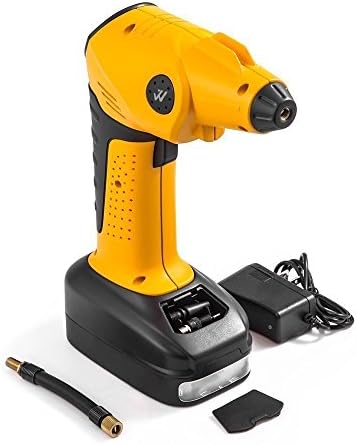
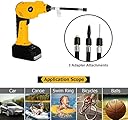
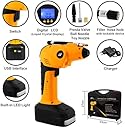
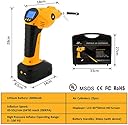
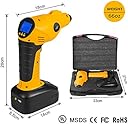
Whsin Automatic Rechargeable Cordless Tire Inflator Portable Multi-function Air Compressor with Digital LED and Built-in Power Bank
Product ID: 67612234
Desertcart purchases this item on your behalf and handles shipping, customs, and support to Finland.
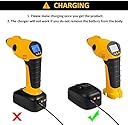
Instruction : 1. Take out the device and battery from the packing box, then make the device connected with battery. 2. Turn on: Short press "Power/Setting button", LCD will light-up, then the device is ready to work. 3. Pressure pre-set: A. Change the unit of measure: Short press "Power/Setting button" the monitor will be light-up. Then change the unit of measure you need(PSI,BAR,KPA,KG/CM). B. Pressure Setting: After selecting the unit, please short pressing "Power/Setting button" for one second, LCD will be flashing, then press "+" or "-" button to set up the pressure data. C. Long press the "Power/ Setting button" to exit the setting system after setting up. D. Pressure Setting is done. 4. Testing and inflating for the air pressure: After data setting, put the thread connect to the objects and the filler hose hole. The monitor will display the pressure rate automatically. Press the trigger to start inflation. The device will stop working automatically once the pressure data reached the pre-set rate. Then press
Trustpilot
2 weeks ago
1 month ago