
DOWNLOAD THE APP


Customer Services
Copyright © 2025 Desertcart Holdings Limited
DOWNLOAD THE APP
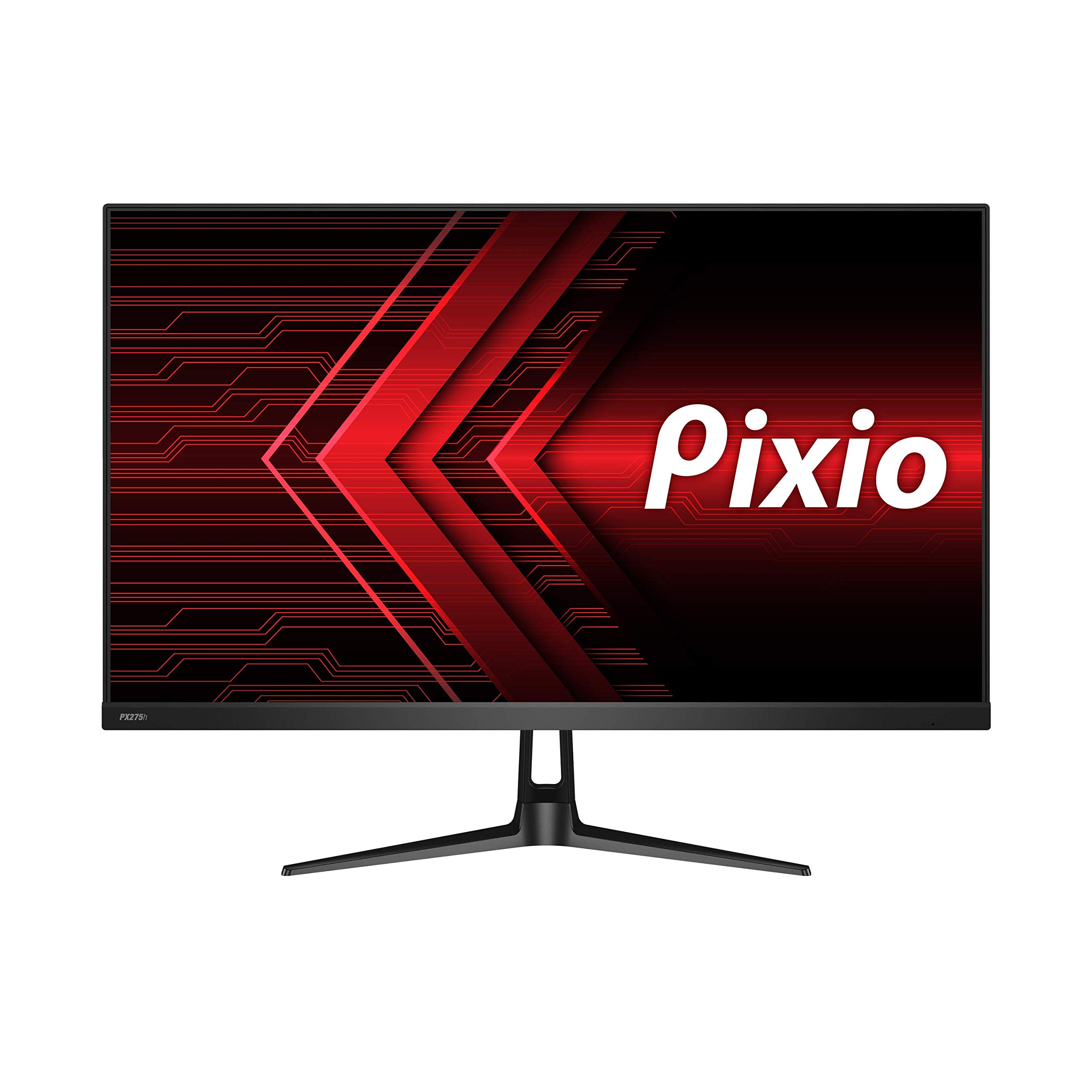


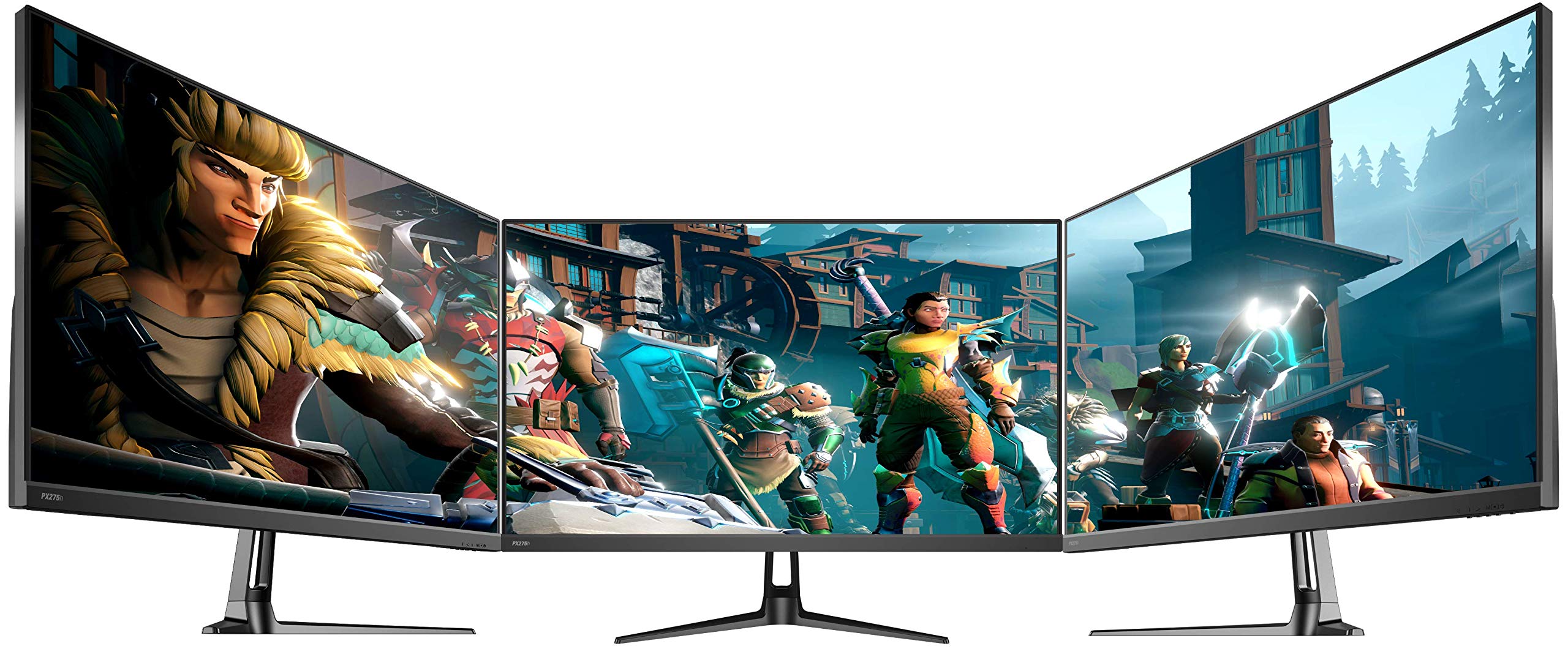
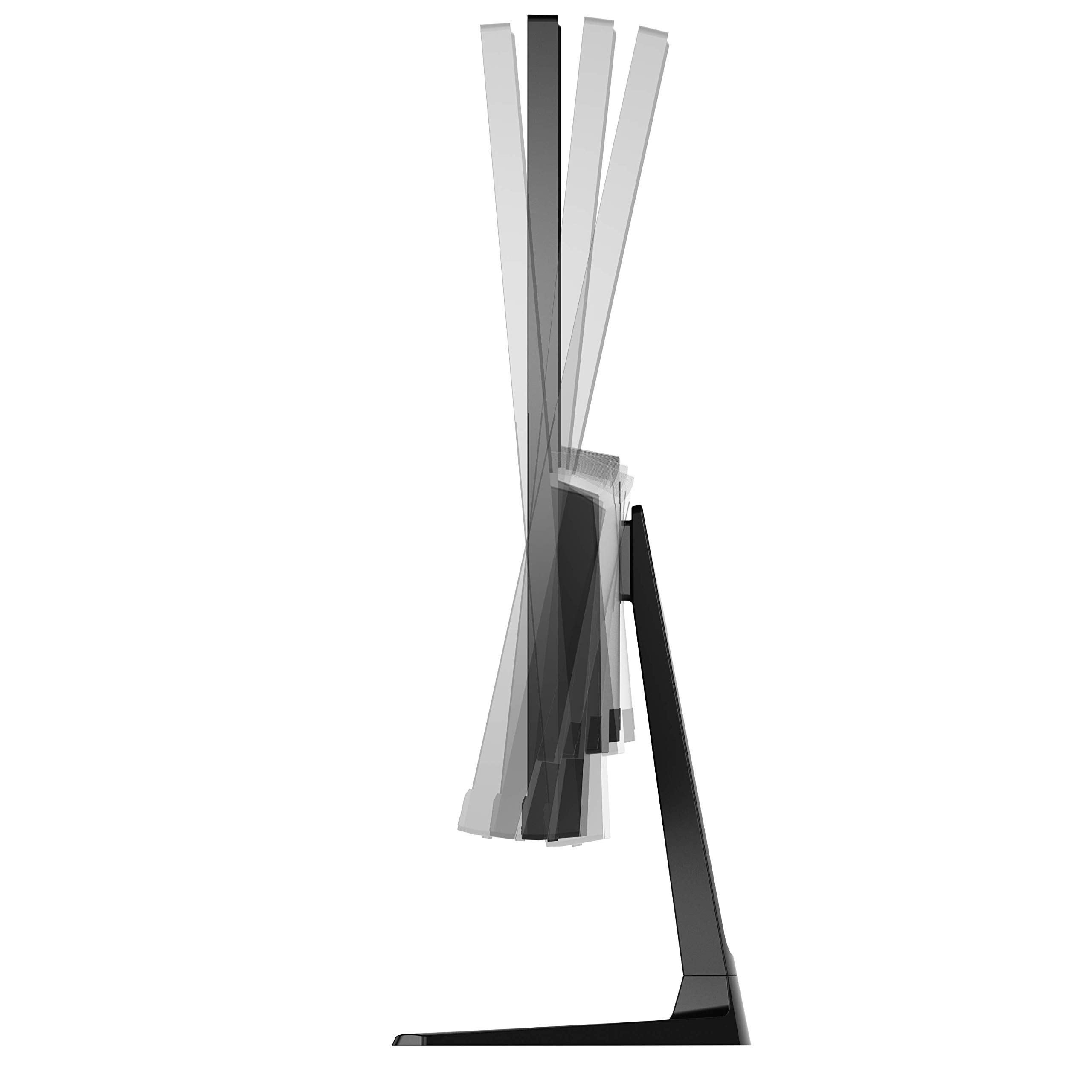
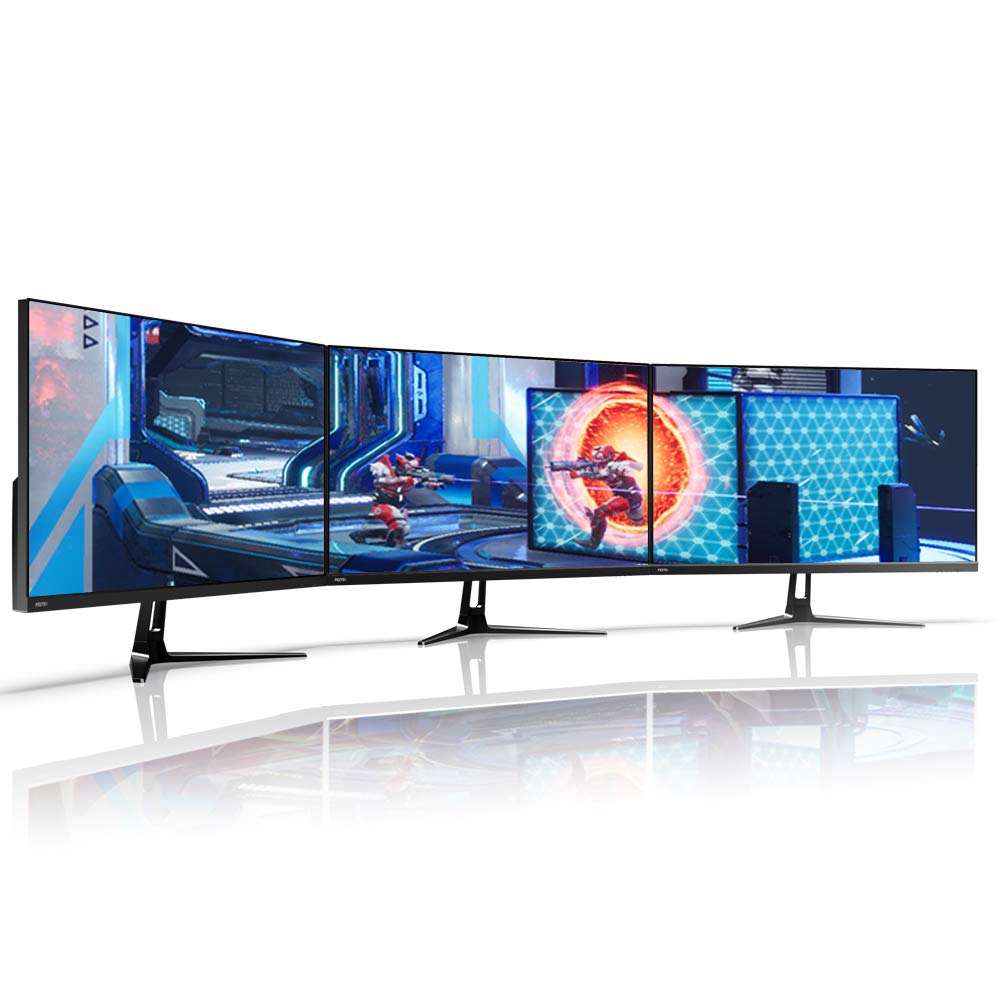
🔥 Elevate Your Screen Game with Pixio PX275h – Where Productivity Meets Play!
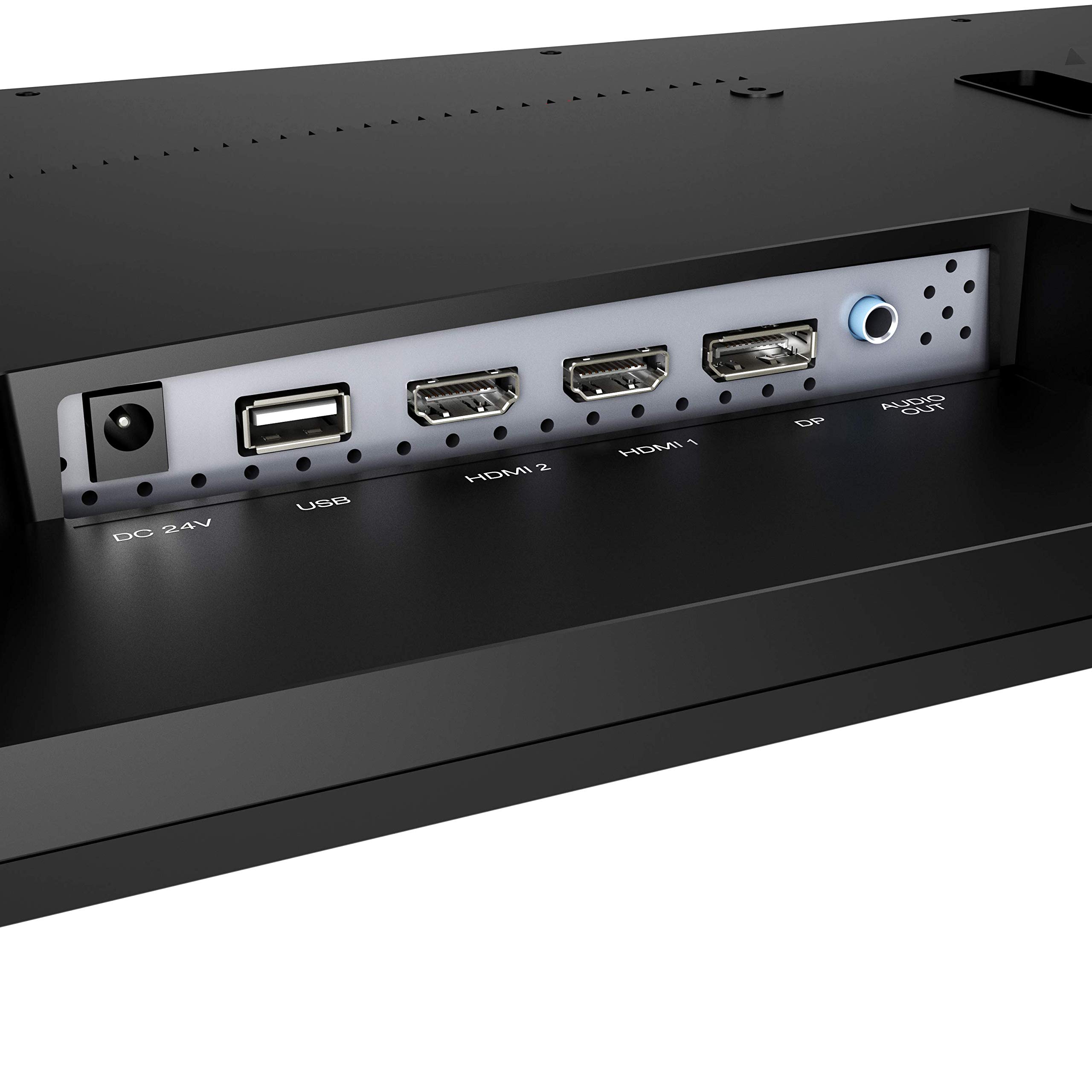
The Pixio PX275h is a 27-inch WQHD (2560x1440) IPS monitor designed for professionals and gamers alike, featuring a 95Hz refresh rate with FreeSync for smooth visuals, 95% DCI-P3 color accuracy, HDR support for enhanced dynamic range, flicker-free and low blue light technologies for eye comfort, and versatile connectivity options including DisplayPort and HDMI. Its sleek design and VESA mount compatibility make it a perfect hybrid for productivity and immersive gaming.


| Standing screen display size | 27 Inches |
| Screen Resolution | 2560x1440 |
| Max Screen Resolution | 2560 x 1440 |
| Brand | Pixio |
| Series | PX275h |
| Item model number | PX275h |
| Item Weight | 14.82 pounds |
| Product Dimensions | 24.19 x 1.61 x 14.36 inches |
| Item Dimensions LxWxH | 24.19 x 1.61 x 14.36 inches |
| Color | Black |
| Manufacturer | Pixio |
| ASIN | B07PZX54QC |
| Is Discontinued By Manufacturer | No |
| Date First Available | March 22, 2019 |
T**1
You got what you paid for, and a bit more.
Pro: Good IPS panel, nice viewing angle. Very nice to have wide colour garment in its price (but need calibration out of the box), pixial responce time is decent, no ghosting or pixel overshoot in nomal pixel responce time setting. The monitor itself is light, but still good enough to get the job done, package is solid and does well enough to protect the monitor. Support standard VESA mount.Con: The white balance is way off out of the box, but if your work need a well calibrated display, you already has the tool for it. The metal stand has near to none adjectability, just well enought to get the job done and keep the monitor on the table. OSD control is not as good as those with five way control button, and button feels very cheap. And the speaker, is really really bad. Sound is hollw, no bass, tin can mids, no treble. It's like listen to a cheap single speaker radio from the other side of a tunnel. So even though there is speaker that come with it, you are not going to use it if there are anyother choice available.Overall, it is a very good monitor for its price point, the video quality is well above anything under $300. But you have to know what you are paying for: it is no 165hz gaming monitor, and it is no 99% adobe rgb pro monitor that is that calibrated itself every month. Those feathures only available to monitor cost twice as the px275h.I use it with a desk mount for video and photo editing after calibration, and some light gaming with it. It tick every box that I want, and without paying for anything I don't need (monitor stand, rgb, software). Great value.
M**A
The 27" Pixio PX275h is an amazing monitor
People were telling me to get a 144hz monitor, and I am glad I researched long and hard and did not listen. I was looking for a monitor that was 1440p, had amazing vibrant colors, was faster than 75hz, was bright and had a beautiful picture for entry level 1440p gaming. This monitor absolutely checked off all of those boxes.Out of the box, the monitor needs some tweaking. Try the following:Brightness: 31Contrast: 52Gamma: 2.0Color: Red: 47, Green: 46, Blue: 48Response Time: MiddleSaturation: 46 (sRGB)You can keep all other settings Default, but I turned on (within the monitor settings) HDR and FreesyncWith my current set up, I am likely not going to get more than 90-95 FPS at max/ultra settings in the vast majority of games at 1440p, and to be honest, I am getting between 65-90 FPS in almost all my games with my hardware. My games are almost all JRPG games. Right now, I am playing Ni No Kuni 2, which looks breathtakingly beautiful on this monitor. I had a 29" LG Ultrawide 75hz 1080p monitor, and the colors were washed out, and the letter-boxing in the cut scenes was horribly distracting. With the 27" Pixio PX275h, the aspect ratio is PERFECT in all of my games. In Ni No Kuni 2, this monitor is so so so bright and beautiful, and holy cow, the colors are so vibrant. Done are the days of gaming on a 230-250 nit dull LG 75hz ultrawide, squinting in darker scenes and looking at dull dull dull colors. These colors are so rich and the screen brightness is so bright, you might need some SPF 100 suntan lotion.One big thing you need to know, you can NOT get HDR 10-bit color with a DisplayPort cable with this monitor. The DP port on the monitor is 1.2, not 1.4. I am using an 8K High Speed HDMI Cable (48Gbps, 8K, Dynamic HDR, eARC, (3 foot)), and Windows is showing this as an HDR monitor with 10-bit color. Other thing you need is some tweaking with the color profile/settings. Once you either tweak it yourself, or find and load a good ICC profile, this monitor will look as good as monitors costing well over twice its price. Out of the box, not so good. Once I got a good ICC color profile (from reddit) loaded and tweaked the colors, WOW WOW WOW WOW, it is so so so beautiful.If I have one gripe, it is the stand. I am short, and luckily, height-wise it is good. Unfortunately, I can not tilt it down (it ONLY tilts upward). It does the job as a super basic stand, and to be honest, for now it is fine. I can always upgrade it, and if they needed to save money somewhere to get in at this price point, they sacrificed in all the right places. If you have a 2060/5600XT series video card like me and like playing your games at the max/ultra settings, 95hz is going to be as high as you can probably go in most games anyways. Almost every game I am at 65-90 FPS at that resolution/settings anyways. All in all, I highly recommend this monitor and very happy I got it. I now have completed my gaming rig I built with a beautiful 1440p monitor it needed for gaming.
C**
Perfect value 1440p 95Hz gaming monitor
The Pros:- Showed up a week earlier than the delivery date said it would, so that's a bonus.- Menus were easy to navigate and chanting the settings was straightforward and easy.- Image quality is a definite improvement over 1080p.- Sub $300 while maintaining quality.- No dead pixels on my unit- Small bezels.The maybes:- Never owned another 1440p or larger resolution monitor so have nothing to compare the image quality to but it is definitely much better than my old 1080p one.- While 95Hz isn't that much of an improvement over 60 compared to say 120Hz let alone 240Hz, but for 1440p depending on the games you play and your GPU, you may not be able to get higher frustrates in games so 95 is a nice middle ground, (plus this monitor with adaptive sync has support from 30-95Hz so even if you cant hit 95Hz you are good to go)- The included stand. This one is giant hit or miss, it really depends on your current setup and space you place the monitor. The stand holds the monitor decently off the surface and it only has tilt adjust so if the height doesn't work for you, you may need to purchase another stand or mount. lucky it was just right for my case.- This goes in maybe as it is a personal preference thing if you care if your monitor is ips or not, I personally love having an ips gaming monitor over a tn but its truly down to if you care or not.The Cons- Out of the box the calibration settings are pretty awful but this is a giant nitpick as it can just be fixed yourself so not really an issue. But you still wont get a perfect color range.- Monitor only comes with an hdmi cable so if you want to use adaptive sync with an nvidia card you will need to buy or already have a Display Port cable.- No extra IO on the back such as usb or other connectors but again at the price point that is just another giant nitpick.- And just another small thing is the bright blue indicator led that is on the bottom right, but hey electrical tape.Conclusion:If you are looking for a 1440p gaming monitor that is over 60Hz refresh rate that is also ips and are on a budget or just don't want to spend a lot of money on a monitor this is the perfect monitor for you.
Trustpilot
2 weeks ago
4 days ago