🎉 Protect your tech, flaunt your vibe — laptop skins that mean business and birthday fun!
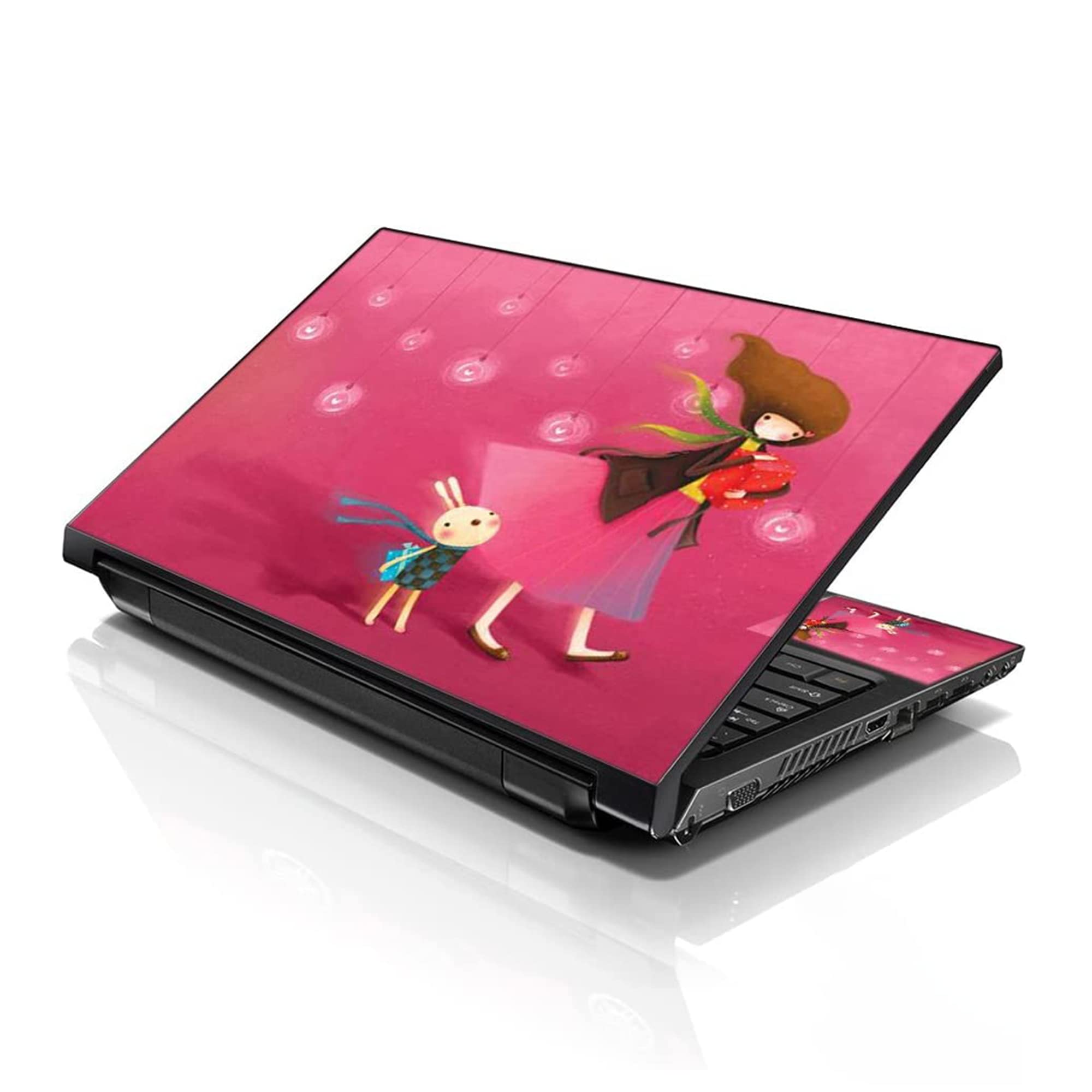
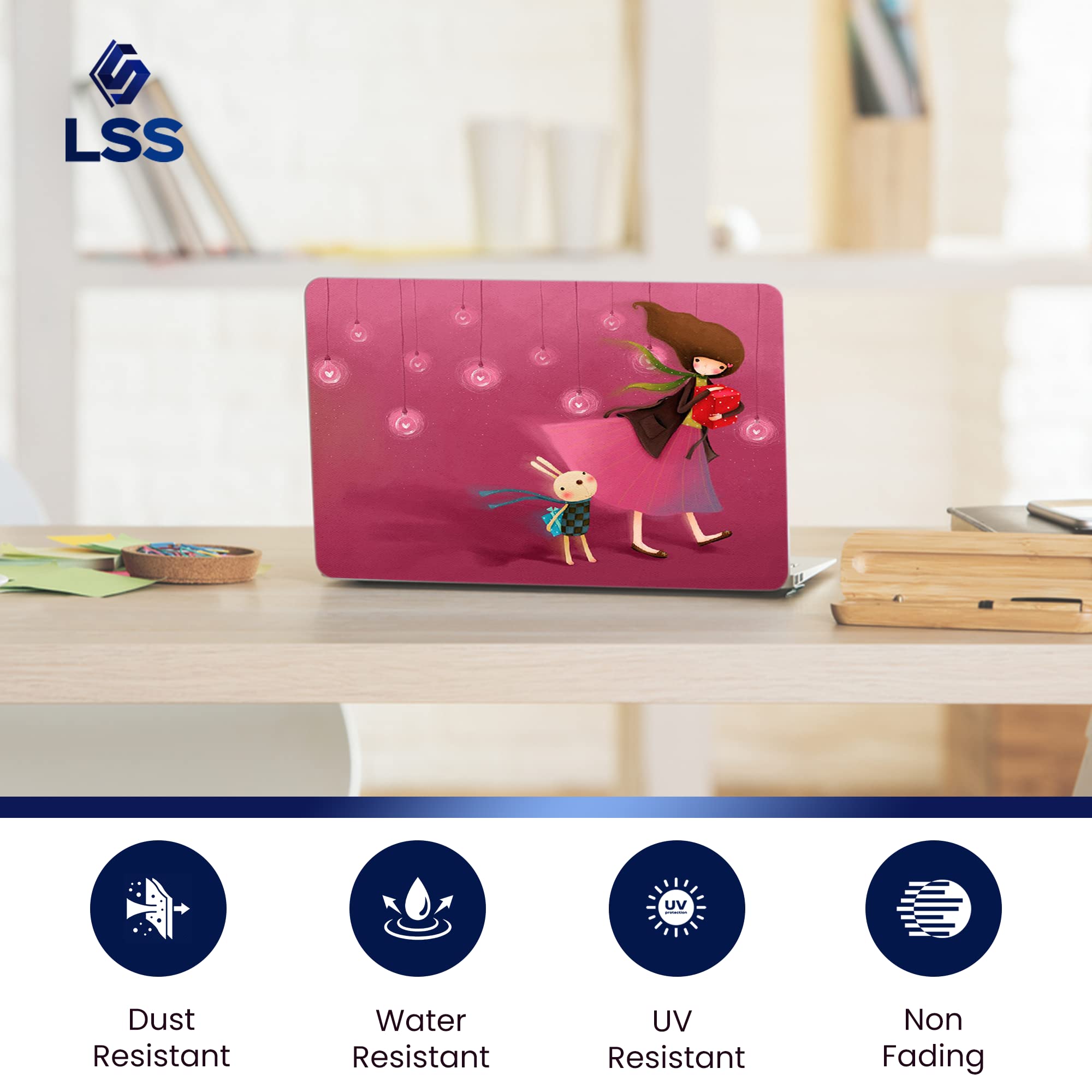
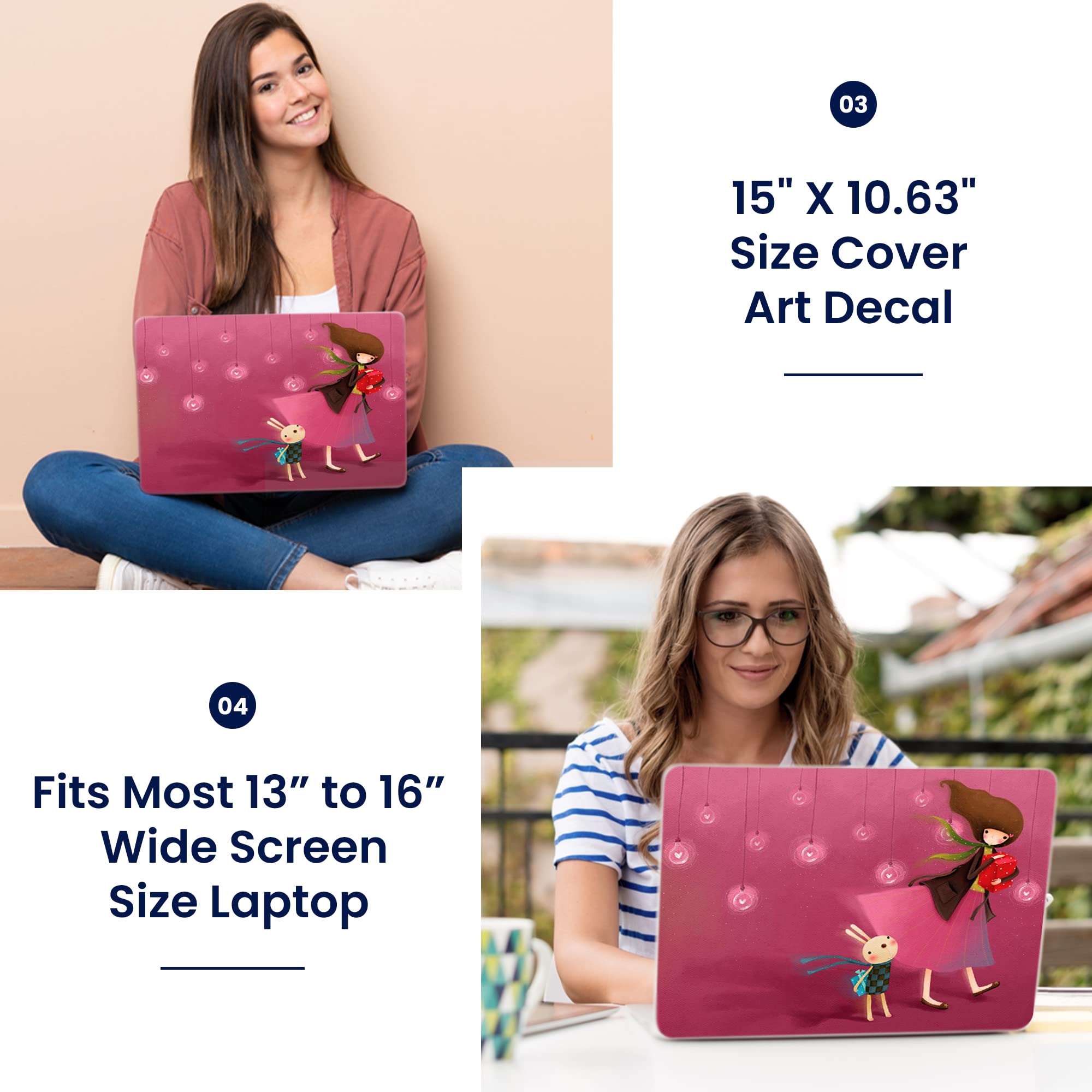
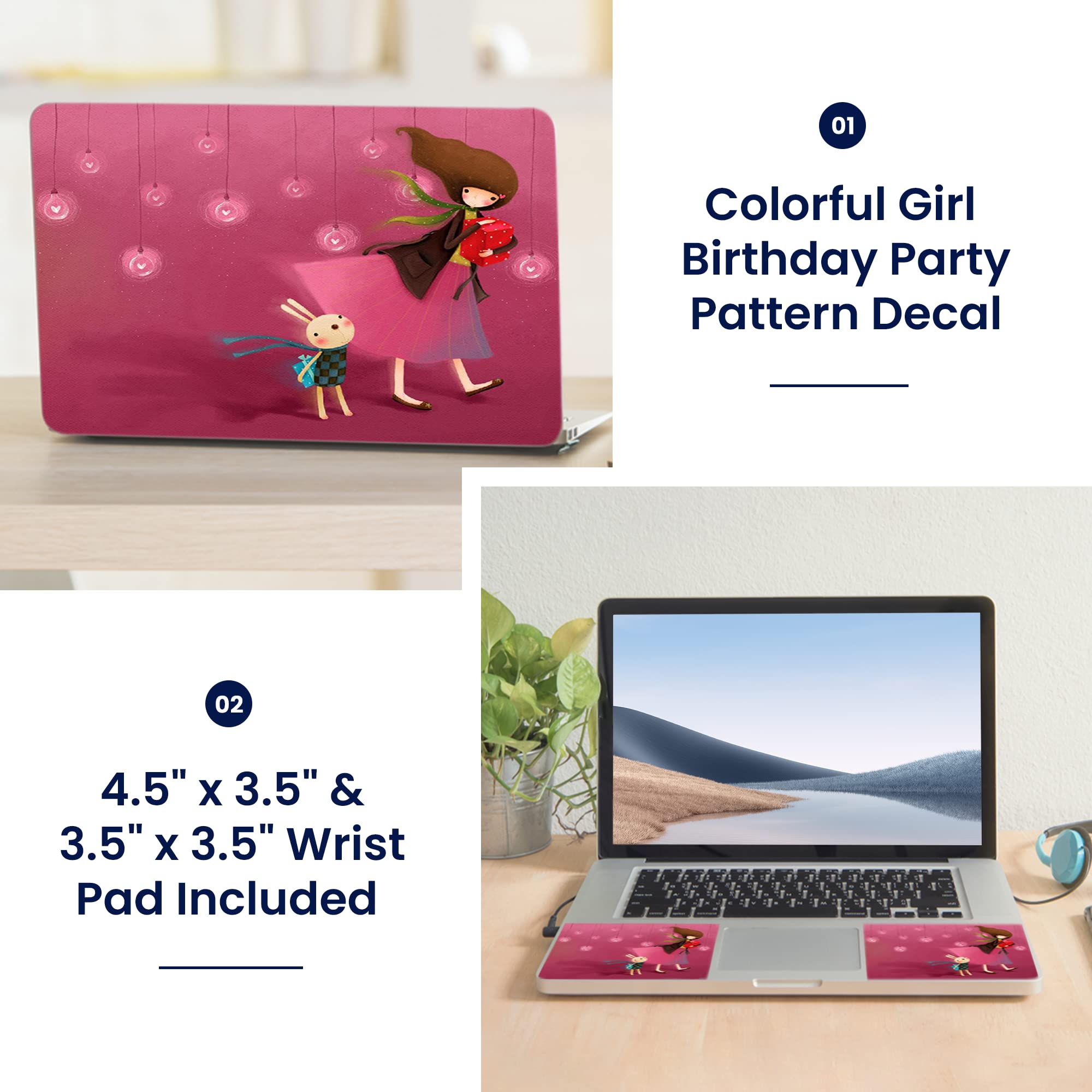
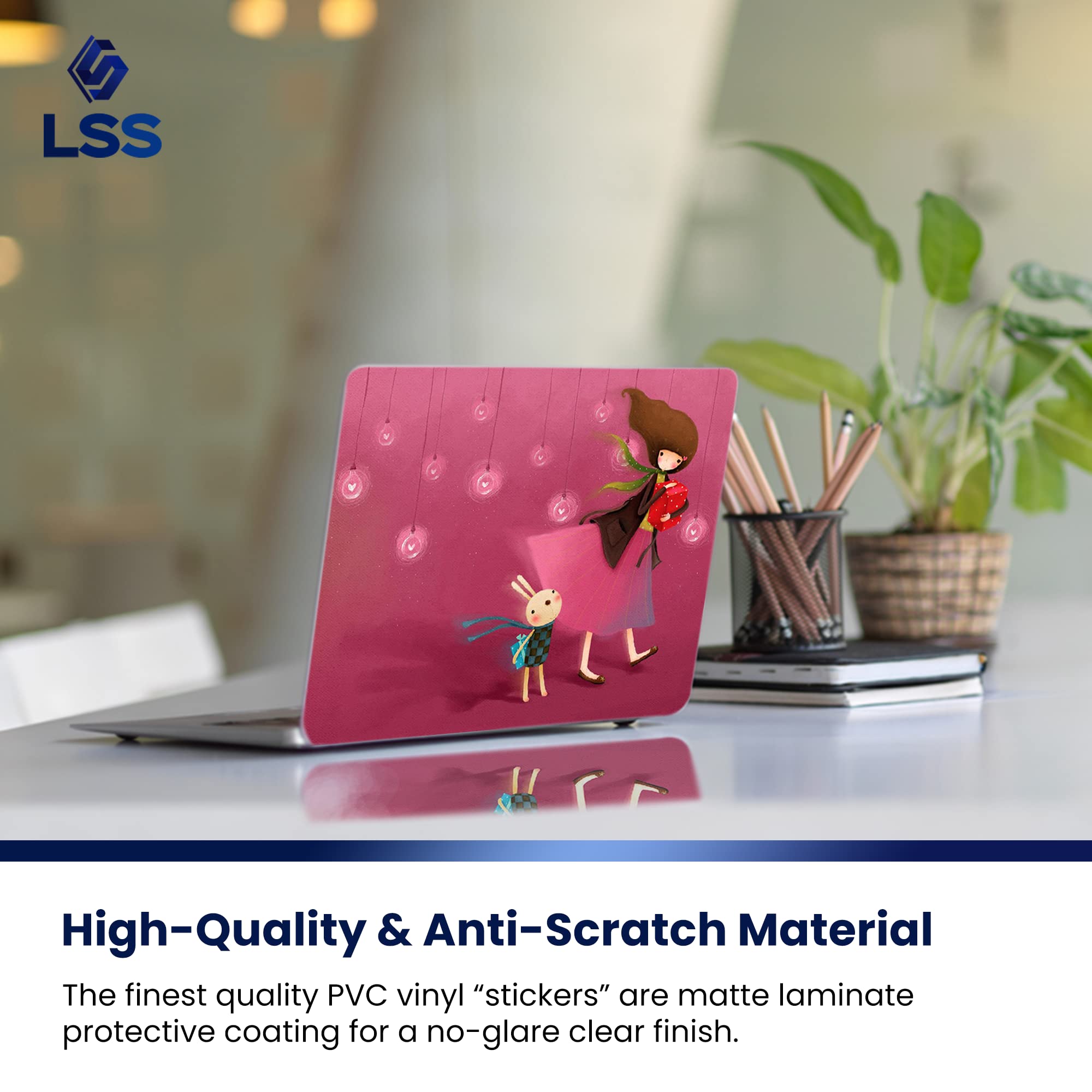
The LSS 15 Laptop Skin Sticker is a premium, reusable PVC vinyl decal designed to protect 13" to 16" widescreen laptops from scratches, dust, and water. Featuring a matte anti-glare finish and a vibrant girl birthday party pattern, it includes two matching wrist pads for ergonomic comfort. Easy to apply and remove without residue, this durable, non-fading skin elevates your laptop’s style while safeguarding it in professional and casual settings.
| ASIN | B00H0LJEM2 |
| Additional Features | Reusable, Scratch Resistant |
| Best Sellers Rank | #1,896 in Computers & Accessories ( See Top 100 in Computers & Accessories ) #18 in Laptop Skins |
| Brand | LSS |
| Color | Girl Birthday Party |
| Compatible Devices | Laptop |
| Customer Reviews | 4.1 out of 5 stars 8,246 Reviews |
| Enclosure Material | Polyvinyl Chloride |
| Item Dimensions L x W | 14.57"L x 10.63"W |
| Manufacturer | LSS - Laptop Skin Shop |
| Pattern | Cartoon |
| Size | 13" - 16" |
| Theme | Cartoon Characters |
| UPC | 700465600745 |
P**S
Laptop skin
This was really nice! It was thick and durable fit my laptop perfectly and had extra pieces for your cell phone. ( the pieces were meant for the sides of the mouse but I already had other stickers there they fit on my phone) The design was very pretty in person.
✨**✨
Beautiful design and good quality! 👧🌹
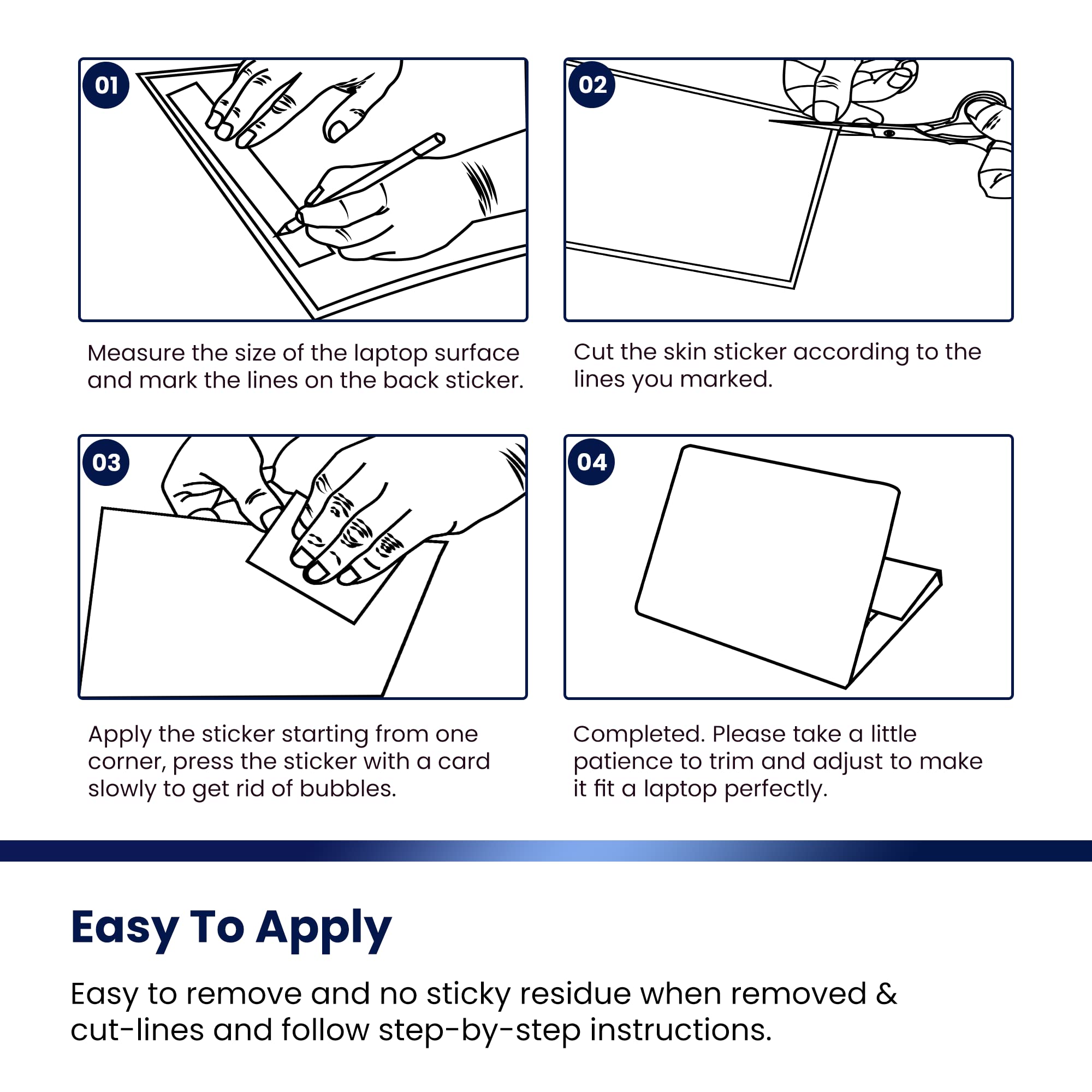
I got the "Flowers Art" design which is stylish with black and white flowers pattern on half black and half grey background. It went very well with my Snow White and red roses. I also added a few streaks of bling blings 😊. I have posted a pic of the design I bought, and a pic of my final product. Some of these reviews complaint about not being the right size, or the edges lifting, or too many bubbles... that's because they're not doing it right! You have to take time and be VERY meticulous about placing skin to a laptop if you want it to look good 👀. So here are some helpful tips: 1. Measure your laptop and make sure you're buying the correct size, or at least opt for buying it bigger. Yes, that means you're gonna have to trim. 2. If you're trimming: place skin on its opposite side on the table, put your laptop on top, and use a pen to trace your laptop so you can cut it correctly. 3. Once it's trimmed/cut, don't peel the back yet, and start placing it on your laptop to see how you want it to be. You don't wanna make the mistake of placing it upside down. 4. Make sure to clean swipe your laptop's surface so it's free of any oils/residue (this helps guarantee adherence and no lifting on the edges). 5. Make sure the surface is dry. Then decide which side you're most comfortable to start (left to right, or right to left). Start peeling off at the edge. And use a plastic credit card to press down to get the bubbles off. Pls YouTube a video on "How to apply the laptop skin" and trust me, it would help you a lot. 6. For the "inside stickers" that go by the keyboard, I can tell you right now that they might be small, so just be ok with it. It doesn't mean you're gonna give a bad review (not all keyboards are all the same). Be kind and enjoy your new laptop look! 7. Be proud of your work, post a pic and give a good review ⭐️⭐️⭐️⭐️⭐️ 👉🏼End result: No bubbles, well centered, the edges are rounded bc you traced your laptop, no lifting bc you worked with a clean surface... and that video helped you out. You're welcome! 😁
M**K
Looks great if you apply it correctly
1 to 5 stars: Appearance: 4 Realistic to picture in ad: 5 Ease of application: 3 Quality of material: 5 This looks awesome, exactly like it does in the ad (see my included pics). Although the adhesive side is a typical plastic decal material, the graphic surface has a more attractive fabric-like texture, rather than being smooth and shiny like a sticker would (see pic #2). This skin is also thicker than a typical decal, probably about the thickness of two or three sheets of notebook paper. The only negative about it is that there is a very thin (about a millimeter wide) light green border around the entire perimeter of the skin. Unless it's trimmed off, this makes it look less blended with the laptop and more like just a decal that was stuck on there. When I trimmed this to fit my laptop, obviously the border on the edge I trimmed came off with it. So now there are 3 sides with a thin border and one without. I tried trimming it after the fact, but as you can see in pic #3, that was worse. If you have to resize yours, I suggest you trim all four sides evenly and remove the border entirely, rather than take all the slack off one side like I did. Next time I'll know. The small pieces for the inside of the laptop also have this border. Applying the skin is tricky, and the instructions are minimal at best (it basically says, "cut it to size and stick it on"). As with any large sticker, it's hard to line it up evenly with the edges of the laptop and have it lay flat. Mine still has some air bubbles that I couldn't squeeze to the edges. If they don't dissipate on their own I'll have to pop them with a pin.
D**D
Easier Application Would Make Perfect!
This skin is truly beautiful in person. Applying it, however, was a little too much arts and crafts play. The laptop skin is generally sized to fit 17 to 19-inch screen laptops so that means having to trace, size, and cut to fit your laptop. There are guided lines included to help make this easier, but I didn't find them very helpful. For me when trying to fit the skin, I found the curved edges of the skin did not exactly match the curved edges on my laptop, so I found it easiest to just snip these edges into a diagonal. Making the edges straight did not deter from the look of the skin once applied. I also found a box cutter/ pocket knife was much easier to work with to remove the excess skin. It gave quicker, straighter cutting than with scissors and if you just follow the curve of the laptop, the skin is easy to remove without scratching up your expensive machine! The only real flaw is removing the air bubbles, I found it impossible to smooth them all out. Overall, the graphic is of great quality. All details are in focus and no blurriness or uneven color/tone issues. Have had it for about 2 months now and it has not faded. Plus, it does the job to prevent scratches and keep away dust, my main concerns. Also love the textured wrist pads. I do a lot of typing and they make it more comfortable to rest my wrists on the laptop when typing without them slipping off against the slick surface. For the price, I can deal with the annoyance of having to cut the skin to fit.
K**.
Don't waste your money!!
Absolutely crappy material, bubbles that can't smooth out, and when you trim it to fit it gets all jagged around the edges. Don't buy this!
G**T
Feel-good and easy custom art - be ready to trim it though
Product has texture like the similarly patterned cell phone cases: a fine cross-hatch. Colors are nice and bold as pictured. Stickers are too big if you have an off-center touchpad. This is a problem if you have an actual picurre on them, since you'd have to bisect the image or trim beyond recognition to place the second one ... so I just applied one. The sticker for the laptop exterior is tricky to line up. I suggest trimming with the backing in place. I did mine by running very sharp scissors around the perimeter of the laptop, once I lined up the vinyl piece. Though I tried to roll the edges over the rim of the machine, the decal won't hold tight there. I had to cut it flush to the flat portion of the case. That means some of the case color shows around the sides. I suspect wear and tear will make the edges of the cuty vinyl curl up, like Jamberry Nail Wraps after several days can do :-( but we'll see. Maybe I need to trim it even smaller on my 15.6" HP. Size wise the match was pretty close. Trimmed a 1/4 - 1/3" strip all around it. Design is well colored, printed cleanly, and vivid. Attractive. Yes, it reseals itself easily and no problem with bubbles. :-) No gluey gunk on my nails (gel painted) or the laptop from remove-reposition several times. Hoping the bond improves with time. Would I repurchase ... yes, as cheap entertainment. Obviously this is a 'mood' item, not meant for the life of the device. So yes, I'd get others. It's an easy customization that you can re-use if you save its backing paper. Revised the rating downwards after a bit of use. Doesn't adhere to the pc casing well, going right to the edge where it curves down. Thus, any lint will stick, you'll ruin the decal if you let that happen. So I must re-trim, and let the blue edge of the laptop be exposed.
H**N
AWESOME SKIN!
this skin is beautiful. very sturdy material. great sizing lines. since I had to trim down, I did not use the sizing lines as they were intended, instead, just as a guide for cutting. I measured my computer side to side, top to bottom and then positioned those measurements the way I wanted the picture to show, since sizing down cuts out parts of the picture. my only regret is that the edges of my computer are curved and I thought the decal would buckle around the corners so I cut it to the flat surface of the computer instead. I wish I would have at least tried it the other way first, as I reapplied it a couple of times with no problem getting it to stick again. While applying, I pulled the backing off a couple of inches on the long side, carefully lined up the edge to the computer and slowly peeled the rest of the backing off while smoothing out air bubbles as I pressed. it worked perfect! the only reason I had to reapply was that initially I put it on so that the picture is right side up with the lid open. after applying it and realizing I cant even enjoy the picture when I am actually using my computer I decided to try reapplyimng it so it is right side up with the lid closed. it was a little tough to peel up but it worked and reapplied GREAT. I just had to be careful cause I didn't have the back on anymore so I had to make sure it didn't stick to everything. but it is beautiful and I LOVE it!
N**T
The color was perfect
Love this for my computer and had a little issue with it. Fitting the right way.
Trustpilot
1 week ago
1 month ago