Some deliveries may take a little longer than usual due to regional shipping conditions.

DOWNLOAD THE APP


Customer Services
Copyright © 2025 Desertcart Holdings Limited
DOWNLOAD THE APP

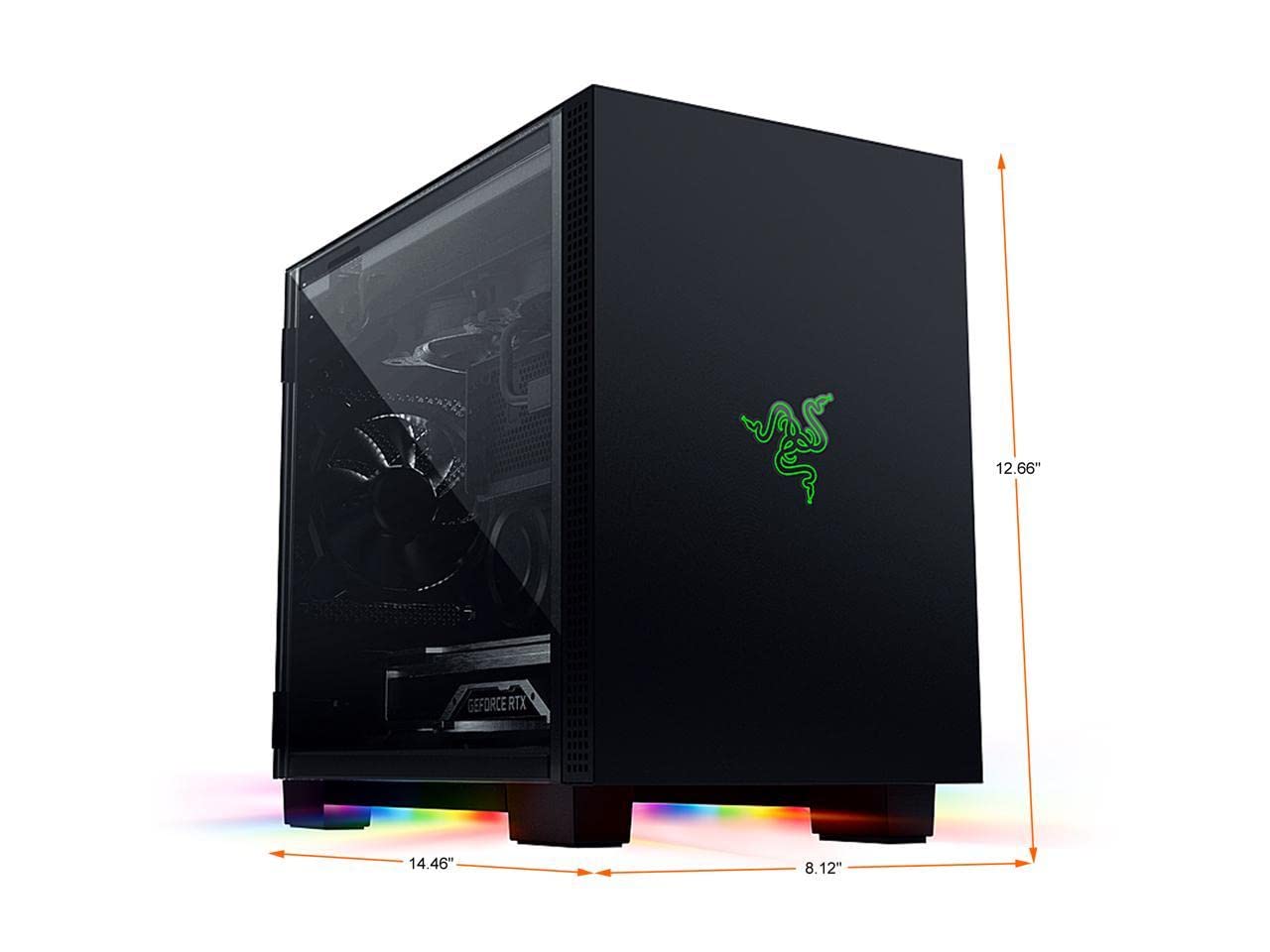
🖤 Elevate your gaming rig with style and precision — the Tomahawk Mini-ITX is where form meets fierce function.
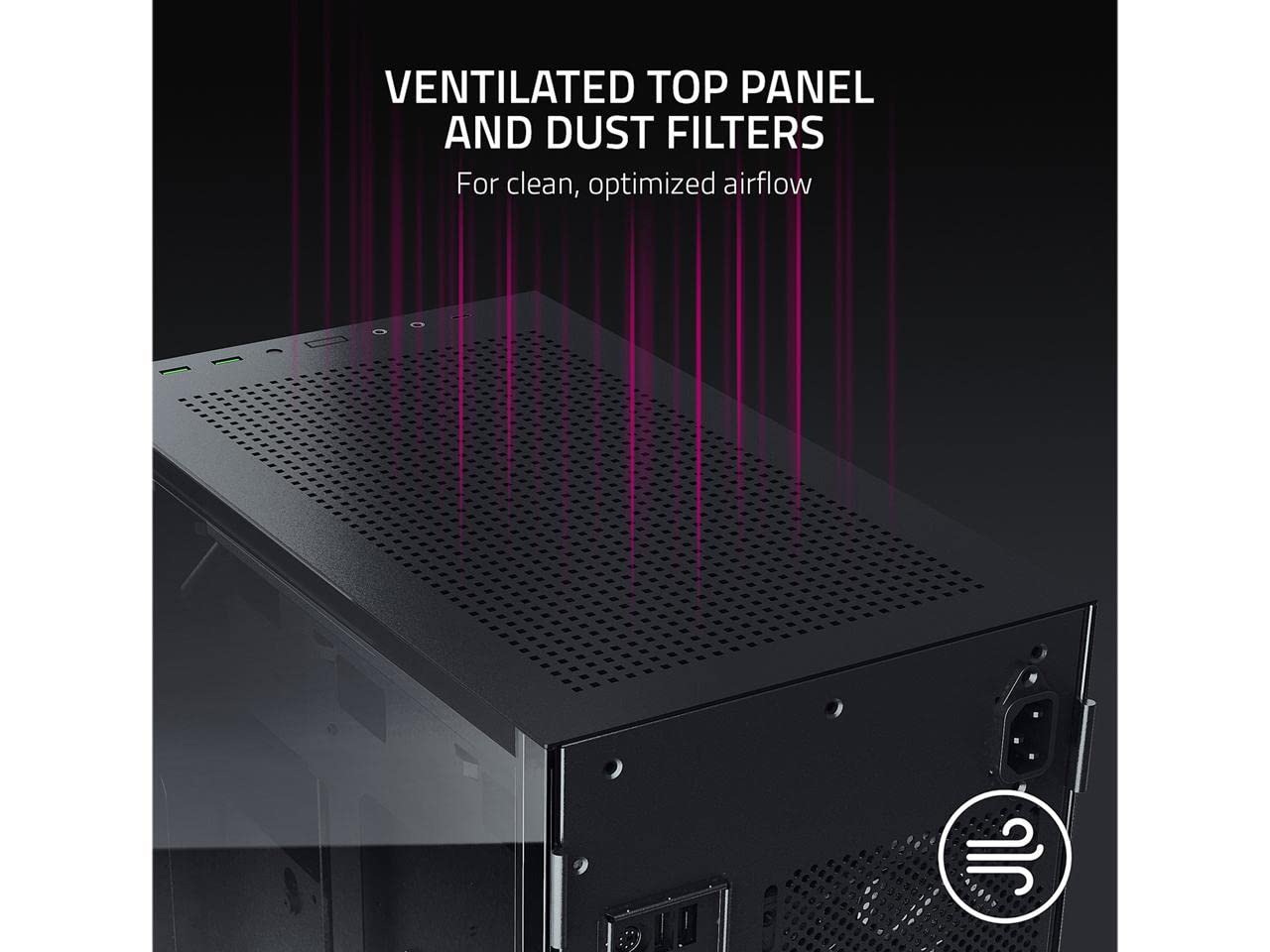
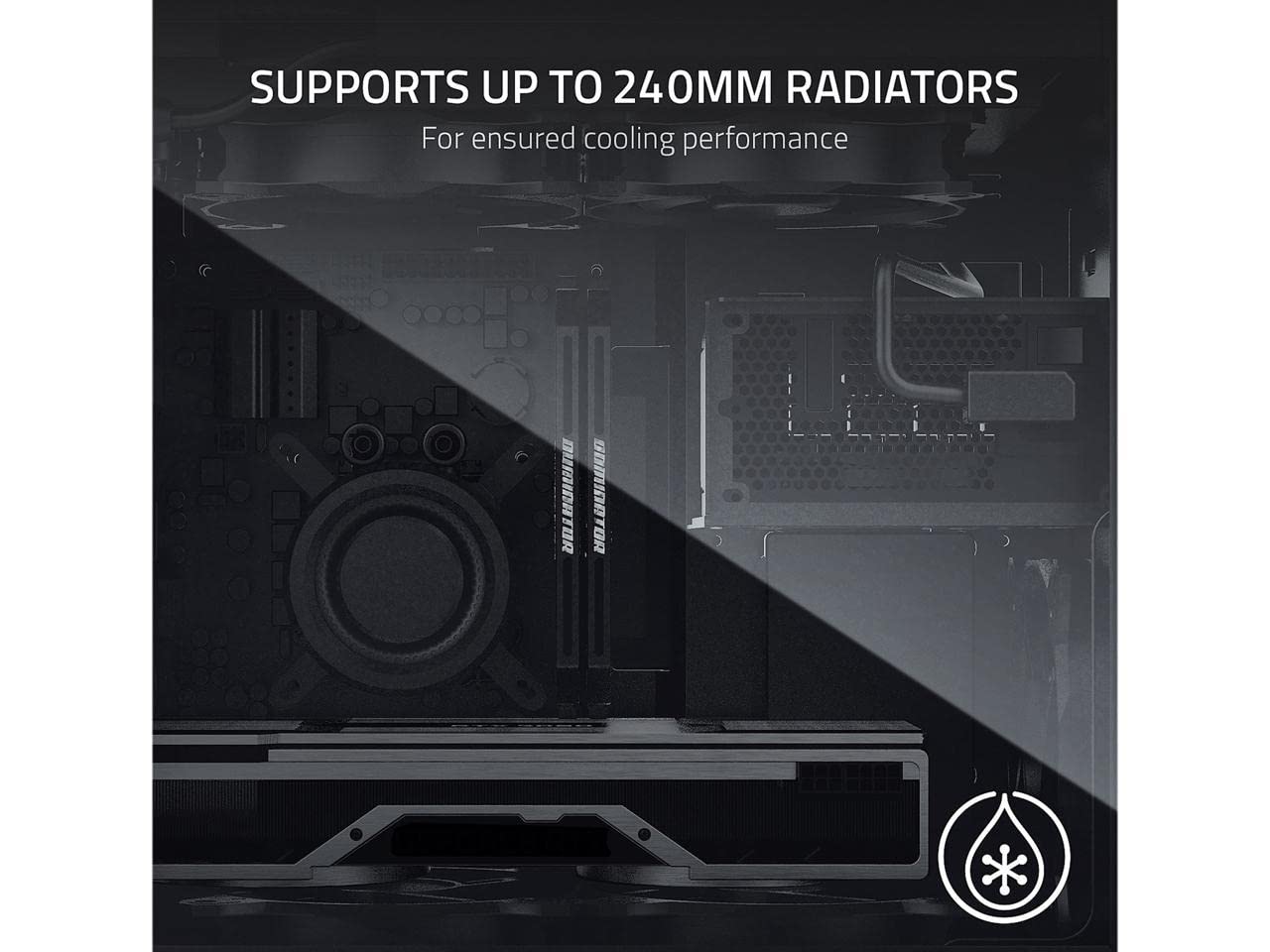
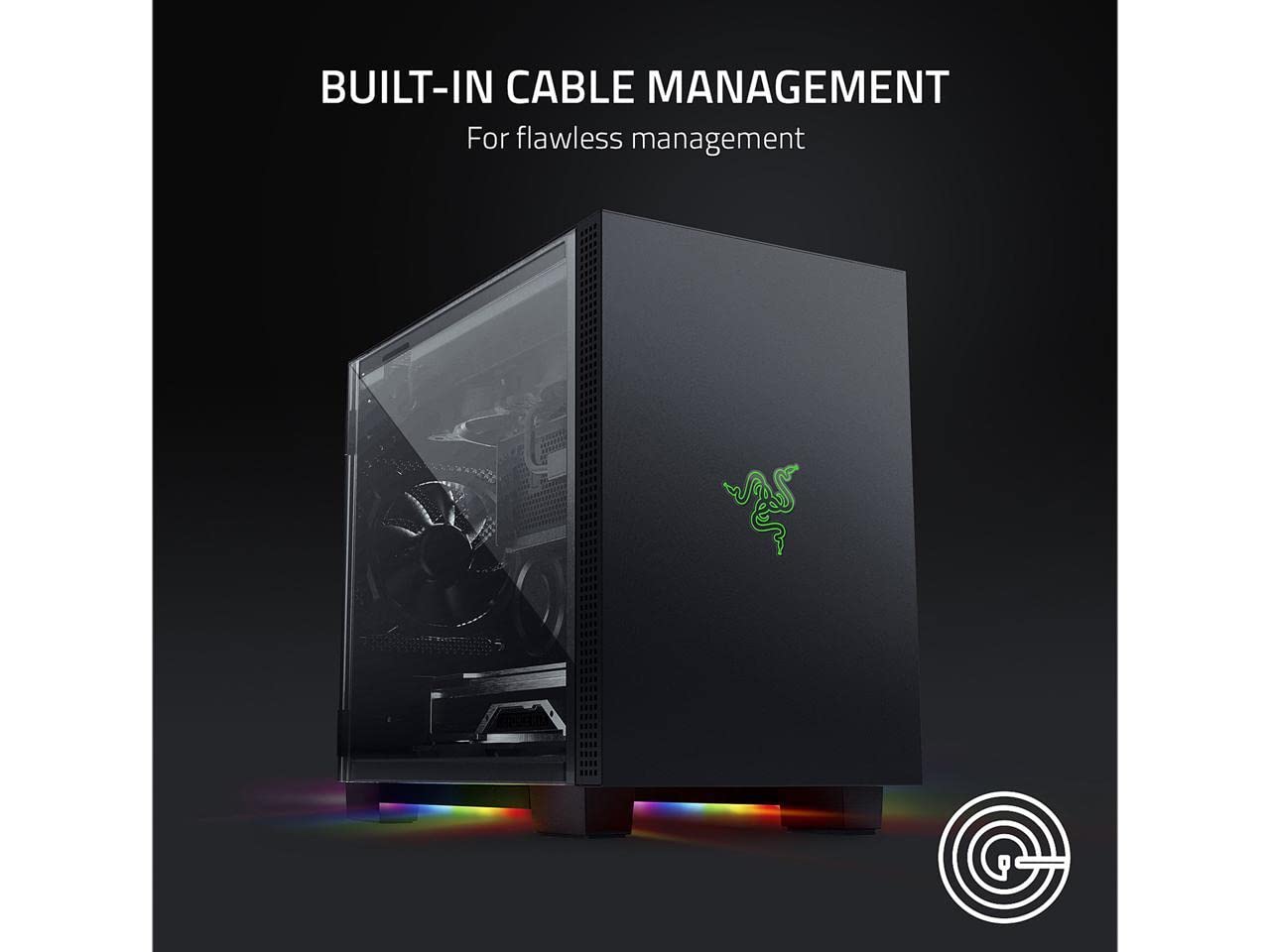
The Razer Tomahawk Mini-ITX Gaming Case is a premium compact chassis featuring dual-sided tempered glass swivel doors, a ventilated top panel with dust filters, and Razer Chroma RGB underglow lighting. Designed for high-performance builds, it supports up to 240mm radiators for liquid cooling and includes built-in cable management to maintain a clean, professional look. Ideal for experienced builders seeking a sleek, customizable, and immersive gaming setup.


| ASIN | B08G3PMRTG |
| Best Sellers Rank | #1,729 in Computer Cases |
| Brand | Razer |
| Color | Classic Black |
| Customer Reviews | 4.3 4.3 out of 5 stars (568) |
| Date First Available | October 10, 2020 |
| Item Dimensions LxWxH | 14.46 x 8.11 x 12.65 inches |
| Item Weight | 12.8 pounds |
| Item model number | RC21-01400100-R3M1 |
| Manufacturer | Razer |
| Number of USB 2.0 Ports | 2 |
| Number of USB 3.0 Ports | 2 |
| Product Dimensions | 14.46 x 8.11 x 12.65 inches |
| Series | Tomahawk |
D**O
A good case I wouldn’t recommend to anyone
Update: I got my CableMod custom cable today. Even with flexible custom cables, the back panel is still hard to close, mainly because the front I/O cables are thick, unwieldy and unnecessarily long, taking up the already very limited cable management space. The building experience is honestly awful, and I suggest anyone who aren’t willing to put in extraordinary effort in for the looks to, well, look elsewhere. With this review I hope to thoroughly document my experience with this case, and help potential buyers prepare for its quirks. Build quality and exterior: The case is built very well, all the detachable panels have a very satisfying snap. The magnetic glass panels can be swung very far to the back and won’t interfere with the build. The look is subtle and simplistic, other than Razer’s ugly logo. Accessories: The case doesn’t come with any fan, and the only filter is for the front fan opening, attached using a clip. Quite disappointing for a case this expensive. The case comes with plenty of screws, but most of them you won’t need, annoyingly they are not sorted. Razer did include a few very high quality Velcro straps, but some part of the case’s cable management accommodations was intended to be used with the plastic one use fasteners, which isn’t included. Compared with Corsair, NZXT, Thermaltake cases I have built in, this case also comes with less documentation, not a problem for experienced builders, but might be for a first time novice. Space: For motherboard and GFX the case does have plenty of space, as advertised. The problem I have is with the PSU and cable management. Razer advertises SFX/SFX-L compatibility. I have a fully modular SFX-L PSU (Silverstone SST-SX800-STI) with factory cables, it does fit, but it took me some hard bending for the ATX24 to not pop the back panel out. The cable management space is quite shallow, which makes the use of SFX-L PSUs questionable without customized cables. The top fan panel can be detached, making the installation of AIO cooler fairly straightforward. But the PSU prevents you from orienting the radiator tubes front, which makes the tube length a bit unwieldy. (Corsair H100i elite capellix). The case is IMO not very friendly with the fan controller due to the limited back space and the cable management requirements (see below). I/O: Two USB3 Type A and one Type C, Audio jacks, PWR and RST switches, pretty standard. The problem is, the front panel IO cables are of ATX length, presumably the same module used on their Tomahawk ATX case. This, combined with the shallow cable management space, makes the case harder to build than it could have been. Keep in mind the cable management is visible through the glass panel. The case has its own RGB controller requiring a USB2.0 internal port. The controller doesn’t have any port for expansion. You can leave the controller unplugged if necessary, the case won’t lose any functionality. As I stated above, the cable management space is tight. How tight? Barely able to fit a 4pin EPS connector sideways. Overall a good case, but a demanding and frustrating build. My only previous experience with SFF builds was in a TT Armor A30i and an NZXT H1, and for me the Tomahawk ITX is far more challenging than both. I would recommend the H1 (once they fix the fire hazard) for most people looking for an SFF build. I will update when I get my cablemod cables.
A**N
This Bih Bussin
Pros: 1.It’s Compact 2.Very Clean sleek look, Pretty Built in RGB strips underneath that are programmable via the Razer Synapse software. 3. For the size, you can fit a fair amount of hardware depending on your motherboard of course. 4. 6 Spots for 120mm case fans, which was unexpected because of how tiny this bitch is. 5.Materials that make up this case is a nice quality metal all around with a matte black finish, plus the smoked glass panels give it a nice touch to compliment the looks. Cons: 1.Cable Management is VERY tight, not to mention if you don’t get the cable management right the tempered glass panel that hides the cables will not close all the way. It’s kept closed with magnets that aren’t strong enough to just close, it has to be just right if not, perfect. 2.This does not come with filters for case fans, you will have to get your own fan filters. 3. The Power Supply will be sitting in an unconventional place, which is at the top right on the inside of this case. Which isn’t bad, it just makes cable managing a little bit tricky, MAKE SURE IT’S A FULLY MODULAR PSU! You WILL have trouble if you have extra unused cables in there, so dish out the extra cash for a peace of mind. Conclusion: I find this case to be eye candy. The space on the inside is decent, you can cable manage like a champ if you TAKE YOUR TIME, it will be challenging but it is not impossible. I like the ability to program the RGB strips with the Razer Synapse software, it’s a very clean, cut and dry software. But the Razer logo on the front is not programmable, it will always be green. I am very satisfied with my purchase, but this case might not be for everyone given the price range and the amount of work it will take to cable manage. This should not be for your first build, but if you are experienced and don’t find the Razer logo ugly, then take a shot at it. Or maybe try the ATX version?
C**Y
S-Tier (Ultra Premium) case.
Size: Full Size ATX Likes : Absolutely beautiful case. Very solid (built like tank). Easy to work with. Built in cable management is top notch. Enough room inside to accommodate extra large air cooling systems (see picture). The bottom of the case has LED lights that sync up with Razer Synapse. Dislikes: Very Heavy (built like a tank). Fingerprints stick easily to glass panel. Front LED Razer logo does not sync with Synapse (it is always green). Comes with only 1 fan installed, whereas other cases in this price range come with 4 or 5, which is why I only gave it 4 out of 5 stars for value. Indifferent: This case is based on the Lian Li LANCOOL II, which is also a great case. While it is not the SAME case, they share probably 90-05% of the components. However, the Lian Li LANCOOL II sells for about $70 cheaper as of 1/23/2021. Final thoughts: This is the best case I have owned in the 25+ years I have been building computers. If you have the money to spend on this case, do it. You will not regret it. If you are on a budget however, I would look at other options and invest the money else ware.
E**G
Not sure what everyone else's beef with this thing is - but I found the cable management a joy to work with. The clearances are huge for an ITX case - with lots of room for extra accessories. Just needs some time and planning. This is one of the few itx cases with a top mounted rad support, and loads of room for the the gpu / extra intake fans. Great temperatures, and phenomenal accessibility. Just take your time. HWcanucks said the psu power cable doesn't fit in the right orientation - but that's bogus - it fits in fine - you just have to plug it into the psu before you screw the psu to the bracket. Otherwise - very pleased with it so far. Not blowing smoke - I build quite a few computers - and this was an absolute pleasure. Build Specifics: Asus B550-i, 5800x, 3800c14, 6800 xt, sf600p, nzxt usb header multiplier rev2, capellix 240mm with fan / rgb controller behind main tray, ql/ll120 mm fans x4, silverstone slim 120mm fans x2. The usb multiplier (provides extra usb 2.0 headers for motherboards with too few) - fits on the back tray above the video card and tucks up out of the way no problem. The Capellix fan / rgb controller fits in on the back tray below the psu cutout perfectly. The commander pro would also fit here but would cut into the room for psu cables a bit. Might have a bit more trouble in that case with an sfx-l psu. Many of the case wires are far too long for this case, and would benefit from trimming, but there is plenty of space to route them through a cutout into the top radiator space - to keep them tidy. Seriously - this case has tonnes of space and options for routing. Easy to turn off the front logo rgb - just put some tape over the case where the pins meet. - or unplug it... Definitely benefits from bottom intake fans - the 6800xt is 50mm thick and won't fit full sized fans below. Deshrouding the 6800xt would fit with 120mm full thickness fans however and fit very nicely. I'm not sure this case needs to be quite so thick - could probably shave an inch off and still have loads of clearance.
K**R
Have first received with broke side panel, and get replace within 2 days. Nice case, cool enough
P**K
The product is Good, But the Magnetic Locks for the swivel Doors are not of good quality, they are not strong and will fail as time goes by and your case will fail you Poor airflow Worst support. DON'T WASTE YOUR MONEY LIKE ME. DON'T BUY THIS CASE
E**8
Lo compre hace unos meses, y es súper fácil de ensamblar comparado a las dificultades que he llegado a tener con gabinetes mas baratos. Tiene bahías para montar 3 discos duros mecánicos y atras de la motherboard tiene sockets para dos discos duros sólidos. Puedes montar tambien casi cualquier tipo de radiador para enfriamiento liquido. Y ademas es sencillo sacarle el polvo. Lo unico es que si ten cuidado con los paneles de vidrio, no los vayas a azotar!
T**H
Pretty heavy casing, but still cool in i7-13700k.. Good value for the build quality.. Chroma can control thermaltake rgb fans..
Trustpilot
3 weeks ago
1 month ago