Desert Online General Trading LLC
Dubai, United Arab Emirates
Desert Online General Trading LLC
Dubai, United Arab Emirates




🚀 Upgrade your rig with speed and reliability that means business.
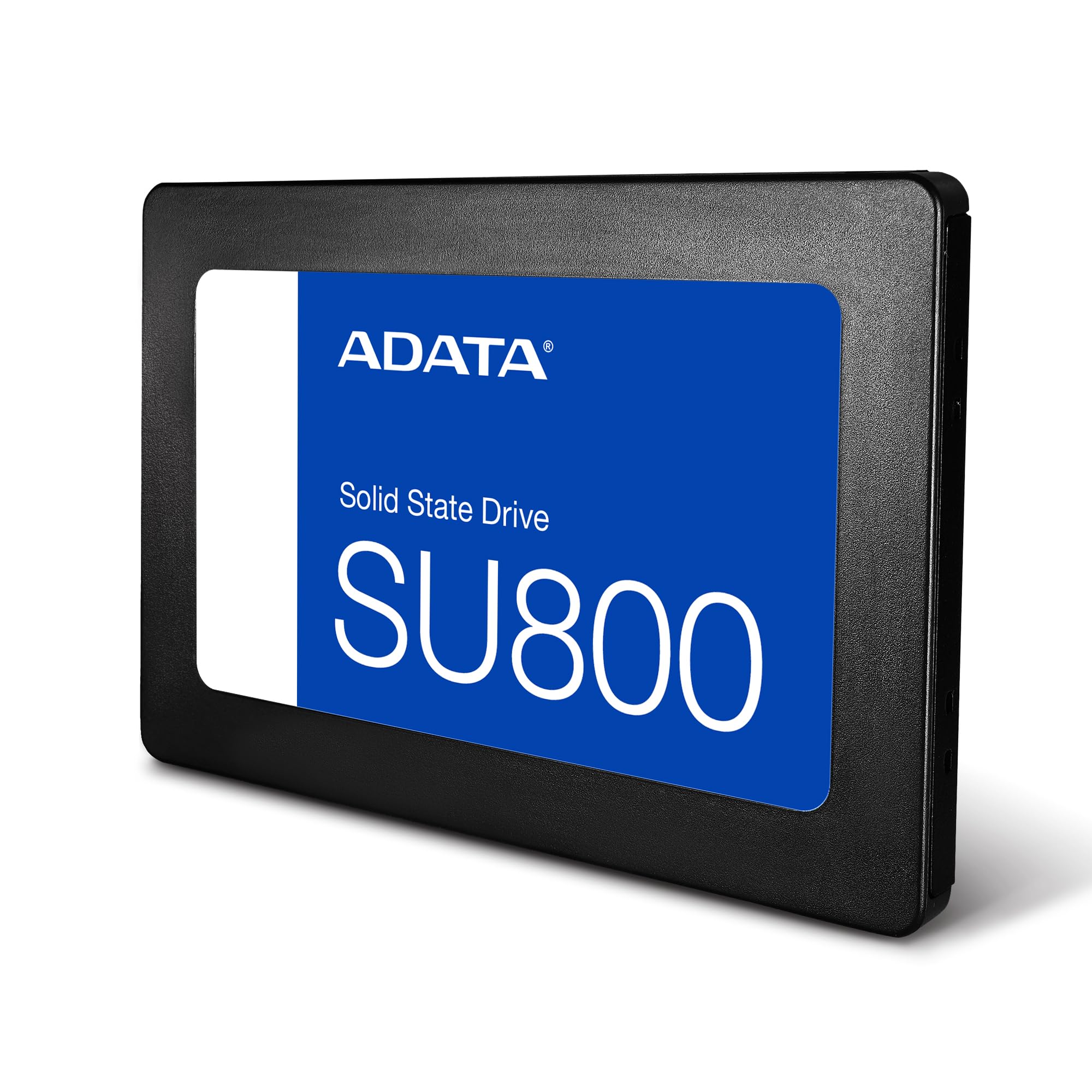
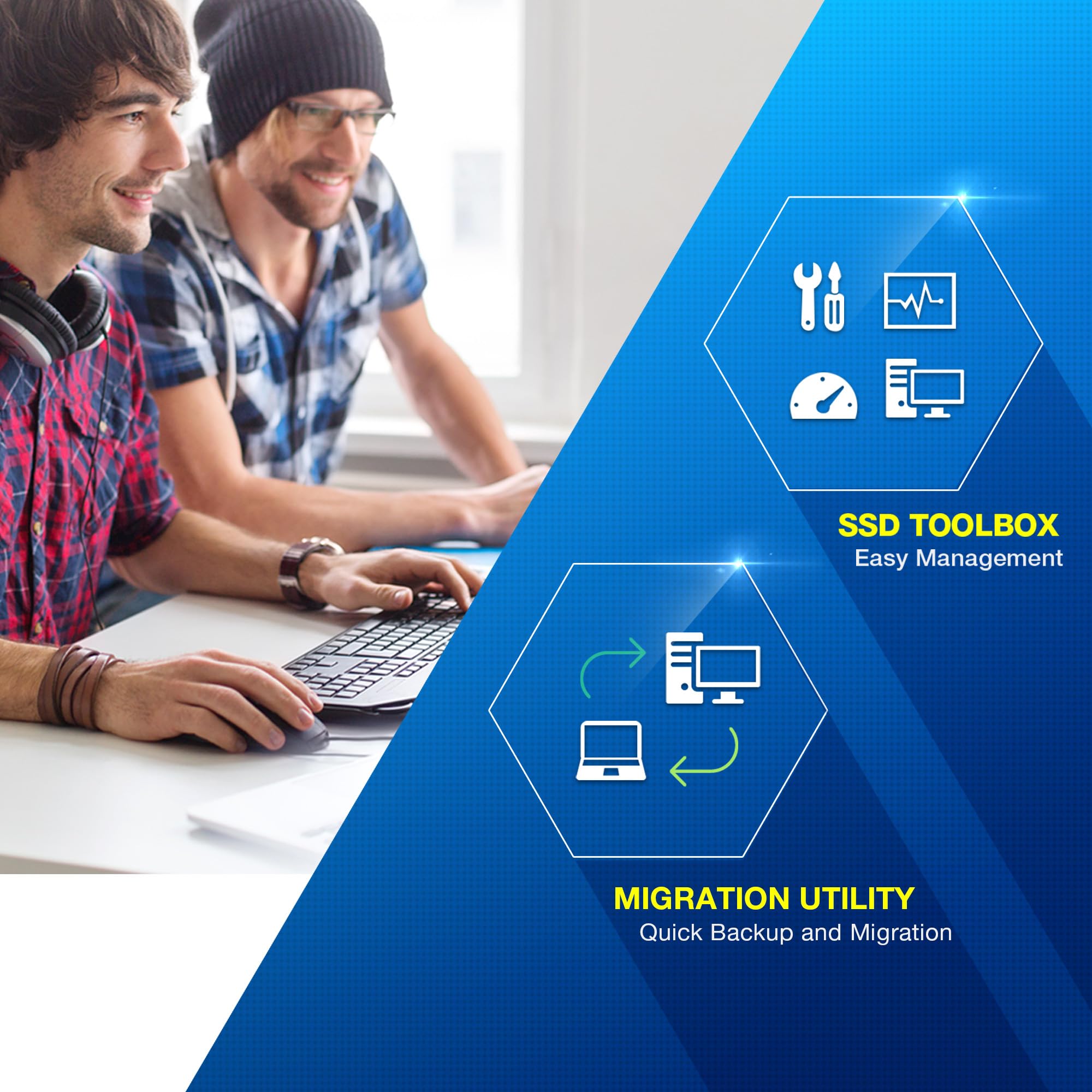
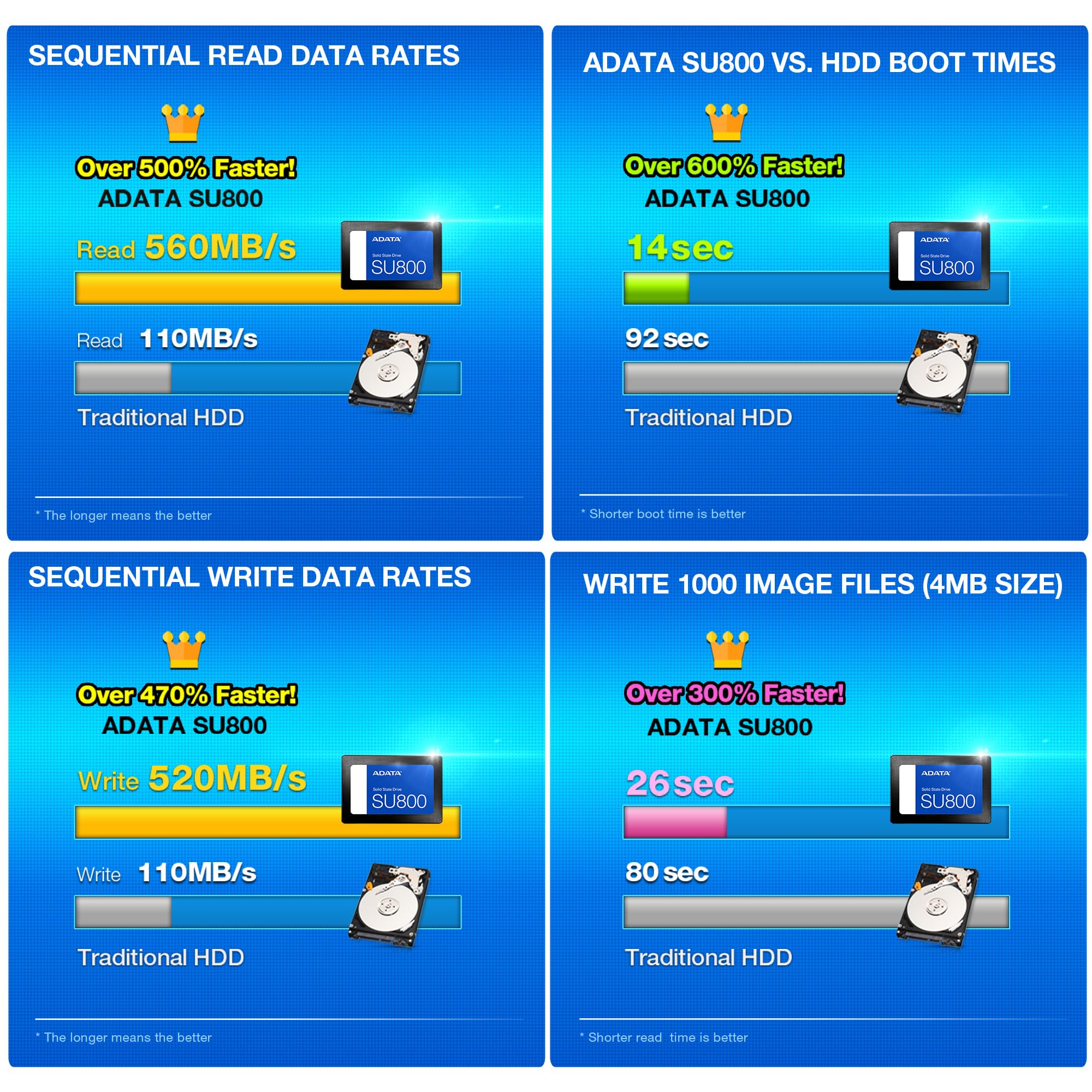
The ADATASU800 512GB SSD leverages cutting-edge 3D NAND technology and SATA III interface to deliver blazing read/write speeds up to 560/520MB/s. Featuring dynamic SLC caching, DRAM buffer, and advanced RAID Engine with Data Shaping, it offers both high performance and robust data protection. Compatible across PC, Mac, and Linux platforms, this sleek 2.5-inch drive is the perfect upgrade for professionals demanding speed, capacity, and reliability.


| RAM | 512 GB |
| Hard Drive | 512 GB Solid State Hard Drive |
| Number of USB 2.0 Ports | 1 |
| Brand | ADATA |
| Series | Ulitimate SU800 |
| Item model number | ASU800SS-512GT-C |
| Hardware Platform | PC, Mac, Linux |
| Operating System | All |
| Item Weight | 1.6 ounces |
| Product Dimensions | 3.95 x 0.28 x 2.75 inches |
| Item Dimensions LxWxH | 3.95 x 0.28 x 2.75 inches |
| Color | Black |
| Number of Processors | 1 |
| Computer Memory Type | DDR3 SDRAM |
| Flash Memory Size | 512 GB |
| Hard Drive Interface | Serial ATA-600 |
| Manufacturer | ADATA |
| Language | English, English, English, English, English |
| ASIN | B01K8A29CS |
| Is Discontinued By Manufacturer | No |
| Date First Available | August 11, 2016 |
B**E
Huge improvement over my laptop's HDD
I bought a new Asus Q524UQ laptop and was really struggling with how slow the included 2 TB 5400 RPM hard drive was. The computer took forever to start up and seemed particularly awful when it was attempting to install updates. I was glad to see there was an open M.2 slot in the computer and, as I'm sure many people viewing this item have, found that this was one of the cheapest options available. I decided to take a shot with it and am very pleased with the results.The installation of the drive could not be easier. The most difficult part really was remembering where I left the screwdriver I needed to open up my laptop, though that was more the fault of Asus for using a weird screw and me for not being very organized. Once I had it popped open installation of the drive took about 10 seconds. It pops right in the slot and then you have to screw it down. The one thing to keep in mind is that you will need to have your own screw. The drive doesn't come with one and in my case the laptop didn't have one preinstalled either. Fortunately I had one, but if you don't you will need to acquire it. I believe it's an M2x3mm screw.From there the slightly tricky part was moving the OS from the original HDD to the newly installed drive. There are actually two methods I used and both worked without much issue. The first option I tried was simply cloning the drive using Macrium Reflect software. The process was fairly easy and since it was a brand new laptop I just copied everything on the hard drive over, went into the BIOS, and changed the boot order. The difference was night and day. Booting from this drive took mere seconds compared to the rather lengthy process with the original drive.Although the clone option was easy, I ended up using a flash drive to do a complete reinstall of Windows 10. The main reason I switched to this was because the laptop came running an older version of the OS and it was easier to start fresh with the newest version one time than to keep going through the update process. This also wiped out all of the Asus preinstalled software that I didn't really want.If you have a computer you've been using and don't want to lose anything I'd recommend the clone option. For a newer laptop or just one that's full of bloat that you don't care about losing it's probably easier to start fresh with the flash drive installation.
G**N
Great hard drive replacement, fast and reliable, but be sure it fits your case.
For my programming and media uses, I picked this 1TB SSD because of the speed and the fact I wanted an onboard memory/hard drive device for my raspberry PI.I find it very reliable, very responsive when retrieving documents, and I am able to do things like write programs while blasting my music, stored on the SSD (I have close to 5000 songs loaded on my card) and using the VLC player, I've created playlists where I can just leave the songs crank on my three-speaker system that was part of one of my windows PC media centers, so it has its own power source and doesn't draw it from the raspberry PI card, and right and run my own code.I've been running it now for close to three weeks nonstop as I now use my raspberry PI as my main computer, and I've had no issues with the memory card at all. I've had no lost files I've had no corrupted areas, and the SSD card comes up immediately.The only thing I wish I could've done differently, and this is due to my inexperience in Raspberry and forgetful of my UNIX days, is to properly set the card up so that my device just boots from the microSD card and everything else is stored on the SSD memory. What I wish I could've done differently was as soon as I created the first partition was to format the SSD into a 1TB partition rather than let it create thousands of partitions as I add new files and programs.No I gave this card a three star rating or ease of installation because when you look at the photo and the lack of anything in the description, it seemed like it would fit one of the cases that I purchased, but when I got it I was rudely awakened to the fact that it does not fit. So my advice to you is unless you plan to 3D print your own case, if you are used to an open air system for your raspberry PI, then this actually would be a five star installation. But be careful when trying to purchase a case to enclose this SSD card. My next raspberry PI will use the shorter SSD cards and they will fit in a double height case.
Trustpilot
4 days ago
3 days ago