Some deliveries may take a little longer than usual due to regional shipping conditions.

DOWNLOAD THE APP


Customer Services
Copyright © 2025 Desertcart Holdings Limited
DOWNLOAD THE APP

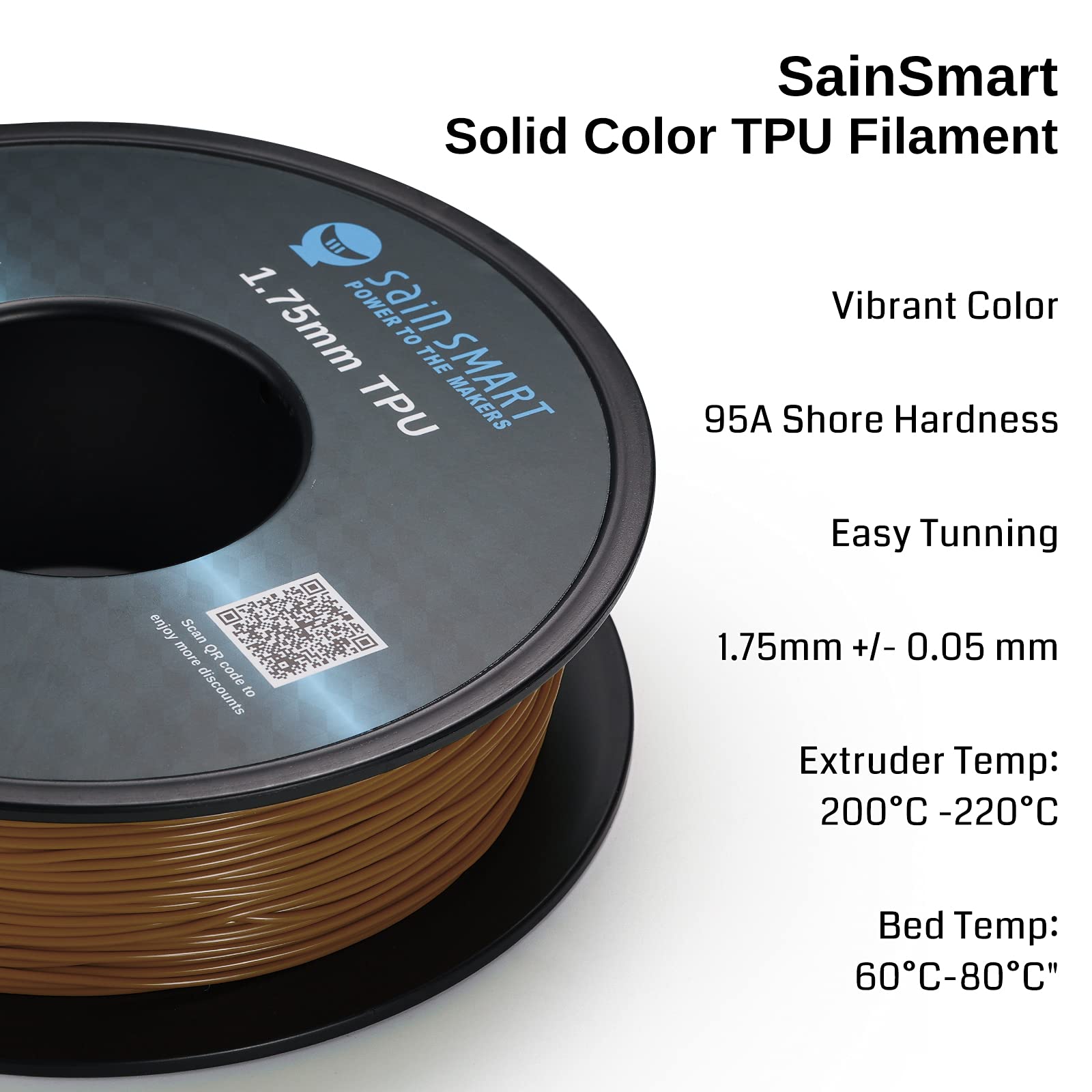
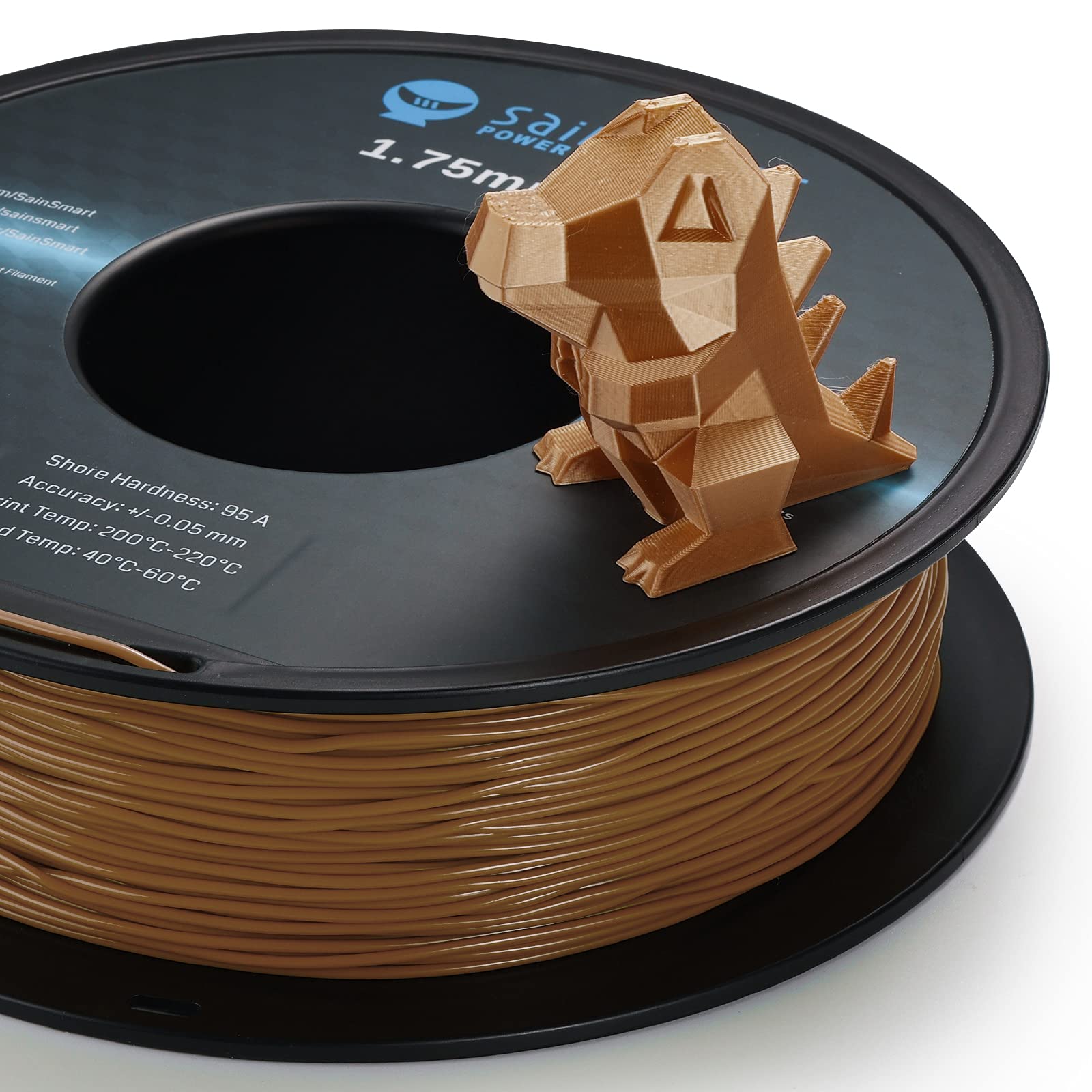
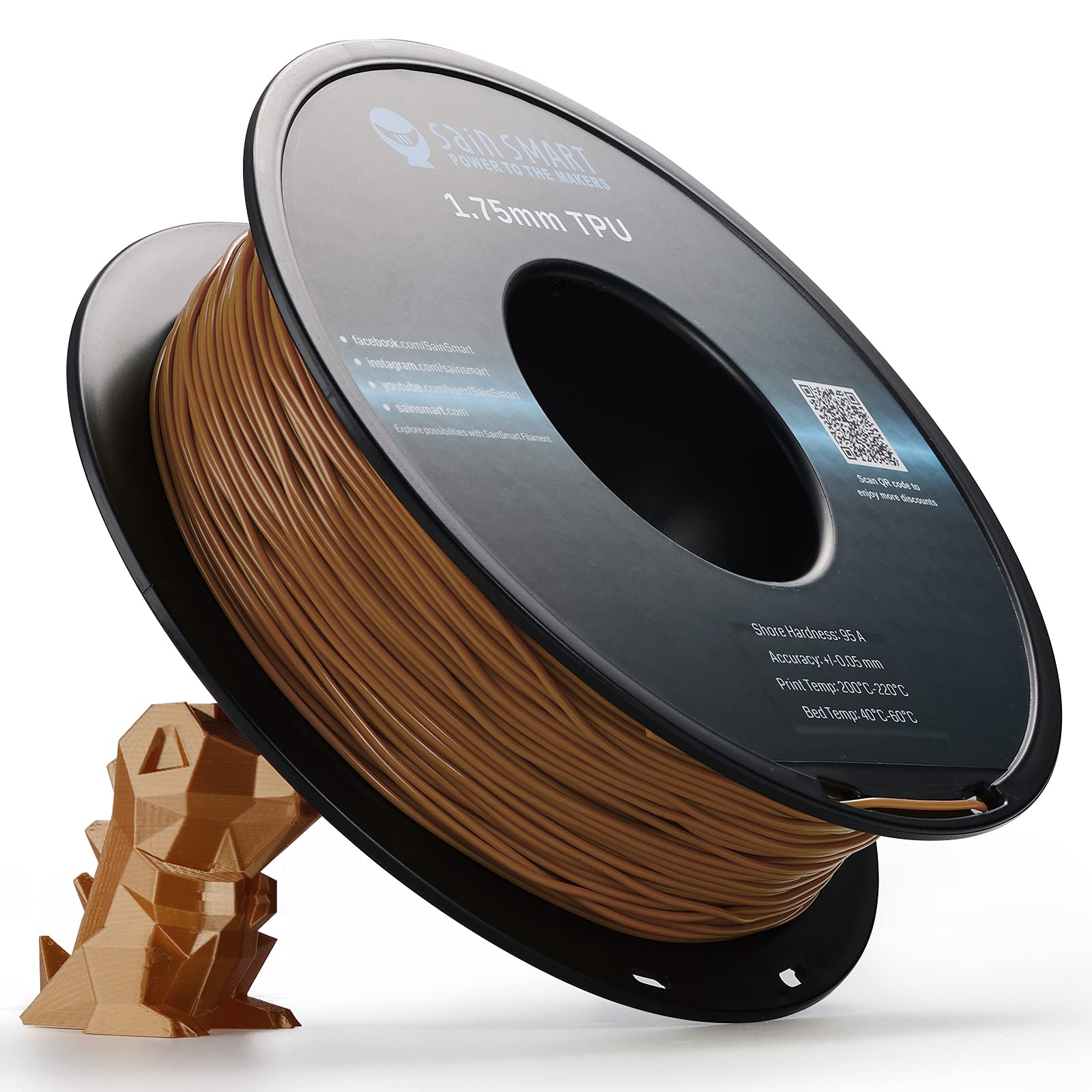

🔥 Print Flexibility That Stands Out — Stretch Your Creativity! 🖨️
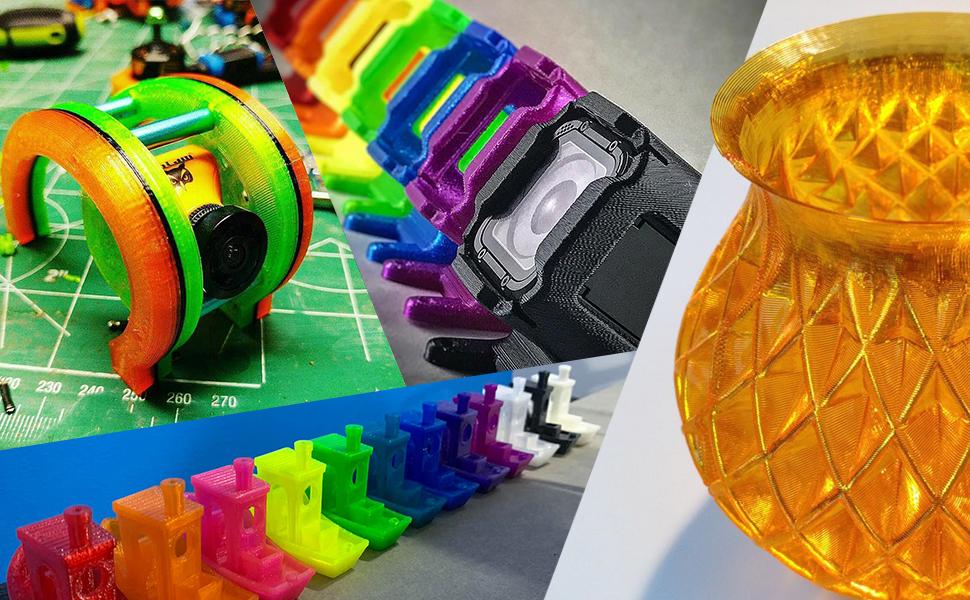
SainSmart Caramel Flexible TPU filament offers millimeter-perfect 1.75mm diameter with ±0.05mm tolerance, Shore Hardness 95A for durable yet elastic prints, and 0.8kg vacuum-sealed spools. Compatible with most popular 3D printers, it delivers smooth, abrasion-resistant, and flexible parts ideal for professional and creative projects.











| ASIN | B099RWRKYR |
| Best Sellers Rank | #23,967 in Industrial & Scientific ( See Top 100 in Industrial & Scientific ) #526 in 3D Printing Filament |
| Brand | SainSmart |
| Brand Name | SainSmart |
| Color | Caramel |
| Customer Reviews | 4.6 out of 5 stars 2,413 Reviews |
| Item Diameter | 1.75 Millimeters |
| Item Weight | 0.8 Kilograms |
| Manufacturer | SainSmart |
| Material | Thermoplastic Polyurethane |
| Material Type | Thermoplastic Polyurethane |
| UPC | 816550025079 |
| Unit Count | 28.21 Ounce |
B**9
I love this stuff (way more than expensive Ninja)
I bought this in black and yellow, waiting on the multi-color pack to get back in stock now. I spent a week in hell, as I was new to FLEX and had to learn some things the hard way. Punch line: this is AWESOME filament! The yellow looks like a glowing fiber optic when light is nearby, it is simply marvelous!! They are both extremely strong, but also soft and lustrous. Super elastic. You can take the single skirt extrusion and stretch it to perhaps 10 times it's size without breaking, but the material seems to remain slightly stretched if you do that, perhaps 30-60%, but after that it always snaps back to that size. Ordinary prints are super strong and hold their shape perfectly. Here are the bottom line lessons learned if you are new to TPU: LOOSEN THE IDLER!; start at 15-20mm/s for everything except travel; be certain your 1st layer is dialed in well for this filament; and TURN OFF RETRACTION. TPU will wrap itself around your extruder gear, or jam, and speed and retraction are the enemy here. Get it to print, enjoy how amazing it is and be happy, and optimize from there! I have a Prusa i3 MK3. My original hell began on this, and I naively tried to use the stock profile for Sainsmart TPU (I mean, it was there, right?). It seemed to work, but ended up dying mid print, almost always. Ended up wrapped around the extruder gear. Annoying to open things up and unravel it. Rinse and repeat, no joy. Played with very many settings, read very many blogs. Nothing worked. Finally blew the dust off my MK3S upgrade kit, bit the bullet, and spent a bunch of hours tearing down and rebuilding my extruder. Tried again, this time switching to the much more expensive *good filament* I bought (Ninjatek). IT JAMMED AGAIN. WORSE. OVER AND OVER. Finally, it basically tied a knot around the gear and I had to do a 50% disassembly of the extruder to get it out (luckily the MK3S upgrade anticipates this and it's easy). Ditched the Ninjatek (I really dislike that filament, it's expensive, has a dull luster, is too soft, and even harder to print, what a bunch of overhype!). Read a bunch more blogs, and finally realized the only real problem was trying to use the stock profile. The answer was go extreme at first, and optimize after you are happy and can go from there. Here are the full changes I made to the stock Sainsmart profile to start with: - Everybody says "loosen the idler"....but to what?! I had to loosen the idler almost entirely, for me almost the entire screw head was jutting out, and perhaps 1-2 turns of the screw were in the nut. This is super important, and I found you can find the sweet spot by starting loosest (screw just biting), try to load, and tighten until it loads, then stop! Experiment from there. - Bed Temp 70 deg C - Extruder Temp 235 deg C - All print speeds 15mm/s (keeping fast travel speed seemed fine, if a little stringy) - Turned off "keep fan always on" - Enabled auto cooling - Turned off retraction! (in Prusaslic3r this is in the printer settings tab under Extruder 1) I have so far turned the speed up to 35mm/s for infill and it seems to work fine, others say 40mm/s works. I love this filament. After a week of misery, once tuned in it just works every time, good luck!
R**N
TPU - The Tire Filament
Picked the brand as a modeler on YouTube recommended it. Prints great on our BL P1S. My favorite filament type. Little on the hard side (15% infill), but might be something I can adjust with infill percentage. Looks amazing, shiny, and layer lines are hard to detect.
P**N
Works great with the right settings
Good product. Okay... first time printing TPU after using PLA exclusively. On the first few attempts, I had adhesion issues like everyone else here. Even cleaning the bed with rubbing alcohol between prints didn't do the trick (I always do this whenever my fingers touch the bed). Adhesion is easily fixed with the right settings. I'm using a 0.5 mm nozzle to print some tubular adapters, so I care more about function than things looking pretty, but the settings should translate to other nozzle sizes too. Here's what I'm doing: * Printer: Ender 3 v2 What I find makes or brakes this TPU: * Nozzle temperature: 200 C (anything hotter, even at 210 C, the filament starts looking "bubbly" and unclear/cloudy rather than smoothly transparent; I can probably lower it to 190 for even more clarity - see picture for what I mean) * Bed temperature: 50 C (cooler bed seems to perform better, anything hotter and I get bad adhesion) * Initial layer speed: 10 mm/s (first 6 layers are at this "slower" speed, # can probably be reduced to like 2-3) * Speed: 30 mm/s (max, I typically reduce this even more down to like 50% i.e.15 mm/s) * Wall speed: 15.0 mm/s * Cooling: from 50% to 70% during the first 4 layers, then 70% for the rest (I tested starting at 0%, which made the bottom layers look way off compared to the rest of the print) * Retraction: 6.5 mm @ 25 mm/s With TPU being so "stretchy" compared to PLA, I think some retraction is necessary regardless of what I read online. I haven't tried it without, as even with retraction there is some "smearing" / trailing happening, but it's very minimal and hasn't impacted the structural / look of my pieces. Other print settings I'm using that may have an impact: * Layer height: 0.25 mm across the board * Line width: 0.5 mm across the board * Wall line count: 3 * Top/bottom layers: 4 * Infill: 50% (for my use case) This works for me, adhesion is no longer an issue, no need for tape or whatever other hacks are suggested out there. Just lower your temperatures a bit and it will work great. Hopefully this helps everyone having issues.
A**D
Kinky, jams in the extruder; otherwise fine
Another update: I'm back to buy another spool. It's harder than ninjaflex, 95A seems about right... i don't have a great way to measure, but prints come out about as hard as other 95A material. It prints shiny, and definitely does better with direct-feed due to the relatively kinky nature of the material. It works well for things that need to be semi-rigid. I'm using it to make stuff like mug handles (need to be compliant but stiff) and parking blocks (again, compliant but stiff). For small things like knobs and washers and plugs, I prefer 85A ninjaflex. --- Updating this review -- up from ** to ***1/2. I made a new extruder plate to try and prevent the binding issue, and I've been respooling the filament before printing. This helps a lot and I was able to successfully print about 30g for an OpenRC tire. it's still a lot more work to print, but once dialed in (which for me included printer mods and respooling filament) it does OK. It's not as stretch as ninjaflex, but for tires it'll do fine. --------- I don't care for this product. It's very inexpensive, but so far I've got one good print (my own little benchmark for tuning this filament) and two failed ones, both because this jammed in my extruder. I am using a modified Monoprice Select Mini, maybe a direct-feed extruder will be more generous. I print great with Ninjaflex, which is softer / more flexible, but I think the problem is that this filament is jumbled onto the spool and comes out kinked. The kinks seem to catch in the extruder, even when I've disabled any retraction. I've been warned against using cheap filament, and this stuff definitely counts. I was trying to print wheels for an RC car; they work well in PETG, but I was hoping this TPU would do better. So far I can't successfully print a straight meter of this without a jam. APART from the jamming issue, the stuff seems to be of reasonable quality. It's definitely harder than the 85A ninjaflex, so I can't question "95A". it seems about like a skateboard wheel. It comes off very shiny, moreso than Ninjaflex. Adhesion between layers is excellent, but I did some tuning. It prints relatively cold, around 210, and sticks well enough to a glass bed. If I could get this to print I think it'd do great in my application.
R**R
Predictable results
Good quality filament, prints great with slight tweaking of speeds and temps. Seems like it strings less than cheaper brands. I pretty much exclusively print parts for drones, overall good buy
J**T
Great Semiflex!
This filament prints great in both direct drive (prusamk3) and bowden (Ender3). Ive printed about 5 or 6 rolls of the black with consistent results. BUT.... make sure the filament is dry. If it's wet, it will print bumpy and look like it's bubbling out of your nozzle. Even new sealed bags can have this problem. So I generally just dry it by default and the keep in a bag with LOTS of silica gel. I use an old food dehydrator at 122F (50C) for about 5 hours or more. I use a separate temperature controller to keep it at the temperature I set. That's important because higher temperatures can cause issues. Some dehydrators get way too hot. Keep this filament dry and you will be happy! Use glue stick on PEI to prevent it sticking too well. This is NOT super soft and squishy. It is called Semiflex. So keep that in mind. I use it for parts that need to be super flexible and durable. Parts printed with this are almost indestructible. You can't tear them or crack them. This is a good choice for your first flexible filament in most printers. 230C to 240C nozzle temps work well. Start at 230C and adjust as needed for good layer adhesion.
S**P
Prints great with a bowden extruder (slowly)
This stuff's pretty awesome. It prints well at 10mm/s through my (long) bowden extruder. Just make sure the area after the filament leaves the extruder gear is closely constrained so there's no gap for the flexy filament to buckle and push out when it's trying to feed. - 10mm/s - 220C - retraction disabled - cooling fan on after first layer I got the TPU in "clear", but it prints kinda milky. Colorwise, it almost looks foamy, but the surfaces are nice and smooth. In my experience it doesn't bridge very well and it can string, but neither is terrible. I recommend picking up some flush cutters to trim the strings; the prints are very durable, and so are the strings! You probably won't be able to cleanly pull them off and sometimes even a razor is tricky to use for cleanup. Layer adhesion is fantastic. Thin-walled prints stretch and squish pretty easily and return to their shape. I haven't seen any delamination yet. A single layer printed on the bed is floppy and droopy like wet paper. Two or three layers are about the stiffness of thick paper. Half a centimeter thick with 25% infill and it's a little less stiff than a rubber spatula. Add thickness and infill and the print starts to feel like a rubber doorstop. TPU is great for printing parts that need to friction-fit together since you don't have to worry about getting tolerances really close. Things will just flex into place.
K**R
Definite Quality Control Problems, but Sainsmart trying to make it right.
Update 1: Sainsmart contacted me and offered to replace the bad rolls and give the filament another shot. I gave them my address, etc., but a month later and no filament ever showed up, so I'm keeping this review at 1 star. If the new filament ever shows up and it works out, I'll update this review. Update 2: Sainsmart shipped the filament to the wrong address, even after I sent the correct address. I finally received it two months later. Update 3: I got a chance to use the TPU, and unfortunately it still had the same exact quality problems I experienced previously. Many hours of wasted prints. In addition, the TPU was full of moisture fresh from the package and had to be dried in my food dehydrator overnight before it would print properly. Update 4: Sainsmart again sent me new replacements (again to the wrong address). This time from a different factory and on different rolls. It looks suspiciously like the same rolls used by Yoyi. I have high hopes for this one. Raising my review by 2 stars just because Sainsmart is obviously trying to make it right. When it works, it works fine, but there are definitely some quality control problems. See attached picture. This plugged up my extruder and made a 23 hour print fail. (not happy!). The filament diameter goes up from 1.69mm on average all the way up to 2.5mm in spots. I've seen it go down to 1.6mm in diameter. Unfortunately, I purchased 5 rolls of this for a big print job. There is cheaper TPU filament that I had zero issues with (Yoyi I believe). The good: Prints very nicely when you get a roll that has a long enough portion where the diameter is consistent. I even got it to do some pretty decent bridging. The Bad: Diameter is all over the place. No consistency. Spool was wound poorly, so when you get to the end, the TPU is very wrinkled. OK for a direct extruder, but death to a Bowden extruder. Print settings: Glass bed with PVA glue coating at 70C gave perfect adhesion. First layer nozzle at 230, and then all other layers nozzle at 205C. (230C is the key to good bed adhesion, and 205C almost eliminates stringing) Fan off first layer, 100% for subsequent layers. Excellent layer adhesion. 25mm/s print speed with direct drive extruder. 20mm/s print speed with a Bowden extruder. Sainsmart would have a good product if only they could get it to be a consistent diameter. This roll is definitely going back for a refund. The others I'm forced to use because I need them right now. I've already had several failures from the other rolls, but when you're in the middle of a big print job, you do what you have to do.
Trustpilot
3 weeks ago
2 weeks ago