We remain fully operational. Our teams are working around the clock to ensure your deliveries continue safely.

DOWNLOAD THE APP


Customer Services
Copyright © 2025 Desertcart Holdings Limited
DOWNLOAD THE APP

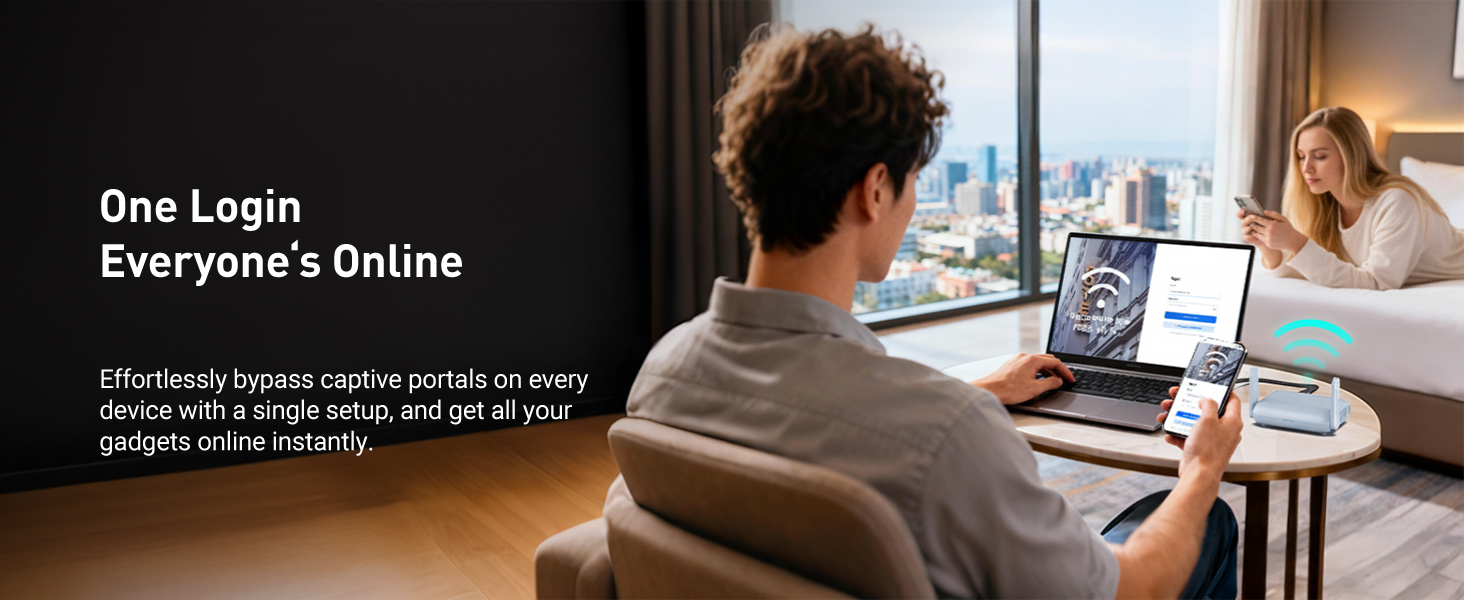
🌍 Stay Connected, Secure, and Ahead—Anywhere You Roam!
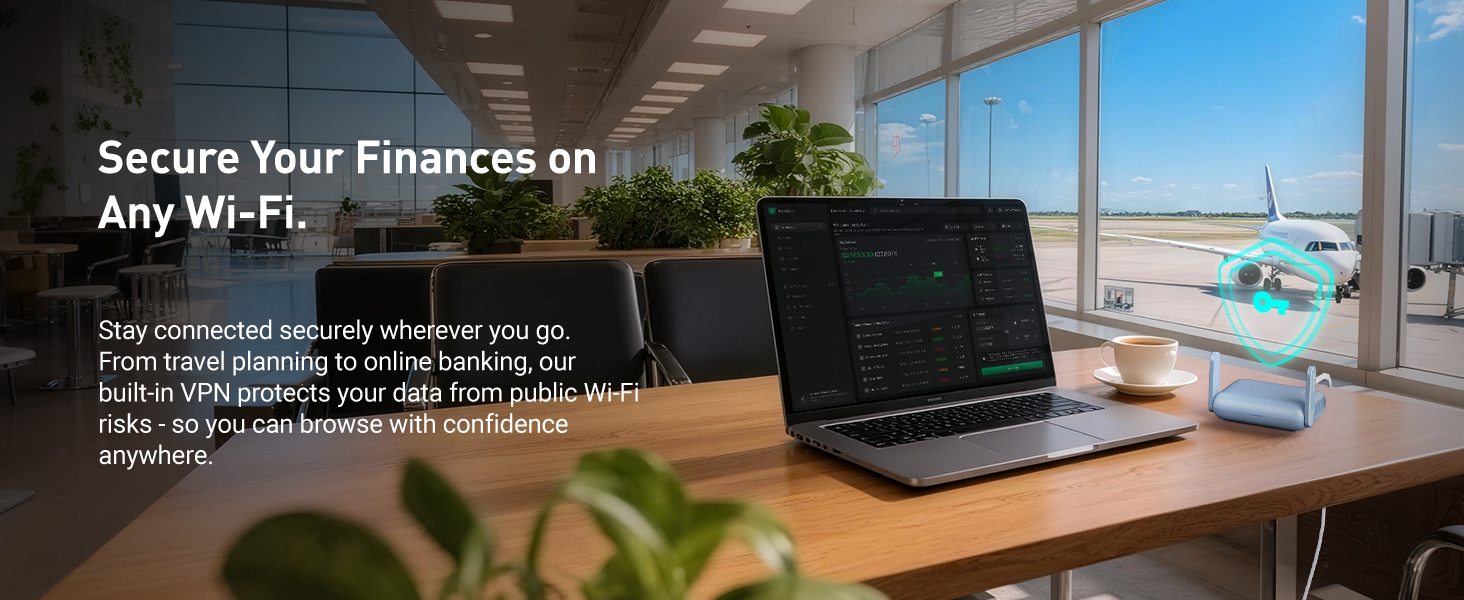
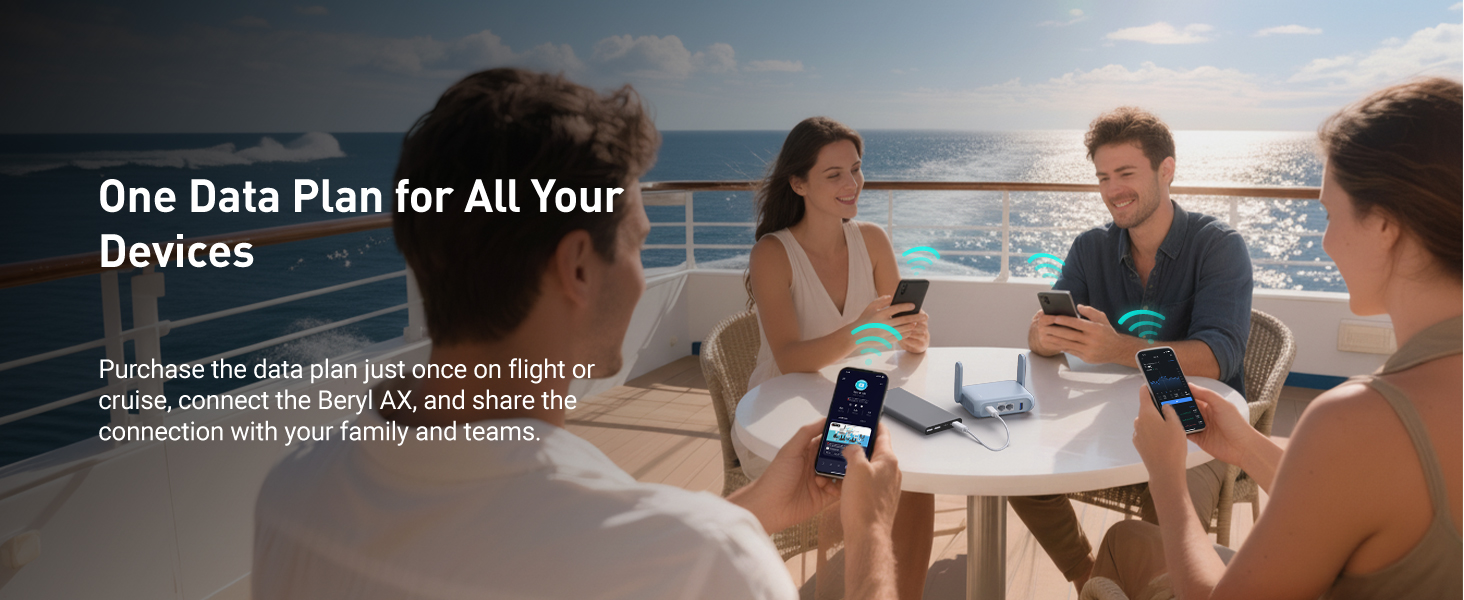
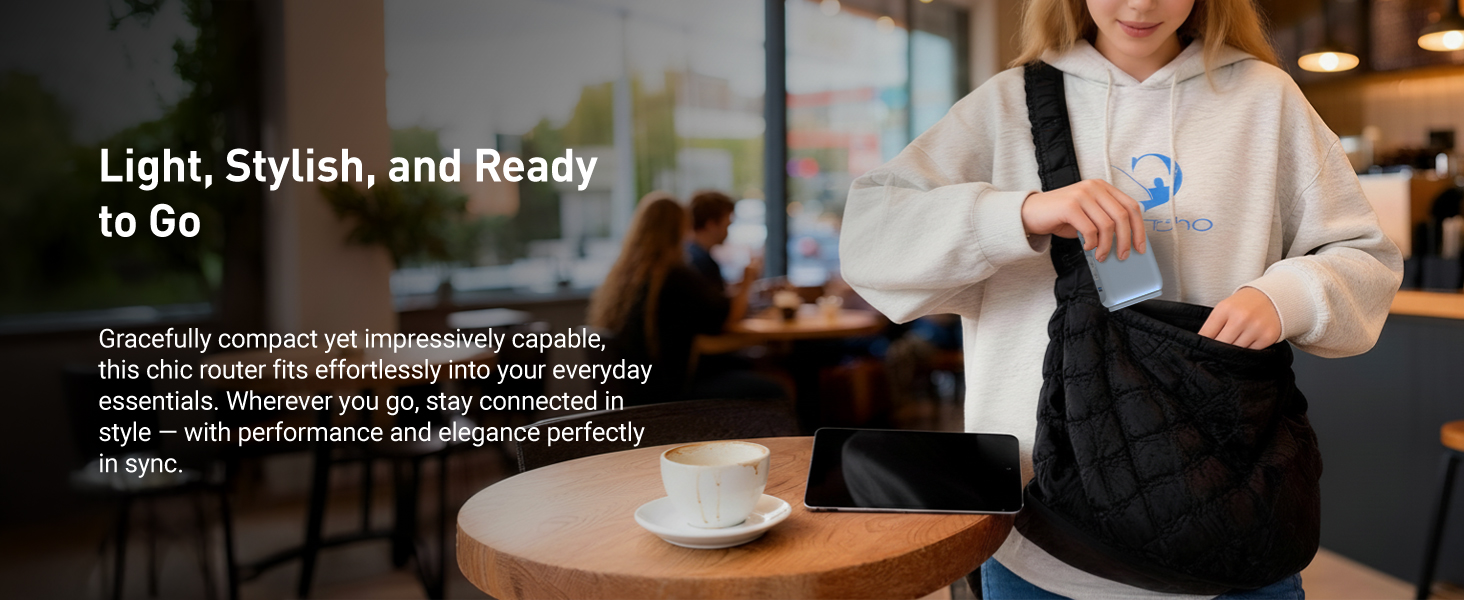
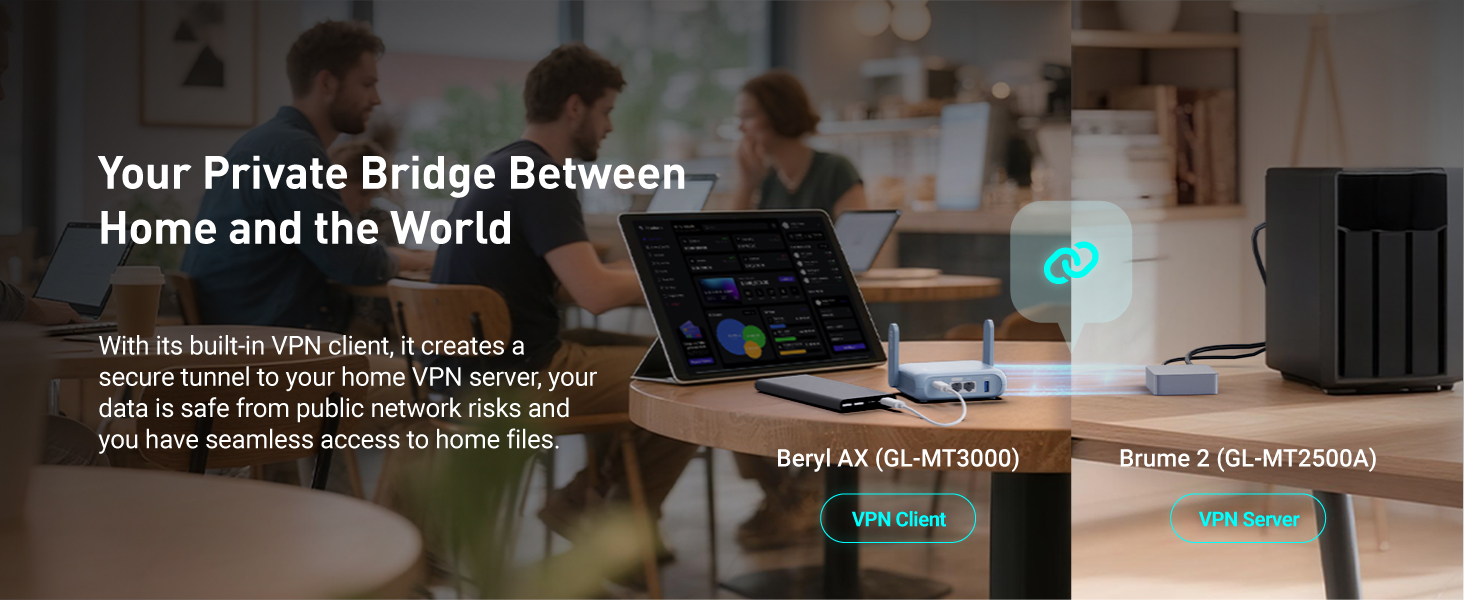
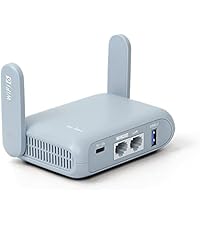
The GL.iNet GL-MT3000 (Beryl AX) is a compact, travel-ready Wi-Fi 6 router delivering dual-band speeds up to 2976 Mbps with a 2.5G multi-gigabit WAN port and USB 3.0. It features pre-installed OpenVPN and WireGuard clients for robust, on-the-go network encryption, supports WPA3 security protocols, and runs on customizable OpenWrt 21.02 firmware. Designed for professionals and travelers, it offers seamless setup, universal plug compatibility, and the ability to host VPN client and server simultaneously, ensuring secure, high-speed internet access anywhere—from airports to remote workspaces.
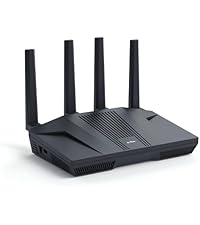
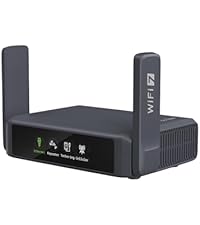
| ASIN | B0BPSGJN7T |
| Antenna Location | Business, Home |
| Antenna Type | Retractable |
| Best Sellers Rank | #1,304 in Electronics ( See Top 100 in Electronics ) #12 in Computer Routers |
| Brand | GL.iNet |
| Built-In Media | Ethernet Cable, GL-MT3000 (Beryl AX) router with 2-year warranty, Power Adapter (US Plug, UK Plug, EU Plug), User Manual |
| Color | Blue |
| Compatible Devices | Personal Computer, Printer, Smartphone |
| Connectivity Protocol | Wi-Fi, Ethernet |
| Connectivity Technology | Ethernet, Wi-Fi |
| Control Method | App |
| Coverage | 100 meters |
| Customer Reviews | 4.6 4.6 out of 5 stars (4,825) |
| Data Transfer Rate | 3000 Megabits Per Second |
| Frequency | 5 GHz |
| Frequency Band Class | Dual-Band |
| Is Modem Compatible | Yes |
| Item Dimensions L x W x H | 4.17"L x 3.27"W x 1.3"H |
| Item Weight | 196 Grams |
| LAN Port Bandwidth | 10/100/1000 Mbps |
| Manufacturer | GL.iNet |
| Maximum Upstream Data Transfer Rate | 2976 Megabits Per Second |
| Mfr Part Number | GL-MT3000 |
| Model Name | GL-MT3000 |
| Model Number | GL-MT3000 |
| Number of Antennas | 2 |
| Number of Ports | 2 |
| Operating System | Linux |
| Other Special Features of the Product | Access Point Mode, Guest Mode, QoS |
| RAM Memory Installed | 64 MB |
| Security Protocol | WPA2-PSK, WPA3 |
| Voltage | 5 Volts |
| Warranty Description | 2 Years |
| Wi-Fi Generation | Wi-Fi 6 |
| Wireless Compability | 802.11a, 802.11ac, 802.11ax, 802.11b, 802.11n |
P**H
Great Travel Router. And Emergency Home Network!
UPDATE January 2026: Confirm it works at Edinburgh Airport. UPDATE December 2025: Confirmed that it worked perfectly with the free airport WiFi at Hong Kong International Airport (HKIA). Also works perfectly at London Heathrow Terminal 5 (no need for any sign in here). UPDATE December 2025: Our Internet provider lost WiFi to the entire area today. I tethered my phone to the Beryl and had Internet to everything in the house in a minute. Absolutely brilliant piece of kit. Yes, slower than my normal but 90mbs download still plenty fast enough. Life saver! Great little travel router at a good price. It is very compact and easy to carry. It comes with a USB power adapter along with various connectors for US, UK plug sockets. I don't bother to carry these as it is powers up from any USB C source. I have used it plugged direct into my MacBook Air and also my Anker 5,000 portable power bank. Both have worked perfectly so I would rather carry the power bank than the power brick! Setting it up was very simple. Do it at home first though as you will need a Firmware update. I have ExpressVPN and I downloaded the necessary files and connections in a couple of minutes - the instructions are easy to follow. Along with changing the side switch to turn on the VPN. When you rename the 2.4 and 5GHz ignore the various YouTube videos - just give them both the same name, it works perfectly. It is easy to turn on AdGuard or other various encrypted DNS options etc. but be aware this may affect you trying to connect at an airport etc. Turn on the encrypted stuff after you are connected to the WiFi. Overall it seems a very well built piece of kit, with very easy software. Most impressed.
R**O
The only way to travel with family and multiple devices
With us being very concerned with public WiFi and the lack of security we usually avoid using any hot spots and I have configured our phones and laptops with a personal VPN when using those services. The downside is that the VPN clients on these devices will drain the battery and there is cost per device using that service. With the GL.iNet travel router with the bult in VPN service you only connect to the public WiFi and then launch the VPN on the router itself. Our phones and laptops connect to a secure local connection to the router, which then goes over the VPN which is encrypted over the public WiFi. This was easy to configure and worked well. I didn't have a chance to test at home since the router arrived the day of travel so I quickly did a VPN configuration (WireGuard) that I would enable at the location. Once I was at our destination I plugged in the router and also connected my laptop to the SSID and key using the ones printed on the side of the router. I then created new SSID and key that I would share with the family. The next step was to connect to the WiFi since there was no ethernet at our location and I was able to scan and connect with no issues. The last piece was to put in the WireGuard VPN configuration and activate the VPN which was really easy. The VPN activated on the first try and then tested with my laptop and was able to get to all my sites and services. I then shared the SSID and Key on the family devices and they were all able to connect as well. We had a total of 8 devices running against one connection over the VPN. There are lot more features in this router but for us it was about being secured in the public WiFi space. The router can become a NAS, can use Ethernet as the WAN connection, and also you can use a cell phone USB tethered if no other services are available. What I really liked: Price, compact, easy to setup, USB C powered, up to date software What I would suggest in improvements: For some reason even though the access point for WiFi was in our room the GL.iNet GL-MT3000 seemed to favor 2.4 GHz over 5 GHz. I clicked on the connection type and was able to force 5 GHz in the WAN settings. The router by default separates the 5 GHz from 2.4 GHz by using separate SSID's. I always preferred to combine both into one SSID and let my devices determine the best one to use. When I configured the local WiFi id did just that in the configuration of our new SSID. I would recommend anyone that travels with family and needs to share and secure their internet devices to take a hard look at using the GL.iNet GL-MT3000.
J**N
Great little router, even if a little expensive.
I got this for a few reasons, and so far am happy with it. The primary reason I got this was for a router in my RV that I could connect a mini-PC to for running my astrophotography setup. This lets me setup the system and the mini-PC automatically gets a fixed IP so I can remote desktop into it from inside the trailer on my laptop. This worked great in my testing this past week. Easy to setup, good signal, and does everything I want. The second reason I got this is as a temporary backup router for home. With the ability to tether through my phone it would be an option to provide Internet access if my cable modem goes down for any reason. That doesn't happen very often, but it is nice to have the backup. While I haven't had to use it, I have tested it out and everything worked great. Along those lines, sometimes when we are camping better cellular coverage is available outside of the RV. I can set this out with a battery pack and my phone, providing better signal to my laptop. Lastly, I'll likely start traveling more for work, so this will go along with me. I've configured this with both ZeroTier to connect to my home network, and also with a VPN provider, and it works great. I have the switch on the side configured to enable/disable connection to my VPN provider, so everything on the router goes through VPN. This will be great when I am in a hotel on travel. Not only will this keep my laptop and phone off the hotel network directly, it will also secure all of my connections with VPN, offering another layer of protection. While I've tested this functionality at home, I haven't yet been able to put it to use.
B**B
I recently had the pleasure of using the GL.iNet GL-MT3000 (Beryl AX) Small Portable Wifi 6 Router, and I must say, it exceeded all my expectations. This compact device is a powerhouse when it comes to delivering high-speed, reliable internet connectivity on the go. First and foremost, the Wifi 6 technology is a game-changer. It offers faster speeds and greater capacity, making it perfect for streaming, gaming, and handling multiple devices simultaneously without a hitch. I noticed a significant improvement in the performance and range compared to my previous portable routers. Setting up the GL-MT3000 was a breeze. The user-friendly interface and clear instructions made the process quick and painless. Within minutes, I had a secure and stable internet connection. The router’s compact size is another major advantage, fitting easily into my bag and making it an ideal travel companion. What sets the Beryl AX apart is its impressive feature set. It includes robust security options, such as VPN support and advanced encryption, ensuring that my data remains safe and private no matter where I am. The ability to switch between different modes, like router, repeater, and access point, adds to its versatility. In conclusion, the GL.iNet GL-MT3000 (Beryl AX) Small Portable Wifi 6 Router is a must-have for anyone in need of a reliable, high-performance portable router. Its combination of speed, security, and ease of use makes it an excellent investment. Highly recommended!
I**H
Best router I've ever seen !! Small and very smart, based on OpenWRT with proprietary management interface. Very easy to use, can do everything, even WireGuard VPN using GL.iNet DDNS service ! Setup takes 2 minutes and it just works. Very stable, rather power efficient (doesn't heat much, never heard the fan spinning). It can even share a mobile phone connection to all WiFi users, just by connecting the phone USB cable to the front port and enable tethering. Love it ! Works perfectly as router, extender, VPN tunneling, with AdGuard, etc. For geeks, it can be customized with huge list of plug-ins. I work as a computer engineer since more than 30 years and believe me, this little all-in-one router is a gem !
A**N
I was able to install openwrt with passwall and singbox with help of LLMs. It works for now.
P**R
I bought this router to make using Wi-Fi more convenient and secure when I'm away from home, and it has performed very well. Setup - The initial setup process was straightforward. I was able to get it configured and online in just a few minutes using the web interface. Solid VPN Performance - My main purpose for this was VPN use, and it delivered. I tested it with my WireGuard and Tailscale configurations, and both connected without any issues and maintained a stable connection. Useful Ad Blocking - The integrated AdGuard Home for blocking ads is a very practical feature, especially when using public Wi-Fi. It works effectively across all connected devices. Easy Management - Being able to manage the router's settings through the mobile app is quite handy and makes it easy to make quick changes. Overall, it's a reliable and feature-packed device that does exactly what it's supposed to. It has become a standard part of my travel kit.
M**I
Świetny router jako reapter używam z open wrt i świetnie się do tego nadaje
Trustpilot
4 days ago
5 days ago