


🛡️ Shield your screen, elevate your style.
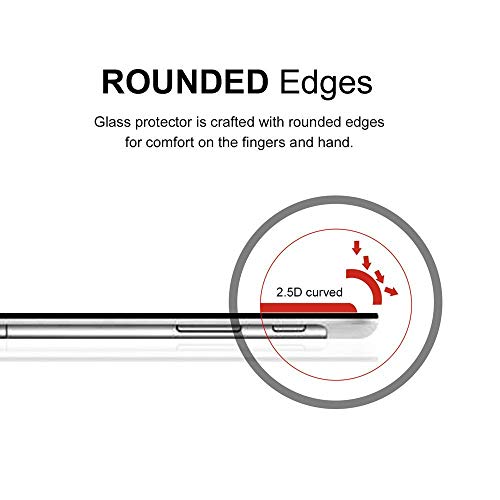
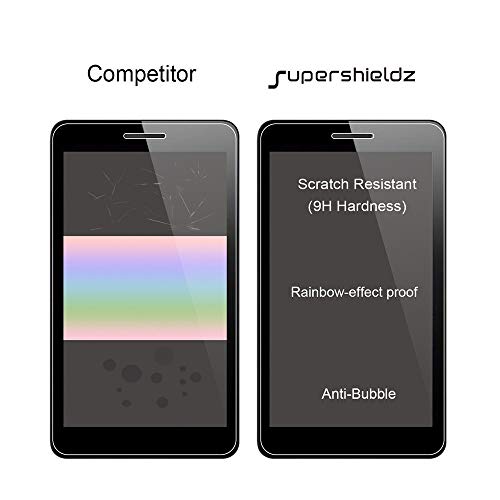
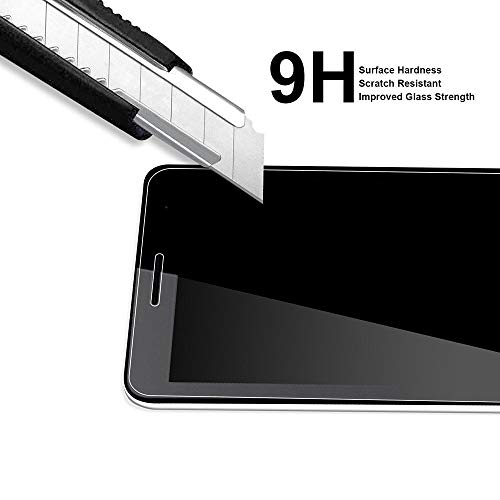
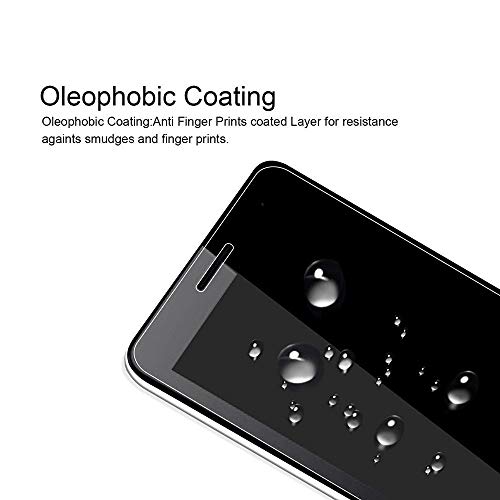
The Supershieldz Tempered Glass Screen Protector for Lenovo Chromebook Duet 5 (13.3 inch) offers 9H hardness for superior scratch resistance, 99.99% HD clarity to maintain original display quality, and a hydrophobic/oleophobic coating to reduce fingerprints and sweat. Designed with 2.5D rounded edges for comfort and bubble-free installation, it perfectly fits the Chromebook Duet 5, ensuring durable protection without compromising touch sensitivity or wireless functionality.


| ASIN | B0BC63Q5VB |
| Best Sellers Rank | 43,391 in Computers & Accessories ( See Top 100 in Computers & Accessories ) 902 in Tablet Screen Protectors |
| Customer Reviews | 4.4 4.4 out of 5 stars (164) |
| Date First Available | 1 Jan. 2024 |
| Item Weight | 290 g |
| Item model number | BC-TG-LNV-Chromebook Duet 5 (13.3)-1P |
| Other display features | Wireless |
| Product Dimensions | 18.21 x 30.1 x 1.27 cm; 290 g |
| Special features | 9 H Surface Hardness, Rounded Edge, Scratch Resistant |
| What’s in the box | screen protector |
X**G
Good quality
Used for couple months, good quality
B**G
Perfect
Perfect for the job.
R**W
Easy to apply
Good. Easy to put on. Haven’t had any issues yet. Nice and thick
B**E
Arrived broken
Arrived broken and used as there was no packet for cleaning the screen before attaching.
B**Y
So I used a different "film" screen protector for the 5 Duet and it was good. But this tempered glass protector is excellent. Sometimes with a device of this size, the protector will have issues with bubbles, especially around the edges. Not the case here. It was an easy install and was a perfect fit, no issues with bubbles. If you are not experienced with installing screen protectors, please watch the videos and do your research. As long as you follow the instructions, you will be fine and very satisfied. Great product and thank you again Supershieldz, I will always use you!
E**A
Quedó a la medida
W**R
Passt perfekt
C**S
Feels good quality, perfect fit.
D**P
Scary but not too difficult to install. Fitted first go, and no bubbles. Good technique, good product, or just good luck... I don't know. My hints: Clean and dust installation site. Ensure the product fits, note any notches, where it sits on the tablet and how close it is to all eges when sitting correctly Clean the screen thouroghly, and ensure that the surface is dust free. Remove any remaining surface dist with the microfibre cloth provided. Peel back the protective film layer to just boyond halfway down the tablet, (Do this with protector in psoition, with its sticky side down). Align with top of tablet. Place you finger with microfibre wipe at the top of the screen protectcor in the middle and start the bonding process slowly. Check allignment as you go. Check for large dust paricles and remove with dust absorber sticky pad or majic sticky tape (non marking). Squeeze out bubblees as you go, and proceed sqeezing gently towards you fold in the protective film. Continue to remove backing as you proceed to the bottom. Check allignement (Because once you remove the protective film fully you are committed.) Remove remaining proctctive film. Gently squeeze out any remaining bubbles towards the nearest edge. Polish off with microfibre cloth. Thank the gods. Admire your handiwork. I would recommend this product.
Trustpilot
2 weeks ago
2 days ago