
DOWNLOAD THE APP


Customer Services
Copyright © 2025 Desertcart Holdings Limited
DOWNLOAD THE APP
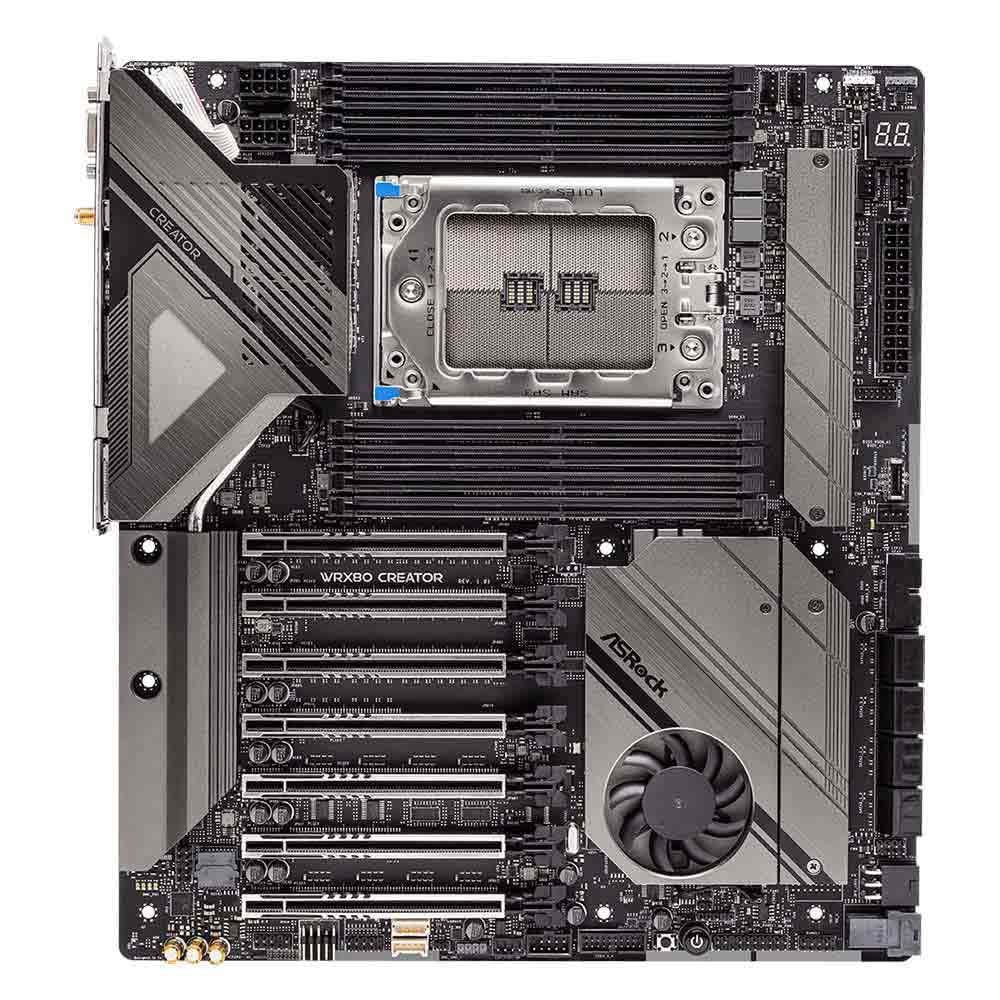
🚀 Power Your Professional Edge with ASRock WRX80 Creator R2.0
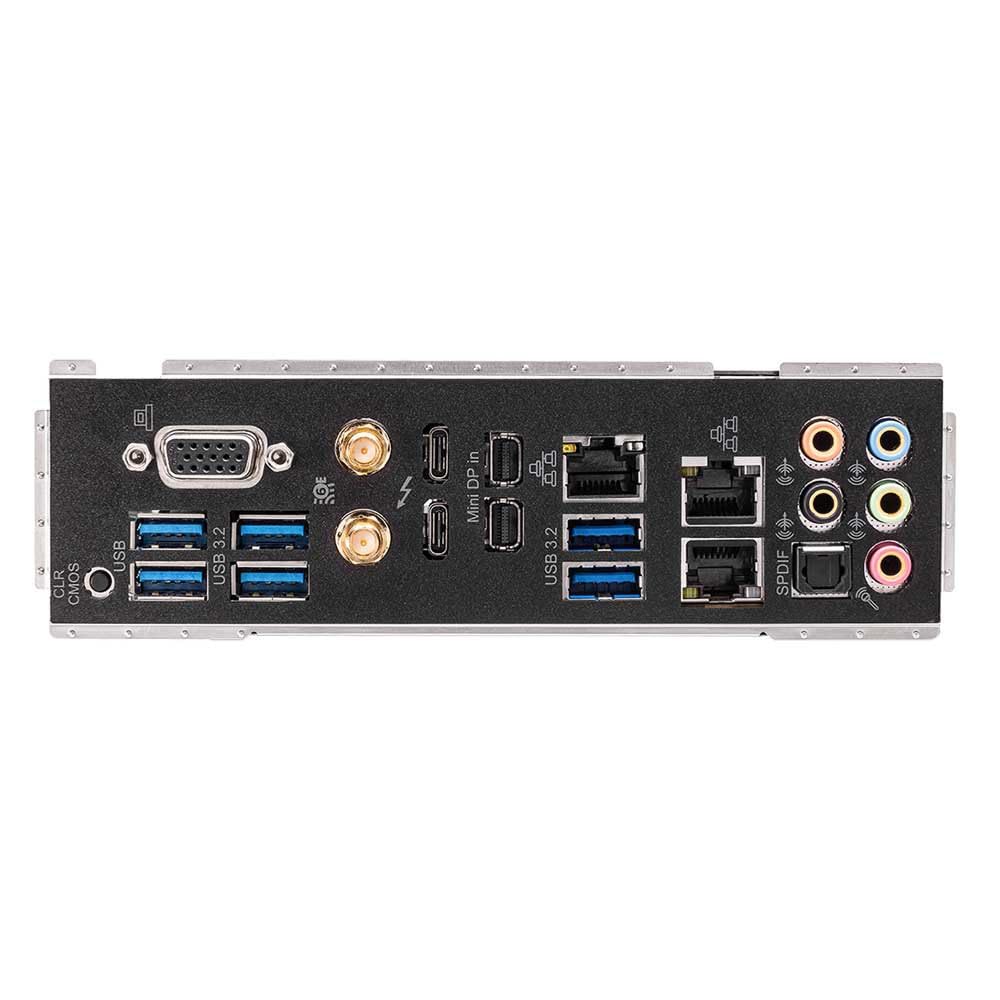
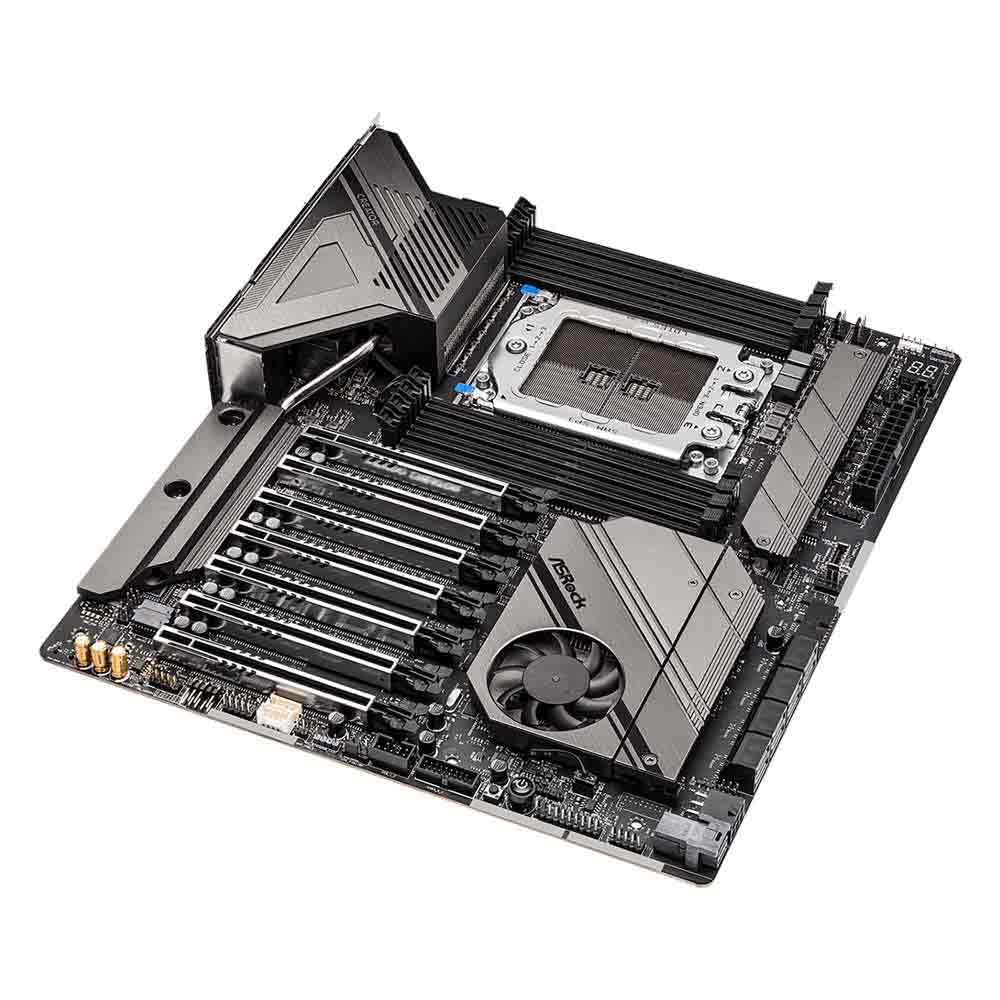
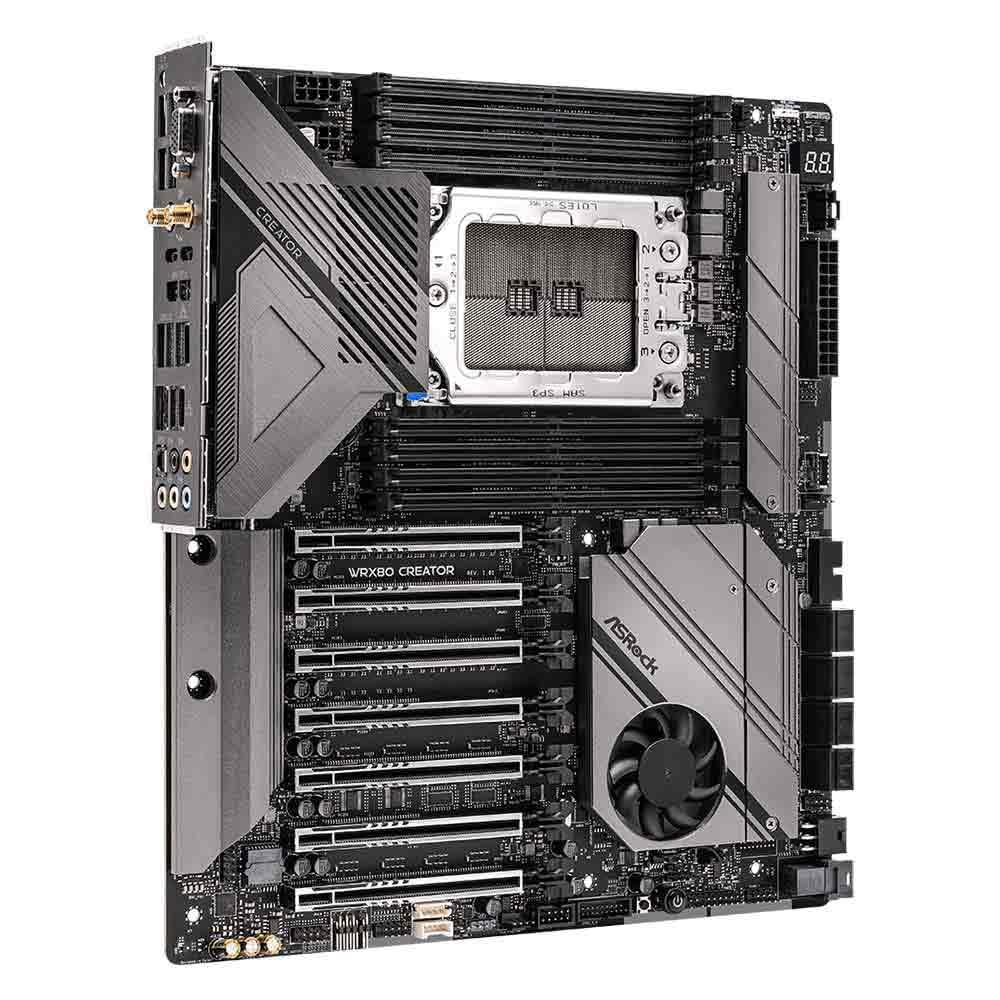
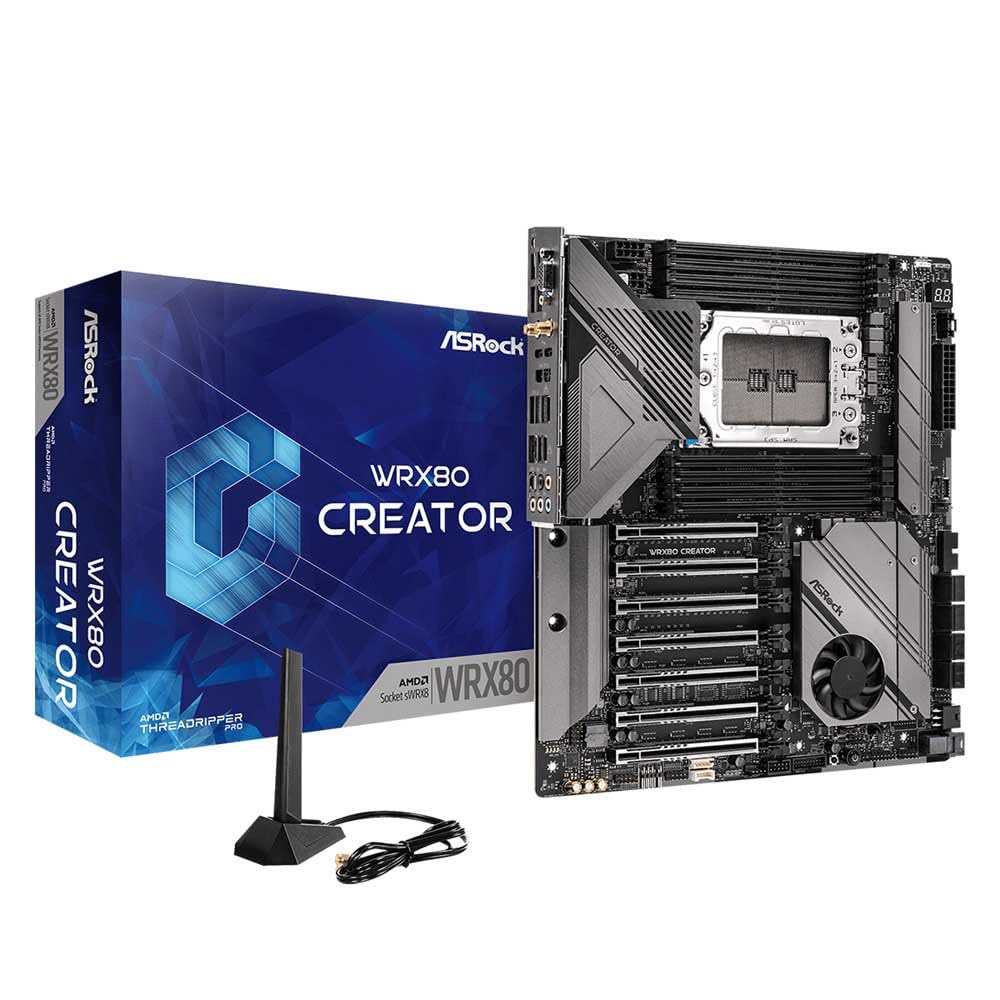
The ASRock WRX80 Creator R2.0 is a premium Extended ATX motherboard designed for AMD Ryzen Threadripper PRO 3000WX/5000WX processors. It features a robust 8-phase 105A power design, a 14-layer server-grade low-loss PCB, and 7 PCIe 4.0 x16 slots for unparalleled expandability. Dual 10GbE LAN and Wi-Fi 6E ensure ultra-fast networking, while dual Thunderbolt 4 Type-C ports provide versatile 40Gbps connectivity. Enhanced thermal solutions and digital power delivery optimize performance and stability, making it ideal for professional workloads like 3D rendering, AI, and simulation. Polychrome RGB and Nahimic audio add customizable aesthetics and premium sound quality to complete the high-end creator experience.
| ASIN | B0BNGBP4RV |
| Are Batteries Included | No |
| Batteries | 1 CR2032 batteries required. |
| Best Sellers Rank | #124,462 in Computers ( See Top 100 in Computers ) #1,351 in Motherboards |
| Brand | ASRock |
| Color | Black |
| Customer Reviews | 3.0 3.0 out of 5 stars (5) |
| Date First Available | 31 January 2023 |
| Form Factor | Extended ATX |
| Graphics Card Interface | PCI Express 4.0 |
| Hard Drive Interface | USB 3.1 |
| Item Weight | 1.18 Kilograms |
| Item model number | WRX80 CREATOR R2.0 |
| Lithium Battery Packaging | Batteries contained in equipment |
| Lithium Battery Weight | 0.06 Grams |
| Manufacturer | ASROCK |
| Memory Clock Speed | 2666 MHz |
| Memory Technology | DDR4 |
| Number of Ethernet Ports | 3 |
| Number of Lithium Metal Cells | 1 |
| Number of USB 2.0 Ports | 2 |
| Processor Socket | sWRX8 |
| Processor Type | Intel Xeon |
| Product Dimensions | 2.79 x 24.64 x 16.51 cm; 1.18 kg |
| Series | WRX80 |
| Wireless Type | 802.11ax, Bluetooth |
B**E
The board has a lot packed into a "regular" EATX format. Unlike the ASUS SAGE WRX80 boards, it fits in most EATX cases with no modification. A mid-tower is tight, but doable. Overall, it seems to be well made and the BIOS was fairly intuitive if you are used to ASRock. For IPMI or just initial setup, the built in RGB video port is welcome and allows you to do configuration prior to bolting in the discrete GPUs. Not really a limitation, but be aware there are only two on-board M.2 sockets, so if you need more, you'll likely need to us a PCIe riser card. One thing I miss is this board doesn't have the built in "flashback" feature which is very handy for restoring BIOS without any peripherals attached.
S**N
Achtung, kaufen Sie dieses Mainboard nicht wegen des Thunderbolt / USB 4 - Moduls. Es funktioniert nicht und ist komplett tot! Habe bereits das zweite Board und es ist ohne Funktion. Asrock-Service bestreitet Probleme mit dem Board, aber Forumsbeiträge bestätigen, dass Asrock ein Montageproblem hat.
A**W
The bios/efi settings are clunky but overall the board performs great. Had to return one when the bios got corrupted but no issues with the replacement board. Edit: they denied my refund for the faulty board.
J**G
The ASROCK EWRX80 Creator MOBO is the least expensive of the WRX80 boards which is one reason I bought it. I have had 5 other ASROCK boards in the past and have been really pleased with them, and this one is loaded with features. But, it has so, so many flaws. I know CD/DVD drives have gone the way of the DooDoo bird, but they could at least ship a USB drive with the drivers and support programs, especially since the board on sale is over $800.00. But ASROCK needs to do some better driver/program testing before releasing them to the public. Them also need to proofread their manual as it is also wrong. As for the manual, the (12V) LED connector is not marked for orientation, as well as the board. And yes, I initially plugged in in wrong because of this. Also, the manual lists the SATA ports as 1-8 from the right. WRONG. They are 1-8 from the left. It comes with 1 1GB and 2 10GB network connectors. Oh shoot. The web site doesn’t have drivers for the 1GB lan connection so you have to use the 10GB. It has 7 PCIe slots, all slots are X16 except slots 4 and 6. My GPU, when plugged in to slot #1 covers slot #2 and #3. So, the remaining slots are 2 X8 and 2 X16. Maybe make slots 2 and 7 the X8 slots, especially since they are the least used. The program to control the LED connectors has a decent design, but is poorly executed. Even turning the brightness down, the colors seemed washed out and everything looks white. I using memory with LED (same brand/model) and the program only works on 6 of the 8 sticks. WHY? I also have a PCIe card that has an LED lighting on the top. Nope, the program doesn’t see it so I ended up with a great color coded case except for in section running rainbow colors.
Trustpilot
2 weeks ago
2 weeks ago