
DOWNLOAD THE APP


Customer Services
Copyright © 2025 Desertcart Holdings Limited
DOWNLOAD THE APP

🎮 Level Up Your Gaming Experience!
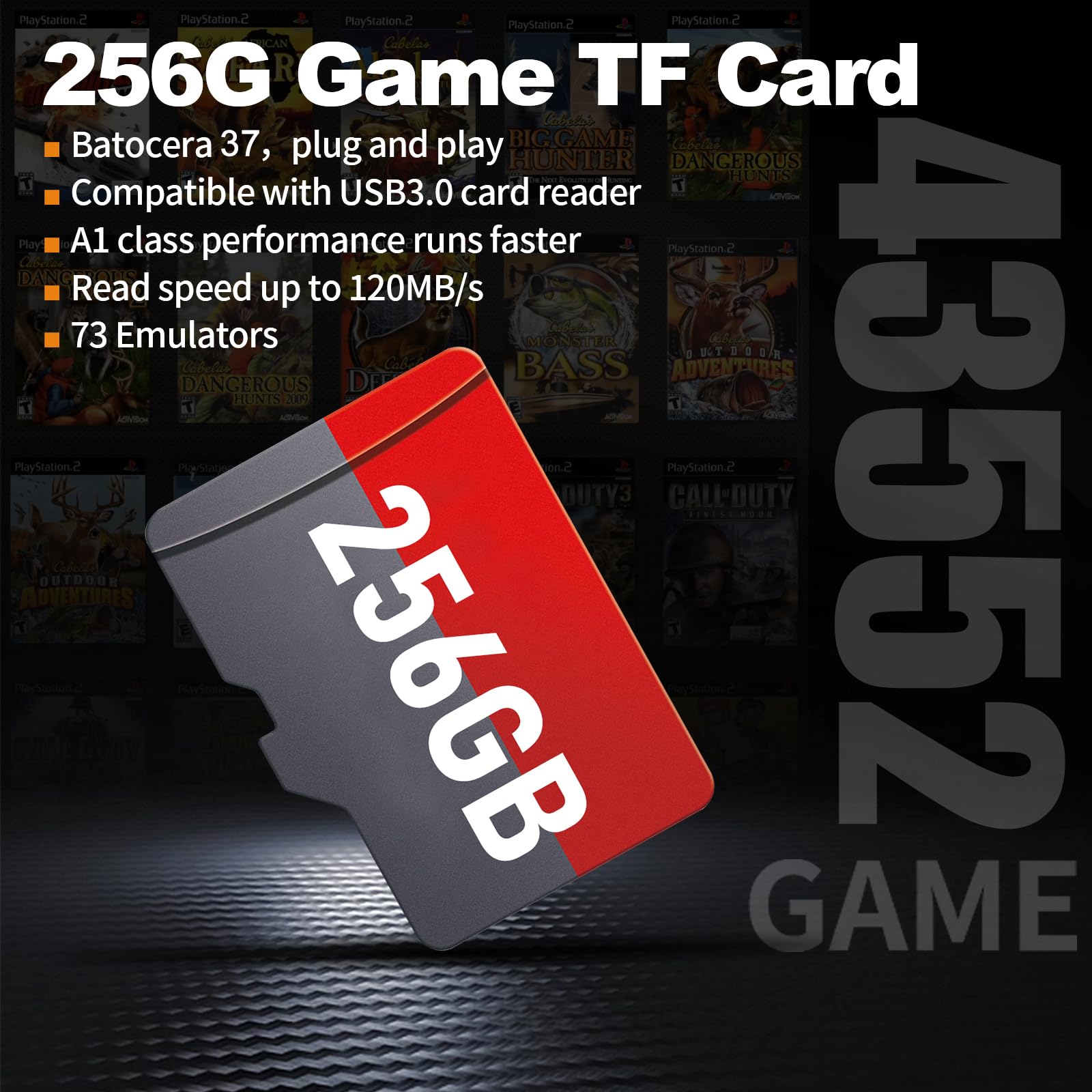
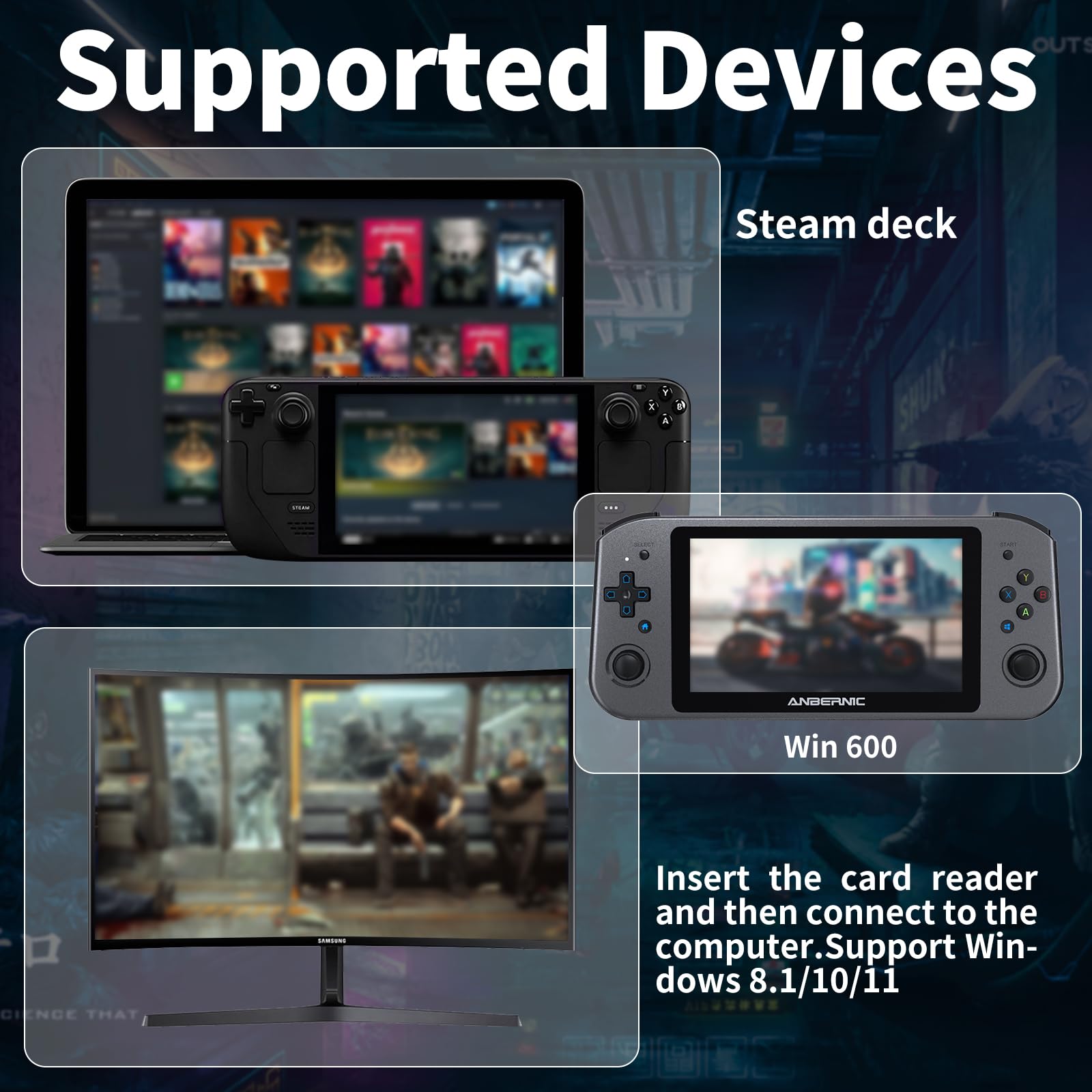
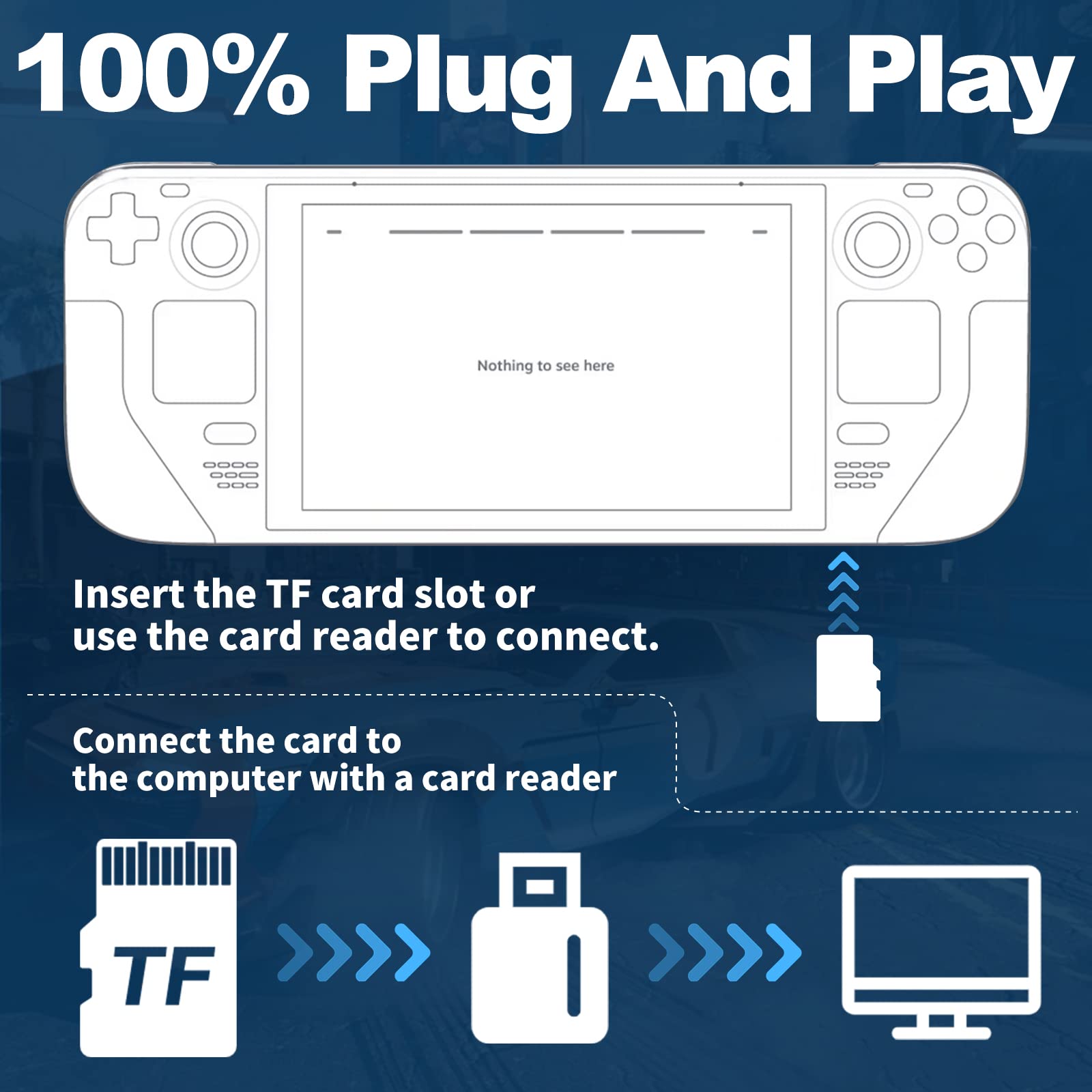
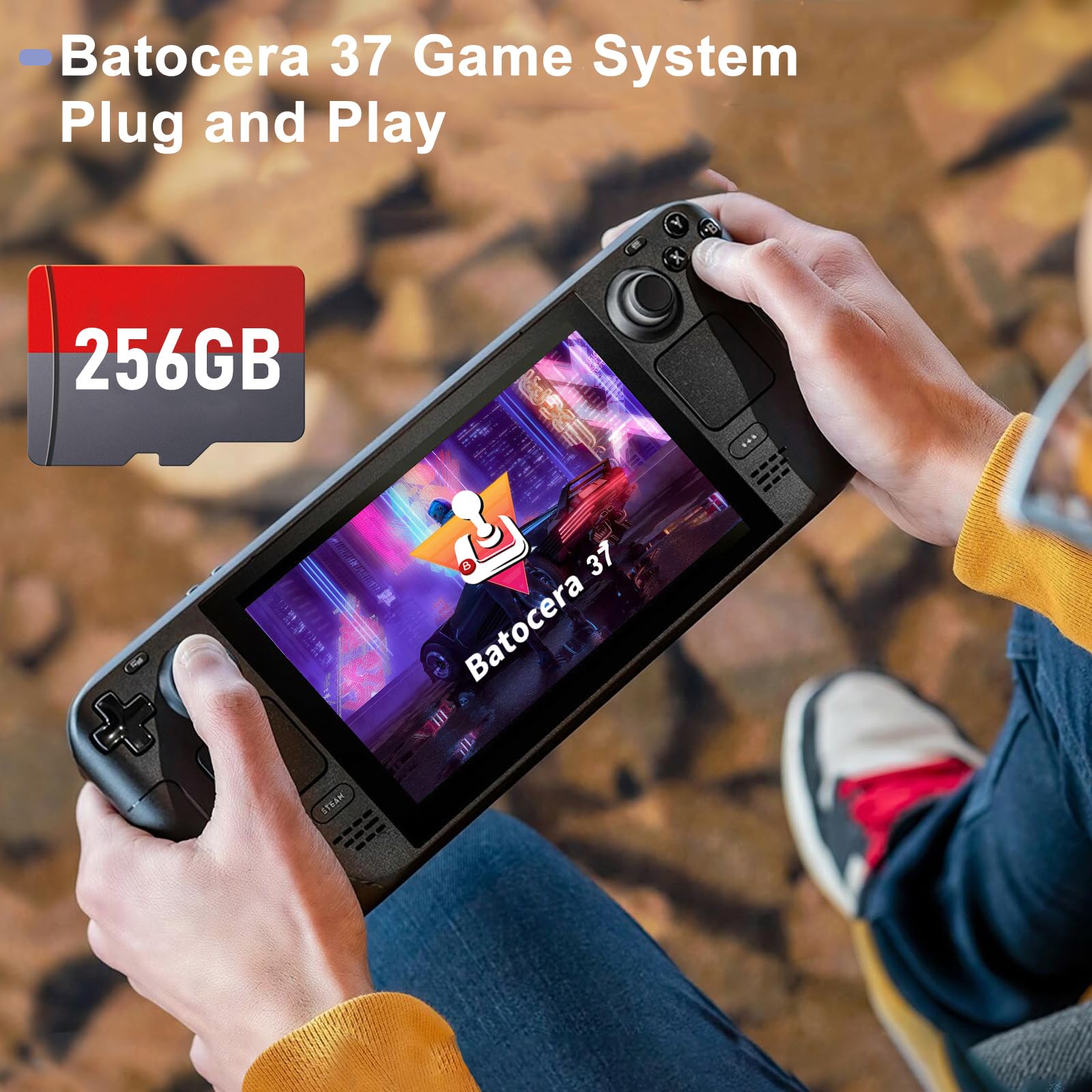
The 256G Retro Games Card transforms your Steam Deck or Win 600 into a retro gaming powerhouse, featuring 43,552 classic games and 73 emulators. Pre-loaded with the Batocera 37 game system, it offers plug-and-play convenience, A1 performance for smooth operation, and lightning-fast reading speeds of up to 120MB/s. Plus, its USB3.0 compatibility ensures easy file transfers, making it the ultimate choice for nostalgic gamers.
M**A
Working product
Works but didn’t have the popular titles I was looking for. Ps1/ps2/ps3 collection was weak.Still good product just need to manually put all your favorite titles
R**5
Works well
The SanDisk Ultra card came well packed in the clear case. The card seems to work well so far with my phone and camera to capture some pictures. It was easy to install and was instantly recognized in my device. So far I am liking to use it.
S**N
Can't rate really
It came in the mail as is.Need to come with a manual so you know what to do and how to download etc.This is not for the normal computer user
A**I
Ease of use
It is very easy to use, and you can remove games and add games that you like easily through the laptop, and I found it the best product among the existing products, thank you for your efforts Because of the ease of operation and adding games that you love and want
C**E
Works good
This works good. This is the easiest way to play retro games on your Steam Deck. Just insert sd card and load from card and your playing games. The strongest system is the ps3 and only has one game that actually plays pretty good. The loaded games have a good selection. A couple of my personal favorites are not on here but there are plenty of good ones. Thanks for making it easy.
F**S
Does not boot
I followed the instruction. When I choose to boot from sd card, it shows steam logo for more than 30 minutes and never boots.Update: Received an offer for full refund. I will use the refund to purchase it again.
K**R
False Advertising - Does not work for windows device shown
Tried it, followed the instructions on the card notes. It simply does not work. Stuck forever in windows boot.I’m returning
S**S
EASY. LOADS GREAT. LOTS OF COOL STUFF!
So at first i was confused cause im not to tech savy lol. Then i saw a review on here of how to. Was simple. Just do this after you load your sd card..turn off your steam desk, press and hold vol down and press the power button for 2 sec and let go. scroll down with dpad to the sd card and volla. Setting the buttons is easy. Make hotkey steam button.
L**A
La velocidad de lectura, la facilidad de búsqueda pero sobretodo la información que incluye.
La idea de tener a la mano consolas retro y sus juegos qué son bastantes, esto es lo mejor para divertirse en grande.
Trustpilot
2 months ago
2 weeks ago