Desert Online General Trading LLC
Dubai, United Arab Emirates
Desert Online General Trading LLC
Dubai, United Arab Emirates





📸 Elevate Every Pixel — Sharper, Cleaner, Smarter RAW Editing
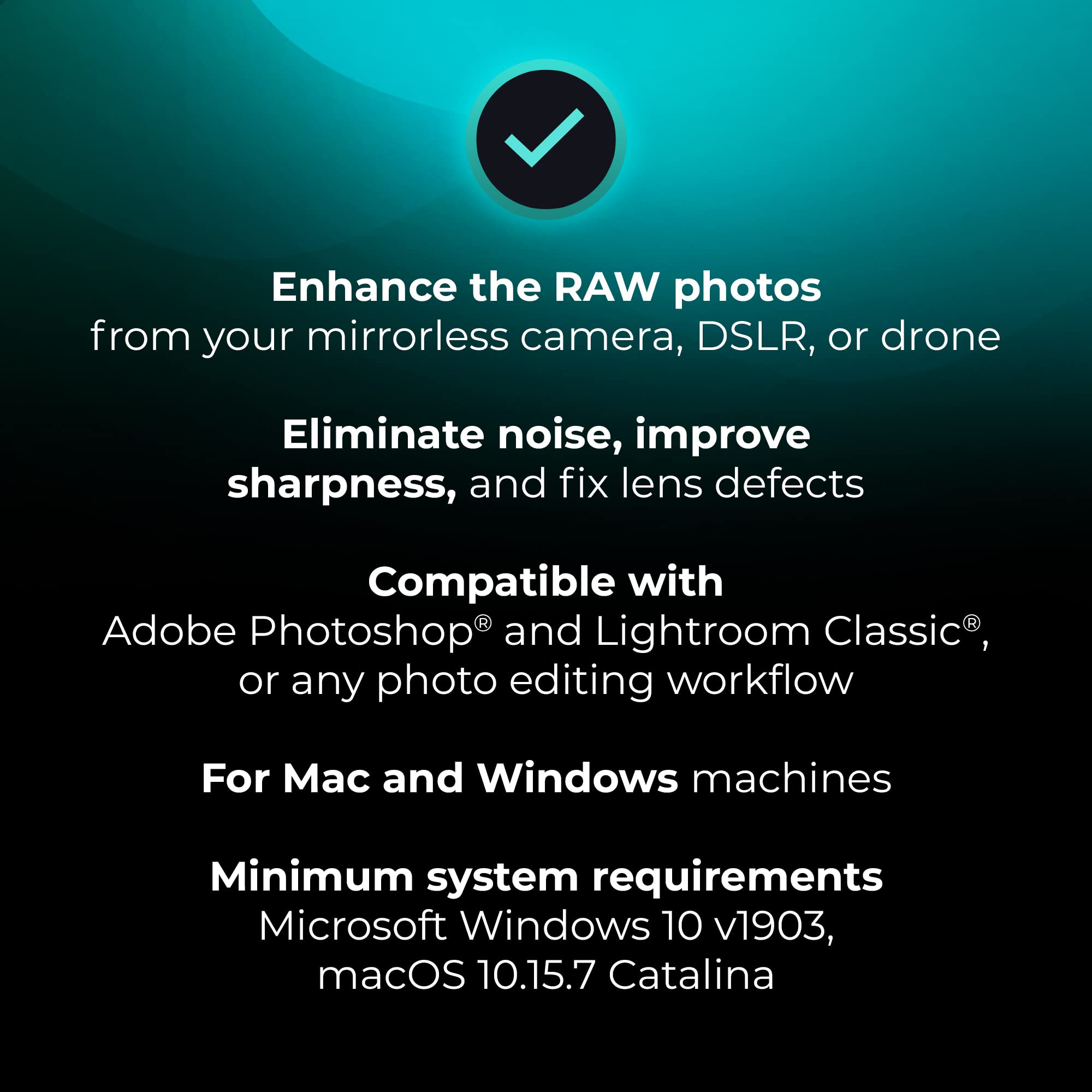
DxO PureRAW is a cutting-edge photo enhancement software that uses AI-powered DeepPRIME XD technology to reduce noise and recover detail in RAW files. It applies precise lens-specific optical corrections to eliminate common flaws like vignetting and distortion, ensuring sharper, cleaner images. Compatible with both PC and Mac, and integrates seamlessly with Lightroom and Photoshop, PureRAW streamlines professional workflows with automatic batch processing and supports a wide range of DSLR, mirrorless, and drone cameras.


J**.
It wouldn't open any RAW files I had.
I am disappointed with this as it doesn't serve my purpose. The software only allows me to open the RAW practice files and fails to open any other RAW files from different cameras. Also, I find Adobe Photoshop's RAW module to be more efficient and effective. I wish I could return the software as it is of no use to me.
C**O
Not very user friendly for novice
There's not really much to this program. You import a picture and it reduces the noise and grain in a photo. However, its not as simple as it sounds. I tried to import a photo taken from my phone and the JPG file is apparently not compatible with the program. The program does come with sample files of file types I'm not familiar with (which does not mean they're not common, just not anything I'm familiar with) but when I tested the program out I had to choose the model camera and lens that the photo was taken with in order for it to work. Fortunately, it automatically recognized that information and I was able to just confirm it so I could test the program with the provided image. It worked fine when I went through all that for the sample image, but I don't think I'll be using this program often with all the hoops I have to jump through to get results. I do have a nice DSLR camera that I might try to import pictures from. Maybe it will work with those files. I think this might be a good program for someone with a better understanding of how it functions, but id recommend for the average user to look for something more user friendly.
W**S
Check that your camera is compatible before ordering!
Perhaps I’m too much of an amateur when it comes to photo editing software, however I really struggled with this. First, there seem to be some pretty major compatibility issues with the software only opening files from some of my devices but not others. Second, it has quite the learning curve when it comes to using the software. It’s not the type of software you can simply figure out as you go along. I ended up having to watch quite a few tutorials and am still not entirely sure I’m getting the most from this software. It does, however, produce visually stunning edits if you have the patience and a compatible camera model!
T**R
Very effective and super simple process addition to Lightroom
I'm a hobbyist photographer and I primarily do my processing work in Lightroom. With some skepticism, I decided to try this out to see if it could make meaningful improvements to my results and I'm really glad that I did.Installation is quick and easy. The software comes on a 64gb usb drive and installation takes only a few minutes. Activation is a bit awkward - there's a scratch off code on a card in the box. You go to their website and enter the code. It prompts you to create an account and once you do, it displays your actual activation code. You then enter that in the software and you're good to go. I wish it was more direct but this is a pretty minor gripe. I mention it only in the hopes that knowing about it helps someone avoid confusion.As for using the software, it's simple. Select a photo within Lightroom and select PureRAW from the menu. After about 7-10 seconds, it saves a processed copy of your photo. There's nothing you need to do to make sure it preserves you're original. I first tested it on a lake shot with a mountain backdrop. The quality change was obvious, even before I did the side by side. The water was crisp and dark and this was on a mid afternoon shot with a lot of direct light. It added crispness in places I didn't expect as well and none of the changes felt artificial or out of place.Again, I'm not a professional. I'm just a guy that likes to take pictures on vacation and enjoys processing the RAW files of my favorite shots. This software 1) works 2) beats the built-in Lightroom function to my eyes and 3) doesn't add much time to my efforts. That's a win.
C**�
Can't use it
Won't open Raw files unless it's from specific cameras or drones. Can't use it.
N**
Improves your Images with extra work
Can improve your images with the extra work if you put it in. Handles Cannon raw files great and is easy to work with. It does clean up file nicely but you still have to use other software sometime to finish the image. I do put the extra work in for cleaning up images that need to be sharpened does a very good job with that. I does a good job not great for denoising but some photo's are worth the effort.
Trustpilot
2 months ago
2 months ago
2 weeks ago
2 days ago