

Desert Online General Trading LLC
Warehouse # 7, 4th Street, Umm Ramool, Dubai, 30183, Dubai
Desert Online General Trading LLC
Warehouse # 7, 4th Street, Umm Ramool, Dubai, 30183, Dubai




🔌 Connect with Confidence: Your Data, Your Way!
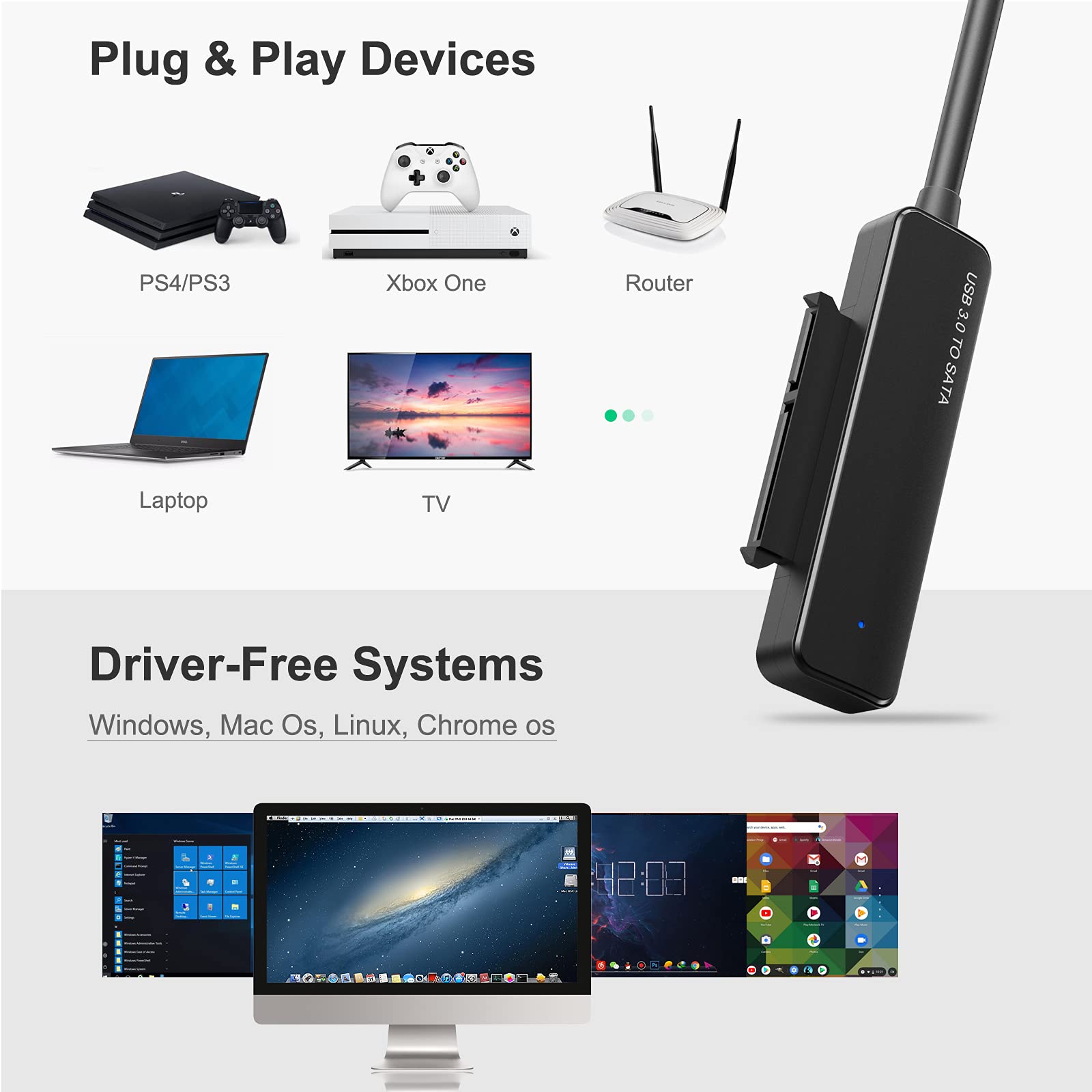
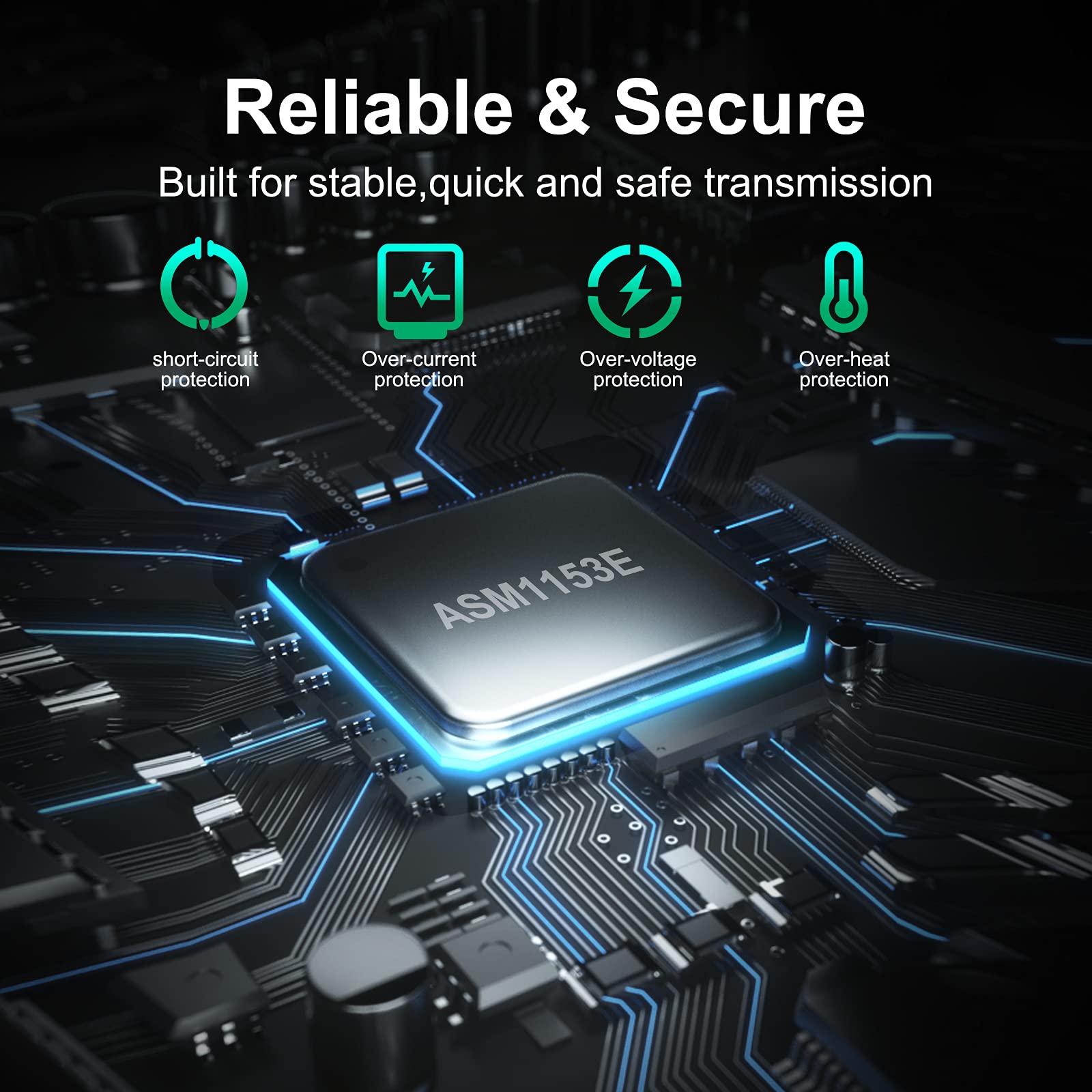
The USB 3.0 SATA III Hard Drive Adapter Cable is a versatile 2 ft solution for connecting 2.5 inch SSDs and HDDs to your devices. It supports UASP for enhanced performance, features hot-swappable functionality, and includes LED indicators for power and activity status, all without the need for additional power cables.


T**H
SBCs get your UASP here.
The product description says what it'll do, and the cable does what they say.UASP is delivered on my ODroid C4 (proof being the uas Mass storage driver):% lsusb -tv/: Bus 02.Port 1: Dev 1, Class=root_hub, Driver=xhci-hcd/1p, 5000MID 1d6b:0003 Linux Foundation 3.0 root hub|__ Port 1: Dev 2, If 0, Class=Hub, Driver=hub/4p, 5000MID 2109:0817 VIA Labs, Inc.|__ Port 1: Dev 3, If 0, Class=Mass Storage, Driver=uas, 5000MID 174c:55aa ASMedia Technology Inc. ASM1051E SATA 6Gb/s bridge, ASM1053E SATA 6Gb/s bridge, ASM1153 SATA 3Gb/s bridge, ASM1153E SATA 6Gb/s bridgeWrite speeds are speedy enough on my WL 2.5" spinny-disc drive:% dd if=/dev/zero of=./discobits.test bs=4096 count=262144262144+0 records in262144+0 records out1073741824 bytes (1.1 GB, 1.0 GiB) copied, 4.41741 s, 243 MB/sAnd if you're wondering if UASP really makes any difference, here's a run using a competing cable that doesn't support it (notice the usb-storage here, versus the uas above):% lsusb -tv/: Bus 02.Port 1: Dev 1, Class=root_hub, Driver=xhci-hcd/1p, 5000MID 1d6b:0003 Linux Foundation 3.0 root hub|__ Port 1: Dev 2, If 0, Class=Hub, Driver=hub/4p, 5000MID 2109:0817 VIA Labs, Inc.|__ Port 1: Dev 3, If 0, Class=Mass Storage, Driver=usb-storage, 5000MID 174c:55aa ASMedia Technology Inc. ASM1051E SATA 6Gb/s bridge, ASM1053E SATA 6Gb/s bridge, ASM1153 SATA 3Gb/s bridge, ASM1153E SATA 6Gb/s bridge% dd if=/dev/zero of=./discobits.test bs=4096 count=262144262144+0 records in262144+0 records out1073741824 bytes (1.1 GB, 1.0 GiB) copied, 5.86337 s, 183 MB/s
M**D
Just what I needed.
I had a 2.5-inch LaCie external hard drive that wouldn't mount to my computers one day. I thought it was dead but then thought perhaps the drive itself just needed to be hooked up without the connector board in the case. Ordered one of these, received it two days later (as advertised) took the drive out of the case, plugged it in, and it mounted with no issue. The screenshot shows the drive mounted to my MacBook in Disk Utility. I was so glad that my data was safe. If you need to recover files from an external drive that doesn’t seem to mount, take the drive out of the enclosure and try hooking it up with this cable before you try anything else. It just might be the USB/ThunderBolt connector that's dead. And when you do, follow the example in the picture I provided. Lay the bare drive on a piece of cardboard or even a notepad will work. Just don’t lay the drive on the table or your lap; your clothes could cause a static shock, and there could be debris on the table, both of which could affect the drive while it's connected.
S**T
Worked Exactly How I Needed it too! I now have the files I need.
Delivered within two days.Worked exactly how I wanted it to.My old laptop crashed during a BIOS update but there was one file I needed for work I had forgotten to back up. Was able to get the harddrive out and used this cable.At first when I plugged in the cable it was not letting me connect to the folders due to old permissions/security on the drive. A quick google showed me how to assign the drive permissions for my new desktop and then I was able to access the files I neededI would guess alot of the negative reviews are from people who do not know/didn't deal with permissions or security of the drive.Only downside the cable is pretty short aprox 6 in which meant the drive was just hanging by the cord in the back of my desktop. A longer cable would have made me feel a bit more secure so I could place it down on my desk while using.I wrote this review the day I got the product so I can not comment on the durability/life of the product but I got the files I needed from my old drive and am HAPPY!!!!!Overall 100% buy this if you really need just a few files from an old drive since that was my experience and this 100% worked perfect for that use. I will update on lifespan of product if I use it in the future.
R**R
UPDATED, was: Generally OK, but constant USB3 dropouts on my Linux server
APRIL 2021 UPDATEThe dropouts I experienced with this adapter are clearly caused by a slowly failing 2.5" 5TB HDD, requiring more power than usual. When I attach this adapter + 5TB HDD to a powered USB3 hub with no other devices, the connection is stable. I verified this with the original 18.04 server + hub as well as a second 18.04 server + hub in separate location. (The HDD contains my travel video collection.) So this adapter works as intended and I'm bumping it back to 5 stars.ORIGINAL REVIEWPurchased to replace failing USB interface in a Seagate 5TB USB3 hard drive.This dongle works great on my laptop, connected to a USB3 port. I tried 3 separate OS scenarios, every one of them works fine:- Native Windows 10 Home.- Ubuntu 18.04 guest VM in VirtualBox.- Ubuntu 20.04 booted from USB thumb.However, when I connect this dongle to my Ubuntu 18.04 server's USB3 port, it constantly drops its USB connection. Might take 30 seconds, might take 90 seconds, but it happens constantly. Even when I'm not actively reading or writing the connected HDD. Endless cycle of USB drops and reconnects.When I move this dongle to a USB2 port on the Ubuntu 18.04 server, it works perfectly. No USB dropouts.This is irritating, but since my main use case is to play video files, the USB2 connection is an acceptable workaround.The dongle is priced low and solves my main problem so I don't want to deal with a return, but it should function consistently connected via USB3.
A**R
Nice Cable
Works well to connect hard drive to PC. Have had it for about 2-3 years now with no proplems.
Trustpilot
1 week ago
2 weeks ago