⏳ Never Miss a Beat, Even in Silence
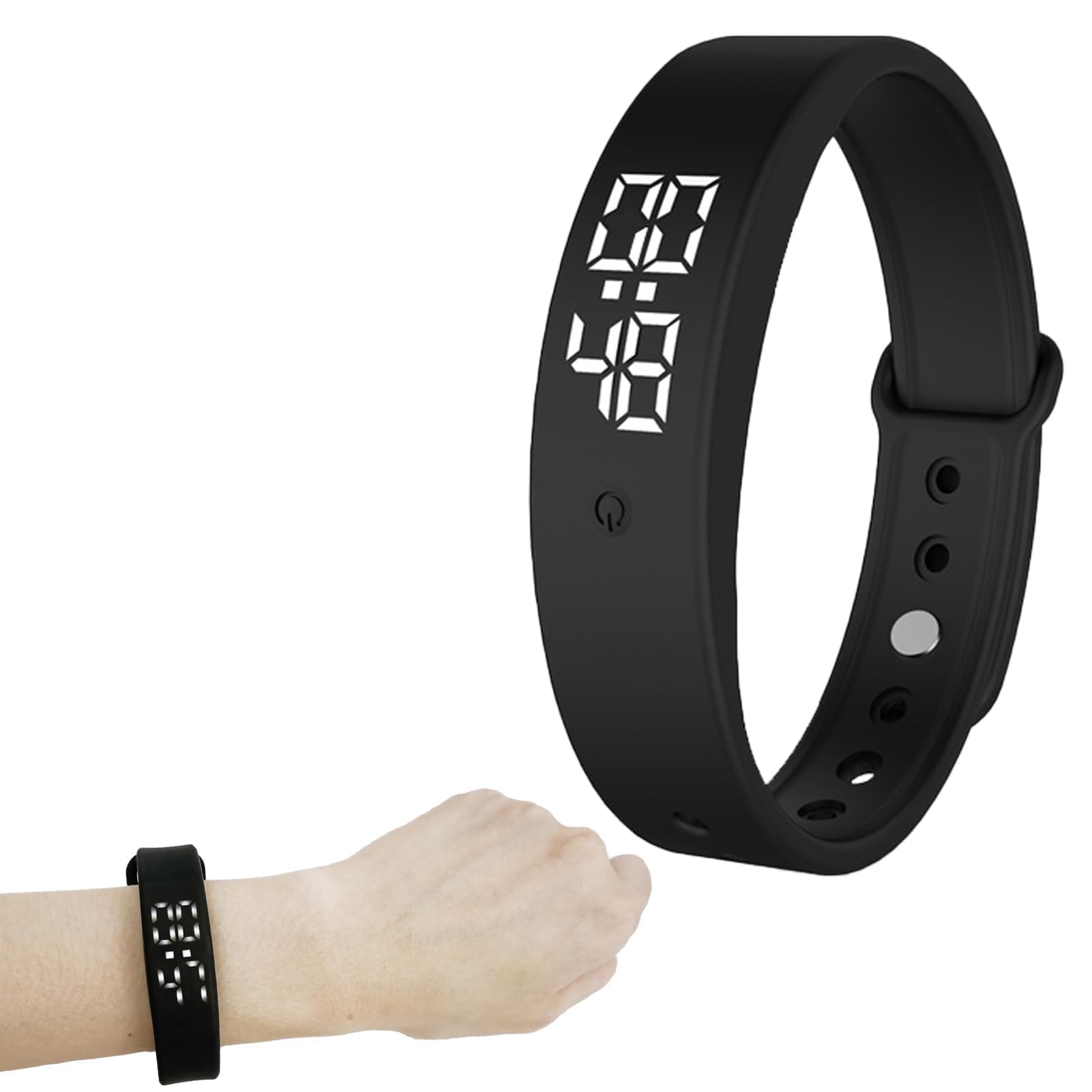
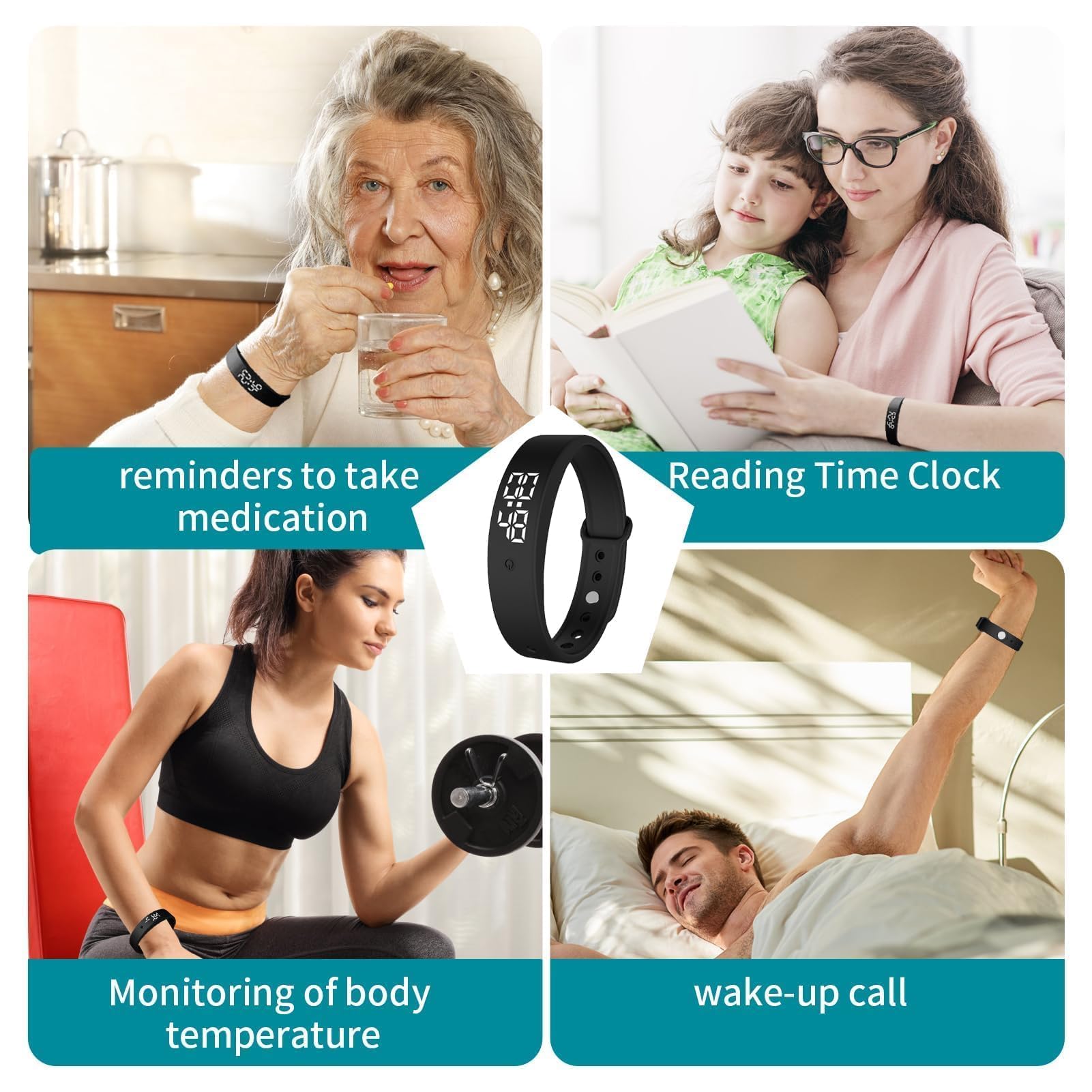
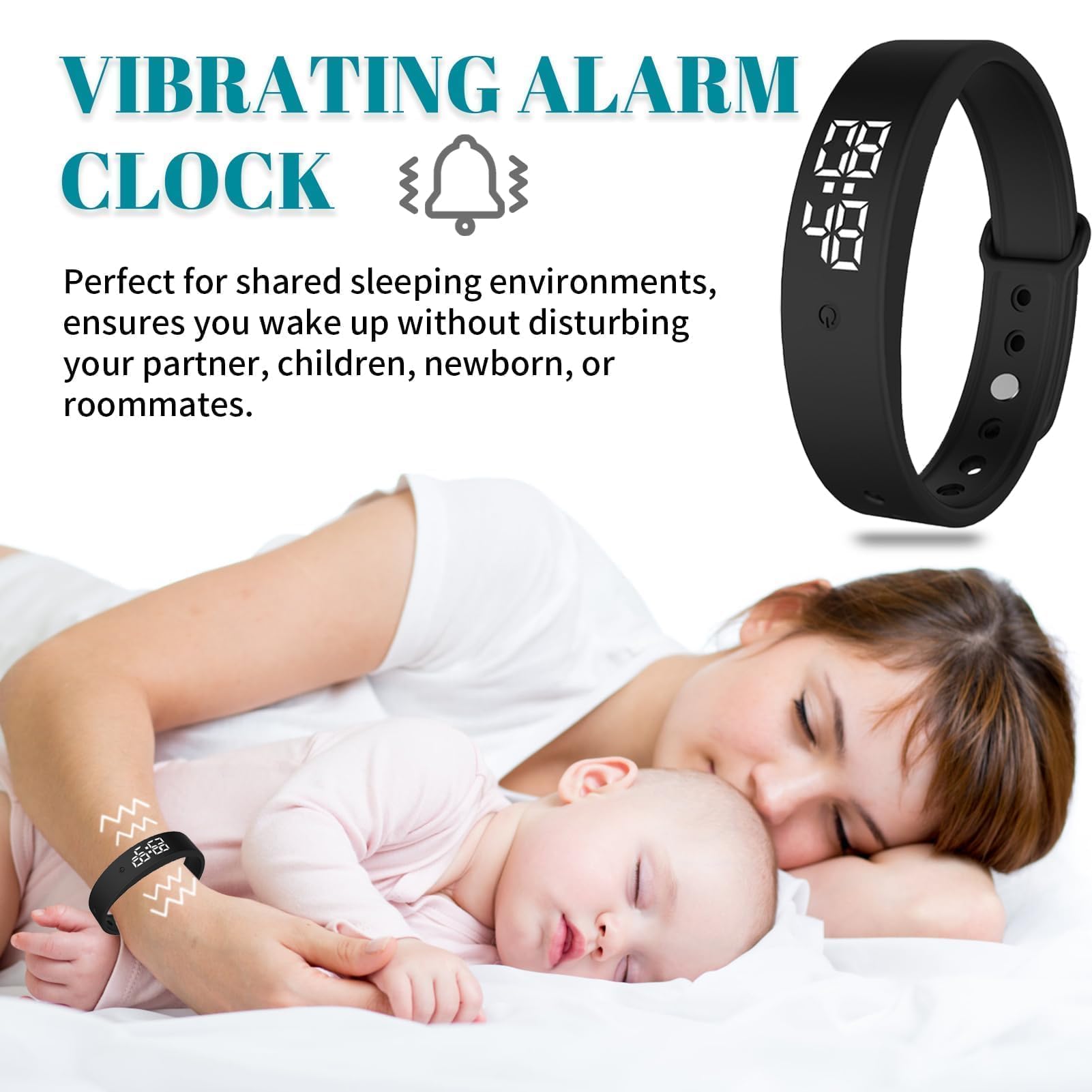
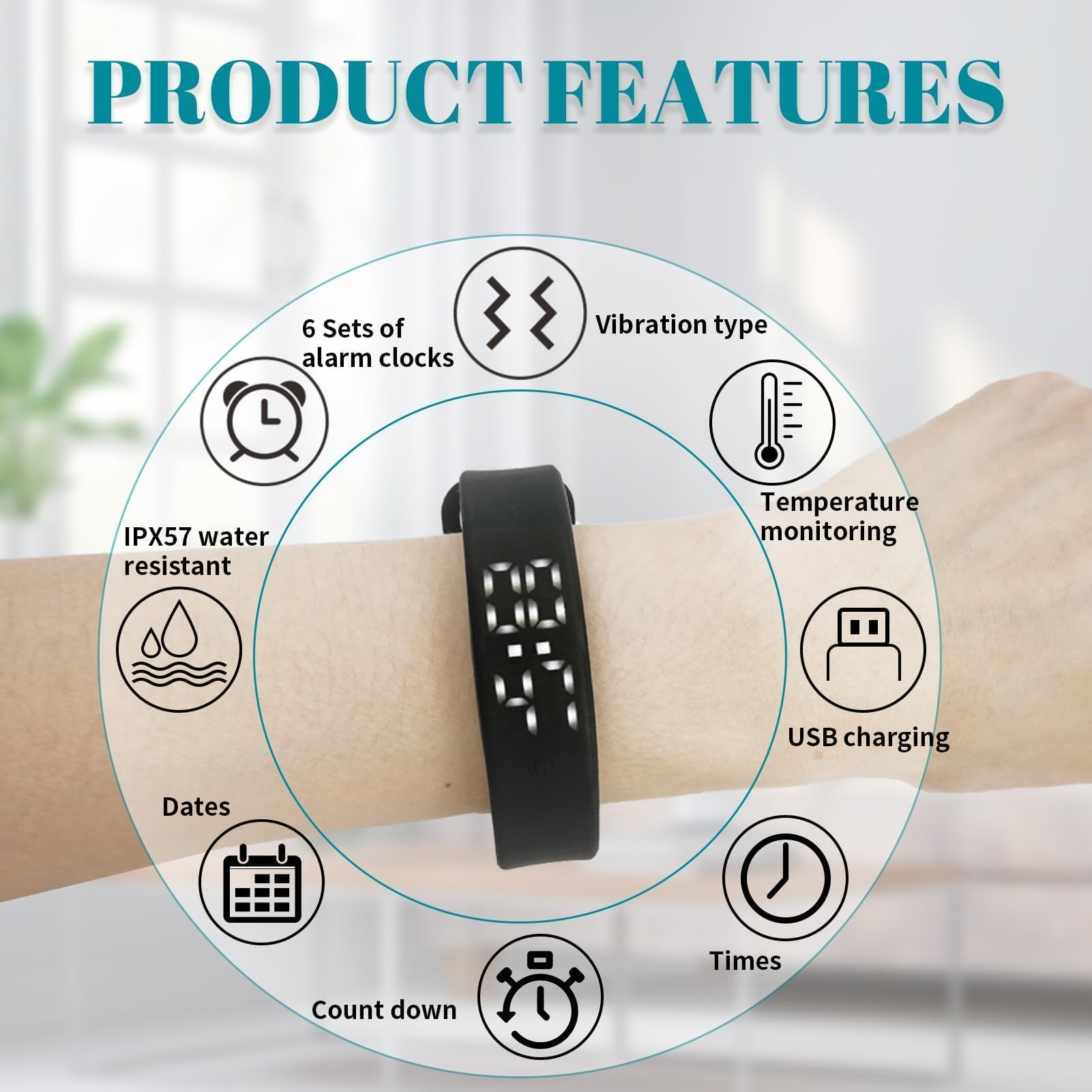
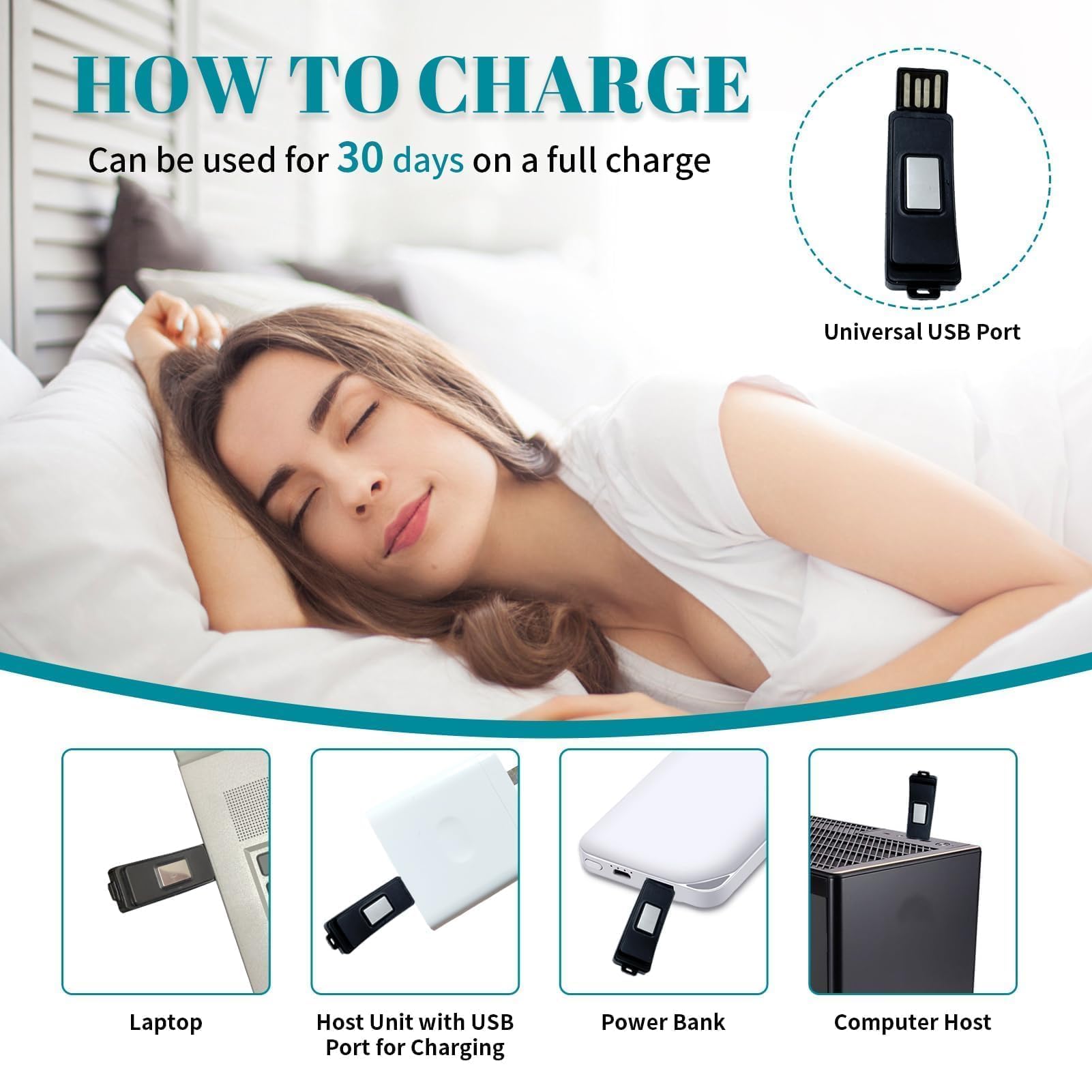
This Silent Vibrating Alarm Wristband combines up to six customizable silent vibration alarms with automatic thrice-daily body temperature monitoring, alerting users to fever spikes. Designed for deep sleepers, hearing-impaired individuals, and those in shared spaces, it features IP57 water resistance, a 30-day battery life, and a minimalist, lightweight design that fits effortlessly into any lifestyle.
| ASIN | B0DC6VMZWB |
| Best Sellers Rank | 28,863 in Home & Kitchen ( See Top 100 in Home & Kitchen ) 139 in Alarm Clocks (Home & Kitchen) |
| Guaranteed software updates until | unknown |
| Item model number | 81178168-4163-4d9a-9191-65db7511f45c |
| Manufacturer | Cncedi |
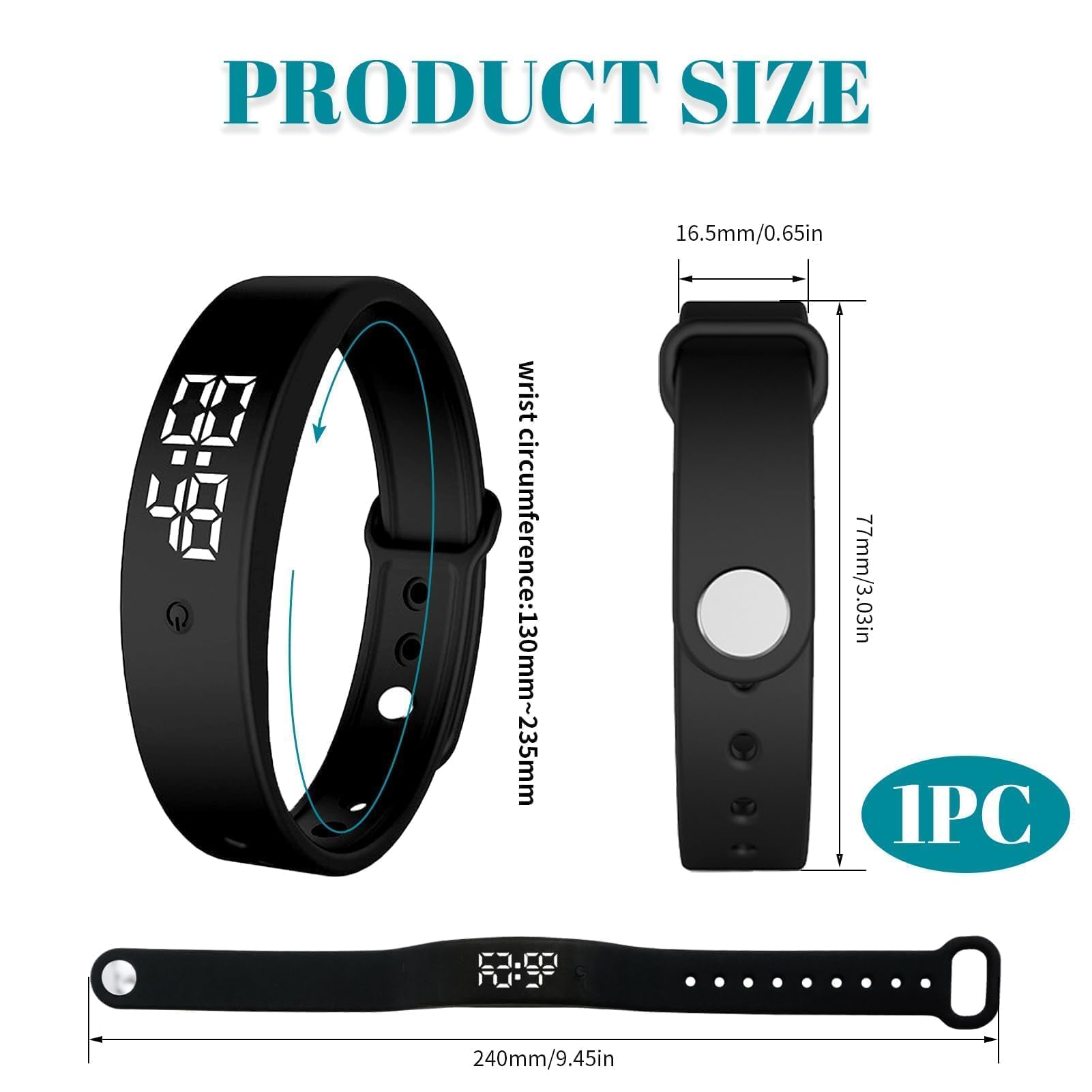
| Package Dimensions | 13.2 x 9 x 2.7 cm; 40 g |
G**O
Instructions are useless and unit is faulty
Save your money, even though I made sense of the non-sensical instructions the alarm kept going off at midnight every night even though they were set to off. The final straw was when I set it at 4am, it went off at midnight and not at 4..poor
T**R
Brilliant.... but instructions suck
Brilliant for the money! but... Instructions are abysmal.. However once you've got your head around the menu setup your good to go... Couple of tips the might help is... Don't bother with the timer until you have an understatement of functions of how the alarm works... Otherwise you will find yourself in a mess. From sleep mode fist short press brings up the time and date (one after another automatically) Long pressing once the window you want enables you to set up both. Two Short presses brings up the temperature (body) Three Short presses brings up the battery charge left. Next short press (forth) brings up the first alarm slot..once you set time day on/off wait for the device to go back to. Repeats for the remaining 9 slots. Ie Five short presses brings up the next available 2 alarm leave 8 remaining slots so on and so on.. If all else fails simply press and hold the button for 30 seconds and tlany set alarms will be erased wiping the slate clean. Time and date are not affected by doing this... so just practice until you are happy. Finally remember that short presses change modes and values within modes long presses will allow you to edit said values in any open window. Ex Body temperature and charge mode. and remember if in doubt just let the watch hybanate and start again.. I will endeavour to make a video showing each stage of setup... Hopefully this helps.
B**N
Vibrating watch good value for monet
As described. Would have given 5 stars for value, but so fiddly to set up. Purchased for my mother. She gave up trying to set it up. Took me about 15 minutes. Silent vibrating works well. Definitely value for money, easy to charge.
L**S
Somewhat as described
It's OK, confusing on the alarms and how to set them as only 1 button to use
M**Y
Inadequate set up/set up watch button
This item is impossible to set up I have charged the battery but found it extremely difficult to understand the set up instructions or to operate the watch set up mechanisms.
G**E
Does what I need it to
Not too difficult to set up once you get used to it, had to check instructions the first few times, but as I need to change the alarm every week due to needs I soon got the hang of things. The watch allows my child to get reminders (in alarm form) during class without disturbing other pupils. It is worn all the school day and have had no complaints about discomfort. Pleased with product.
J**S
Not secure
Watch keeps undoing which has now meant my little has lost it . We brought it to help with toilet reminders . Have used other brands that have been better .
B**M
Good luck setting up the watch
Previous reviews were 5 stars so I assume the product will be good. I was mislead. In a way the product is probably good value for money - numerous features - cheap enough. However good luck setting the watch with one button and short presses and long presses for setting up a clock and 10 groups of alarms, temperature, ... If you enjoy this kind of puzzle, go for it, but this is not the kind of user experience I was looking for.
M**O
D'une simplicité pour la programmer .
A**A
Un po’ complicato da impostare ma la vibrazione si sente!
P**N
Too much complicated for setting with no enough guide! They could put at list some pictures or short videos showing how to set thousand of options just with one button! Completely disappointed
M**R
USB watch band with 10 silent haptic alarms Understanding alarms - setting and reseting There are 10 alarm slots that can be set. Each slot can be set as once-only or repeating-daily. Alarms are set in 24 hour time so be careful not to set an alarm in the middle of the night! By default a new alarm will be set as a once-only alarm. A once-only alarm that will only sound once when the alarm time is next reached. Instructions for setting a new once-only alarm short press&release button x4 times --> watch will display first alarm slot long press&release button x1 --> adjust hours in 24 hour format long press&release button x1 again --> adjust minutes finally to exit --> simply wait till screen stops displaying information & goes blank. The new alarm time is now set. The new alarm will not repeat and will return the first slot to --:-- after it sounds. Most simple way to reset/cancel all alarms Cancelling all alarms is most easily performed by pressing and holding the button for 30 seconds until the USB watch band display flashes and vibrates the release the button. This resets all 10 alarm slots to --:-- but does not change any other settings on the USB watch band. Instructions for setting a repeating-daily alarm You can also set a repeating-daily alarm. Repeating-daily alarm is set to repeat by toggling on/off seven (1-7) weekdays slots. One (1) corresponds to Monday and two (2) corresponds to Tuesday with the pattern continuing through to Sunday corresponding to seven (7). 7 weekdays slots: Mon - 01 - 0N/0F Tue - 02- 0N/0F Wed - 03 - 0N/0F Thu - 04 - 0N/0F Fri - 05 - 0N/0F Sat - 06 - 0N/0F Sun - 07 - 0N/0F Cancelling a single alarm Cancelling a single alarm involves many button presses to toggle all 7 weekday slots for that alarm to 0F. Once completed the alarm slot will be reset to --:-- setting. It is only one button press to cancel all alarms; see below. Most simple way to reset/cancel all alarms Cancelling all alarms is most easily performed by pressing and holding the button for 30 seconds until the USB watch band display flashes and vibrates the release the button. This resets all 10 alarm slots to --:-- but does not change any other settings on the USB watch band.
Trustpilot
2 months ago
2 days ago